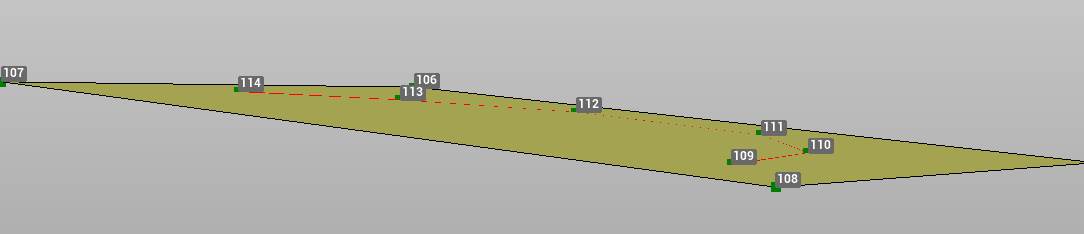
The polyline tool Lay to plane is used to lay a selected polyline on a plane defined by three points. The elevation of each vertex is calculated on the reference plane.
-
Click Design 3D.
-
Click Lay to surface.

-
The function opens a new panel on the right.
-
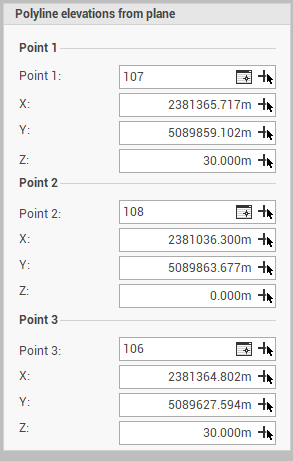
Point 1, Point 2, Point 3: the 3 reference points used to identify the sloped plane. Click


-
-
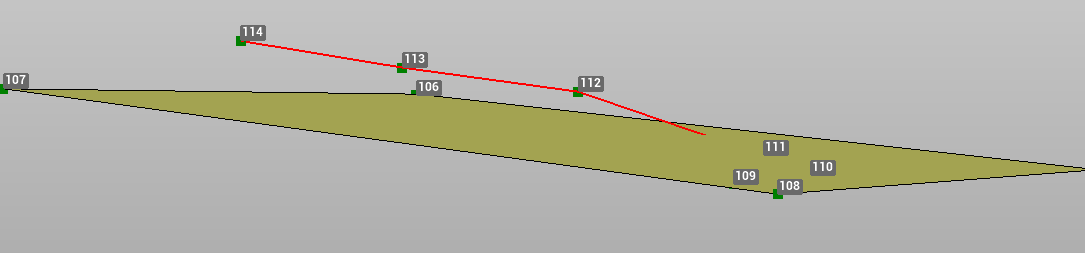
Select the polylines in CAD.
-
The polyline vertexes are updated.