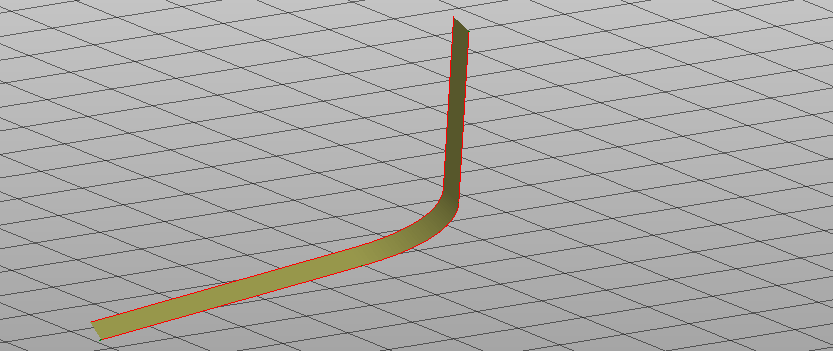
The function Sideslope by offset calculates a fixed sideslope by specifying offset and slope.
-
Click Design 3D.
-
Click By offset.

-
The function opens a new panel on the right.
-
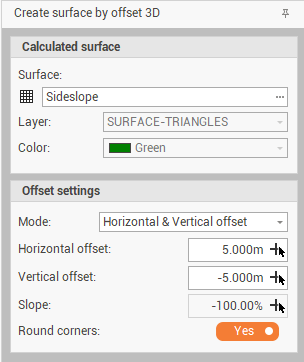
Surface: the surface subproject where sideslopes are created. Can be an existing or a new surface.
-
Layer: the layer for the new surface.
-
Color: the color of the new surface.
-
Mode: the offset method. Different modes are available:
-
Horizontal & Vertical offset: allows to generate the sideslope from a polyline entering the horizontal and vertical offset from the polyline.
-
Horizontal offset & slope: allows to generate the sideslope from a polyline entering the horizontal offset and slope from the polyline.
-
Vertical offset & slope: allows to generate the sideslope from a polyline entering the vertical offset and slope from the polyline.
-
To polyline minimum elevation: allows to generate the sideslope from a polyline to the minimum elevation of the polyline and entering the slope.
-
-
Round corners: enables/disables the rounding of corners.
-
-
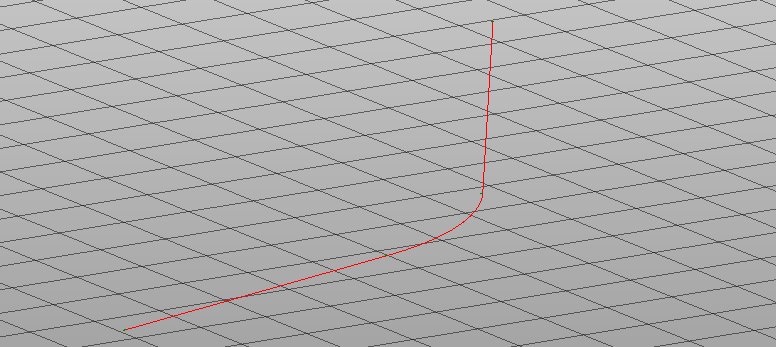
Select the polyline in CAD.
-
Specify in CAD the slope direction to create the sideslope from the polyline.