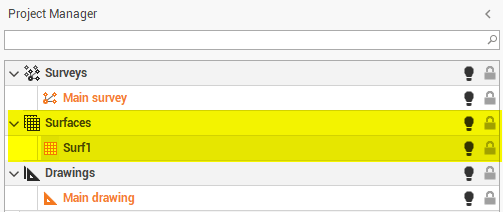
The definition of the surface is required to allow the software to save the surface objects like the triangles.
You can create a surface subproject in different ways. You can do this from the menu:
-
Click Design 3D.
-
Click New empty surface.

-
Enter the surface name and click OK.
-
The subproject that you create will become the active Surfaces subproject.