
-
The tool Merge surfaces is used to merge two different surfaces into a single surface.
-
Click Design 3D.
-
Click Merge surfaces.

-
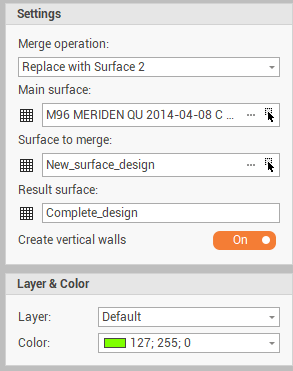
The function opens a new panel on the right.
-
Merge operation: how the merging operation is performed in case of area in common between the two surfaces.
-
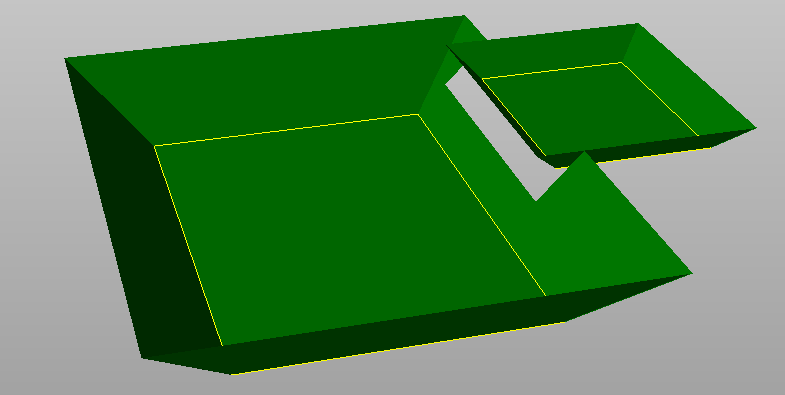
Replace with surface 2: replaces the area in common between the two surfaces with the content of the second surface.
-
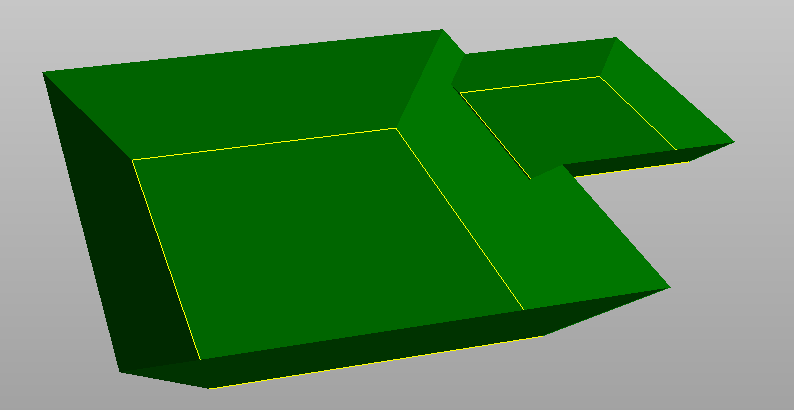
Merge with minimum profile: merges the two surfaces by considering the minimum profile.
-
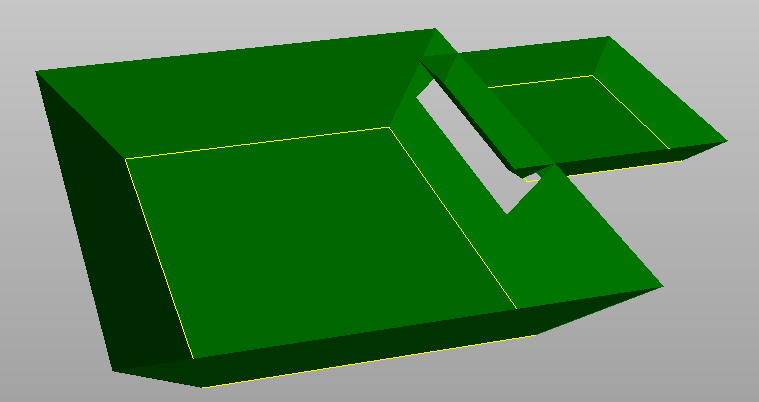
Merge with maximum profile: merges the two surfaces by considering the maximum profile.
-
-
Main surface: the main surface to merge.
-
Surface to merge: the surface to merge to the main surface.
-
Result surface: the surface subproject where the new surface is created.
-
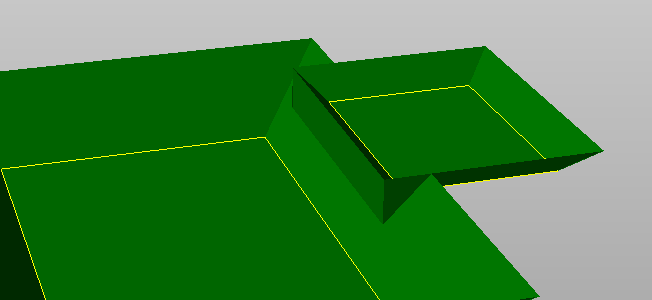
Create vertical walls: if Replace with surface 2 is used, creates a vertical wall between the 2 surfaces.
-
-
Click Merge to complete the operation.