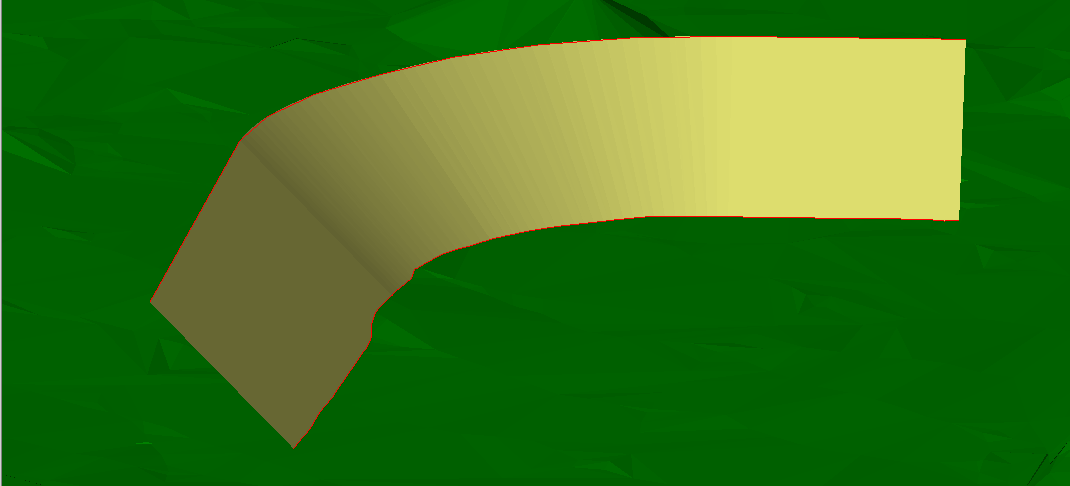
The function Sideslope to surface calculates the sideslope from a 3D polyline to a ground surface. It is possible to specify the slope and other parameters
-
Click Design 3D.
-
Click To surface.

-
The function opens a new panel on the right.
-
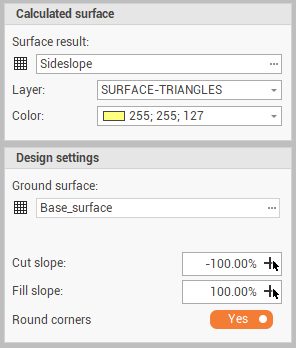
Surface result: the surface subproject where sideslopes are created.
-
Layer: the layer for the new surface.
-
Color: the color of the new surface.
-
Ground surface: the existing surface on which sideslopes from a reference polyline are created.
-
Cut slope: sets the slope of the sideslope in case the polyline is below the ground surface. Click

-
Fill slope: sets the slope of the sideslope in case the polyline is over the ground surface. Click
-
Round corners: enables/disables the rounding of corners.
-
-
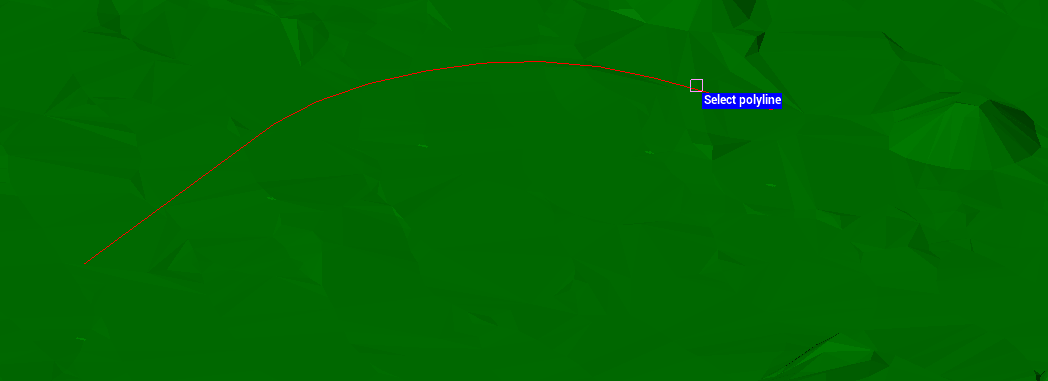
Select the polyline in CAD.
-
Specify in CAD the slope direction to create the sideslope from the polyline to the ground surface.