-
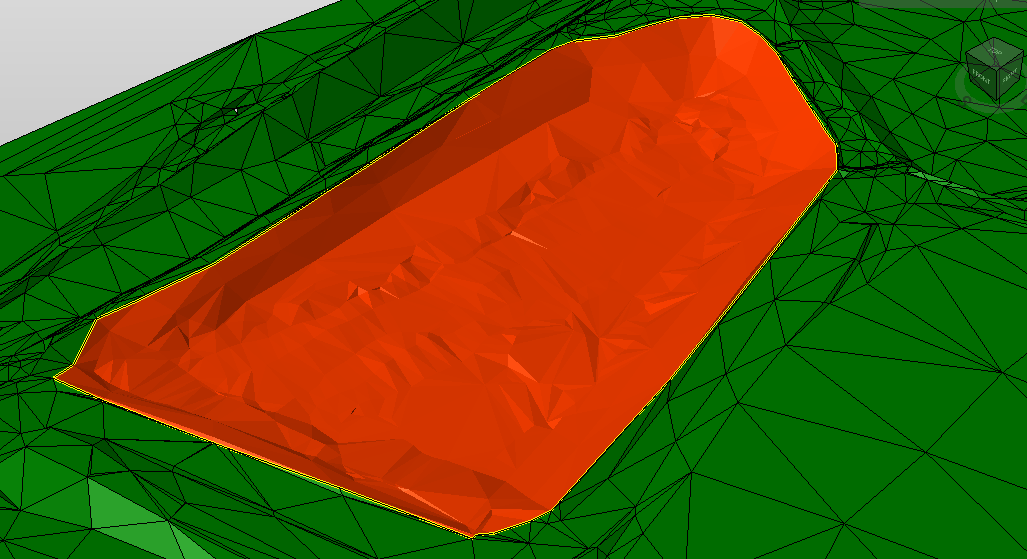
The tool Divide surface is used to cut triangles along a selected polyline and create a new surface with separated triangles.
-
Click Design 3D.
-
Click Divide.

-
The function opens a new panel on the right.
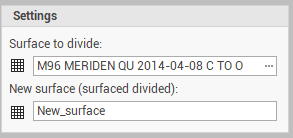
-
Surface to divide: the surface subproject where we have the surface to divide.
-
New surface: the surface subproject where the new surface with separated triangles is created.
-
-
Select the cut polyline.
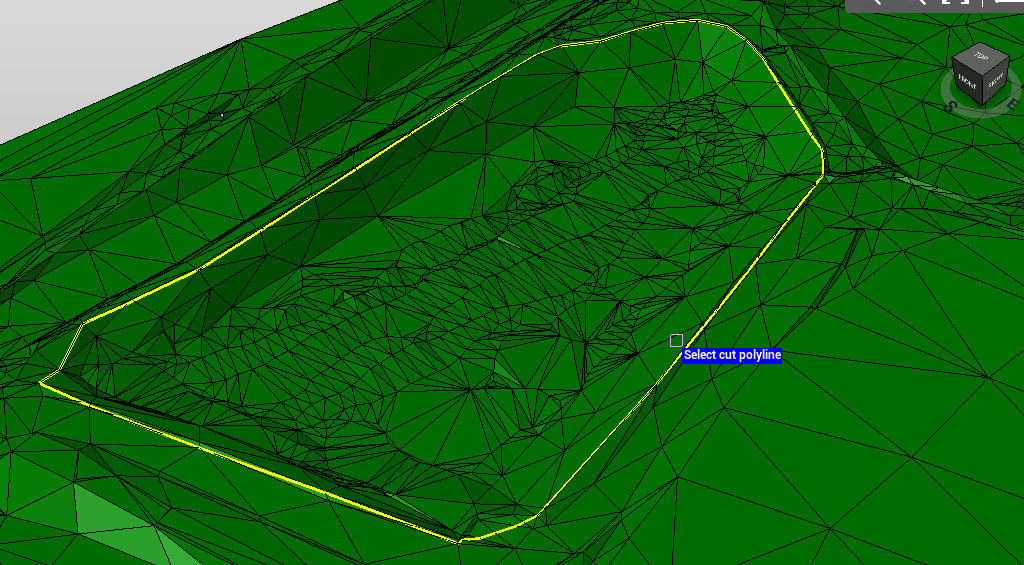
-
The surface is divided into two surfaces, along the polyline.