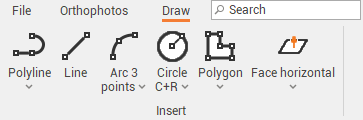
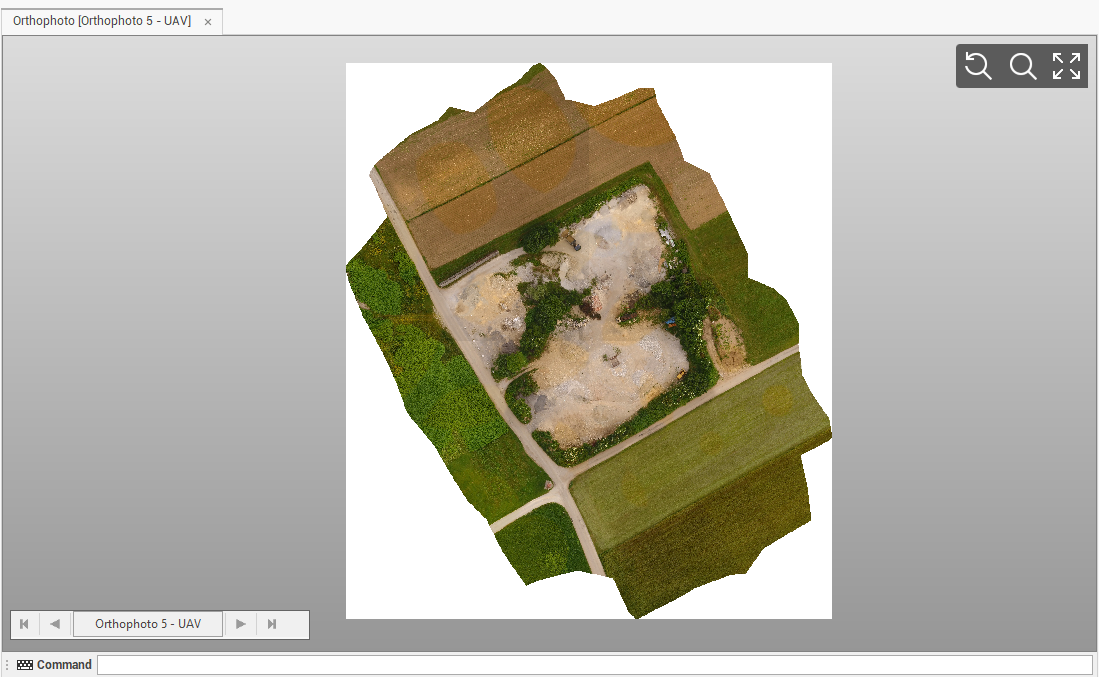
You can open a graphical window where only the orthophoto is visible. The window includes a dedicated menu with query and drawing tools.
-
Click Imaging.
-
Click Open view.

-
The command opens the orthophoto in a new window and activates a new toolbar with commands to draw and measure the orthophoto.
-
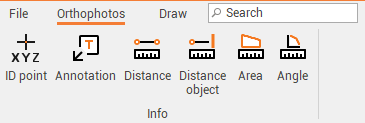
The Orthophotos toolbar includes commands to calculate distances and create labels and annotations on the image.
-
The Draw toolbar includes tools to draw over the image.