-
Clipping planes and boxes subprojects are used to hide external elements from the configured planes and boxes. They are particularly useful when working with point clouds.
-
This subproject contains created clipping boxes and clipping planes.
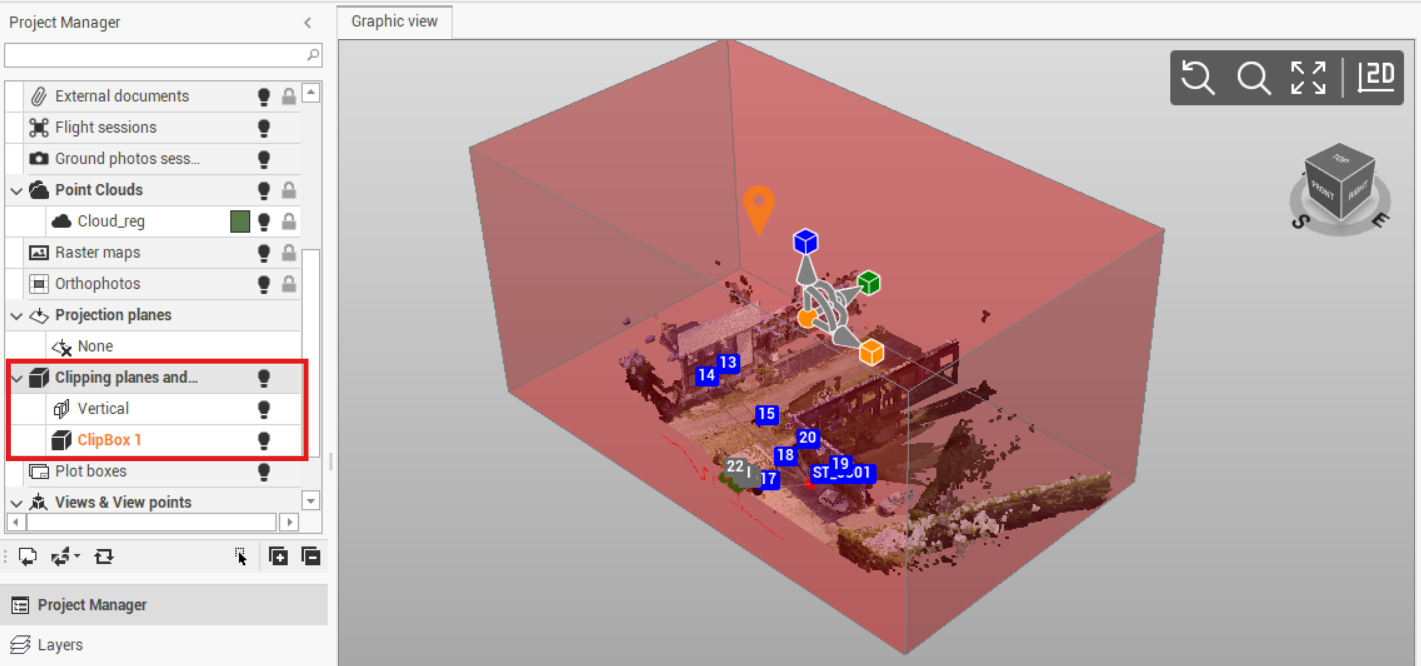
-
Right-click on a subproject to access the local menu.
-
Visible/Invisible: hides or displays all entities of a subproject and all subprojects of a category.
-
Delete: deletes the subproject and all related data. An active subproject cannot be deleted.
-
Quick section from clipping plane: allows to create a quick cross section on meshes, surfaces or point clouds using the defined clipping plane. Available for clipping planes.
-
