
-
Surface subprojects contain:
-
Break lines.
-
Boundary lines.
-
Triangles.
-
Contour lines.
-
Design polylines.
-
Cut-fill lines.
-
Volume calculation.
-
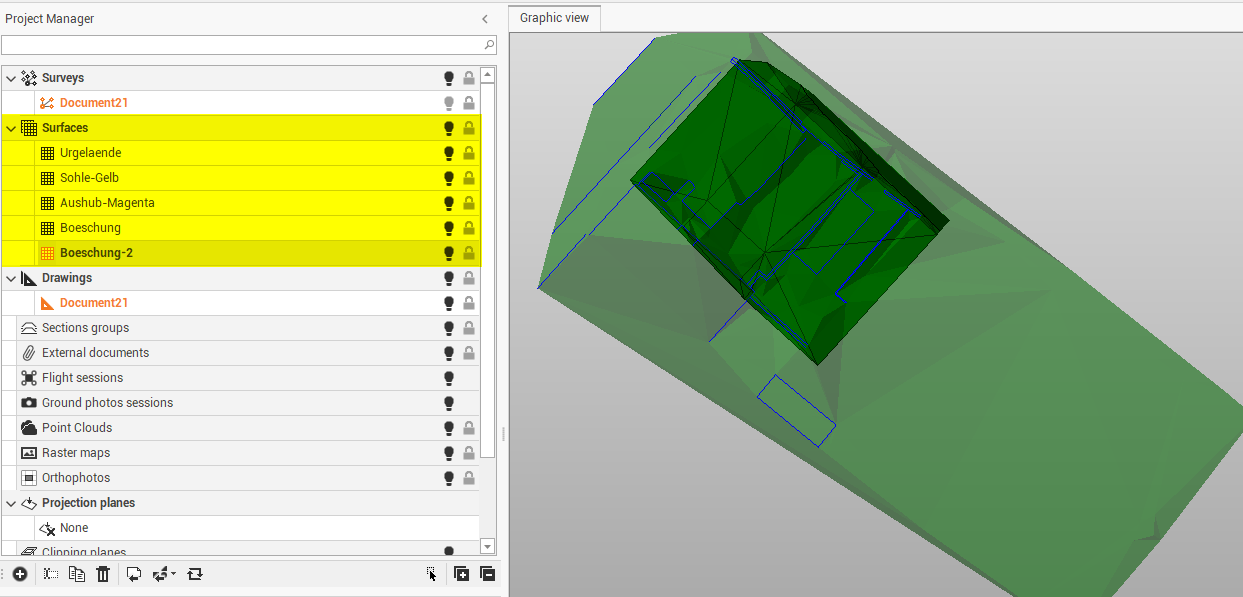
-
Right-click on a subproject to access the local menu.
-
Visible/Invisible: hides or displays all entities of a subproject and all subprojects of a category.
-
New subproject: creates a subproject of the selected type.
-
Rename: changes the name of the subproject.
-
Duplicate: creates a copy of the entire subproject.
-
Delete: deletes the subproject and all related data. An active subproject cannot be deleted.
-
Generate: rebuilds the surface. Updates the triangles calculation by keeping the parameters set in the previous processing.
-
Settings: accesses the subprojects settings.
-
Zoom fit: adjusts the zoom level to the selected survey subproject.
-
-
To assign a unique color to the subproject, to distinguish elements of a specific subproject when different subprojects of the same category exist:
-
Tap on local menu.
-
Click Settings.
-
Click Survey properties tab.
-
Apply the colour. An icon indicates the colour of the subproject.
-