-
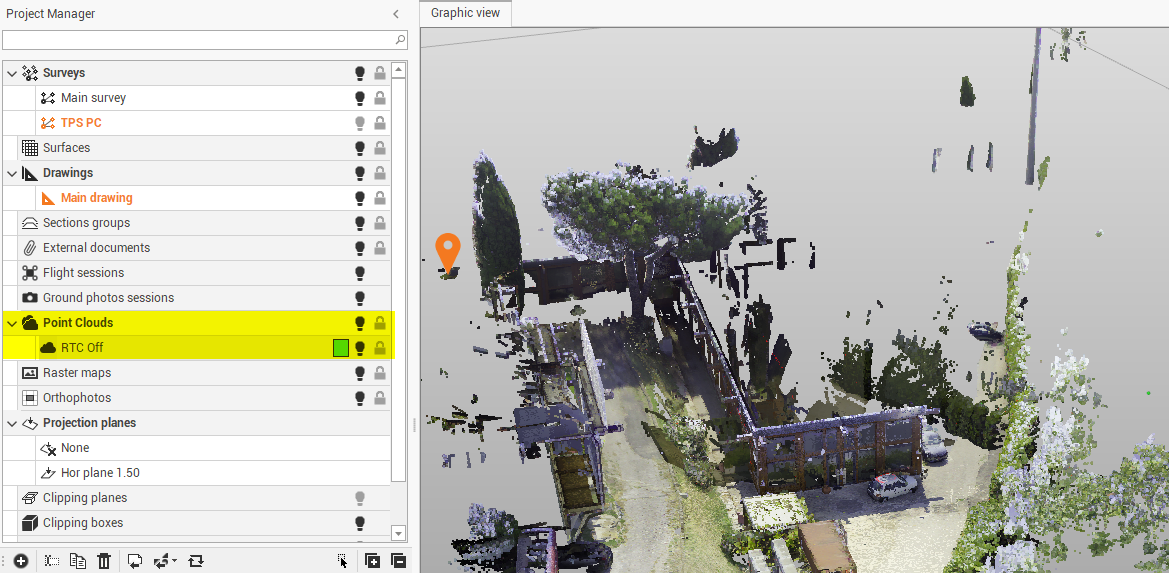
Point clouds group subprojects contain the links to cloud data used in the project.
-
Right-click on a subproject to access the local menu.
-
Visible/Invisible: Hide or display all entities of a subproject and all subprojects of a category.
-
New subproject: creates a subproject of the selected type.
-
Rename: changes the name of the subproject.
-
Duplicate: creates a copy of the entire subproject.
-
Delete: deletes the subproject and all related data. An active subproject cannot be deleted.
-
Compact: creates a new compacted point cloud that increases the performance.
-
Restore: restore the point cloud after the first compaction.
-
Unload data: Deletes point cloud data from the computer memory. The data is not deleted, only from the computer memory. After this operation, point clouds are invisible on the graphic window
-
Load data: Uploads point clouds to the PC memory.
-
Zoom fit: Adjust the zoom level to the selected survey subproject.
-
