-
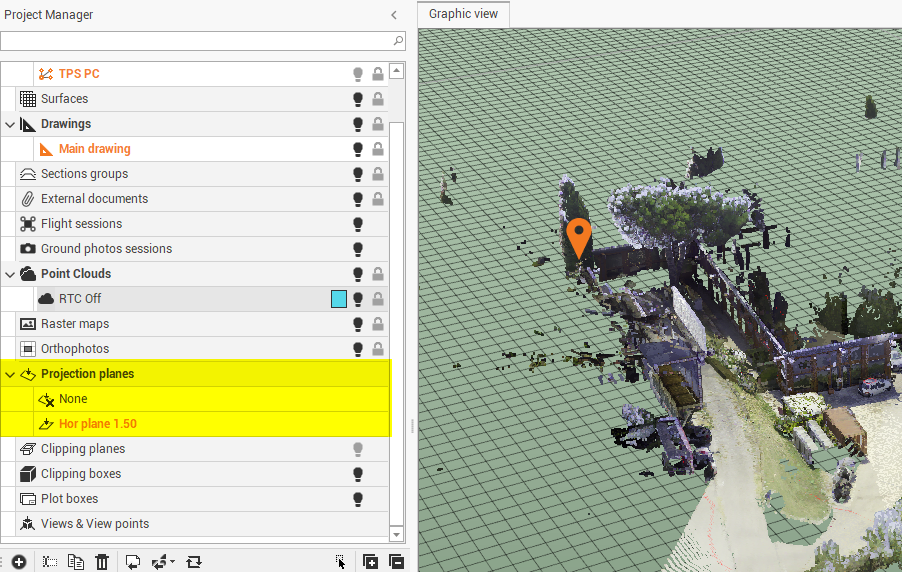
Projection planes are reference levels allowing to execute the design operation using the orientation of the plane.
-
To use a plane, double click on the name of a plane
-
To deactivate a plane, double click on None
-
-
Right-click on a subproject to access the local menu.
-
Visible/Invisible: hides or displays all entities of a subproject and all subprojects of a category.
-
Delete: deletes the subproject and all related data. An active subproject cannot be deleted.
-
