
-
Use the command Polyline by vertices grid to create a polyline entering the vertex coordinates in a grid.
-
Click Draw.
-
Click below Polyline to open drop down menu.
-
Click Polyline by vertices grid.

-
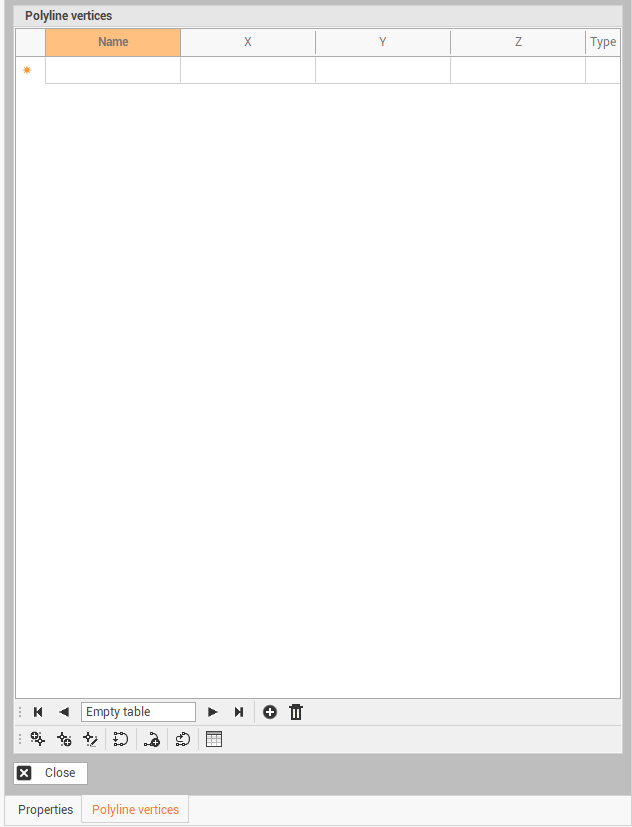
This function opens a table on the right side of the window.
-
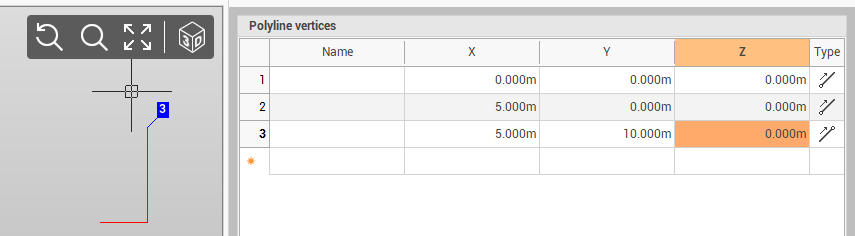
Enter the coordinates of polyline vertices directly in the table. The polyline is visualized in the graphic view in real time.
-
On the bottom bar there are some commands to help to create the table:
-
Insert

-
Delete

-
Add vertex before

-
Add vertex after

-
Edit vertex

-
Close

-
New polyline

-
Invert

-
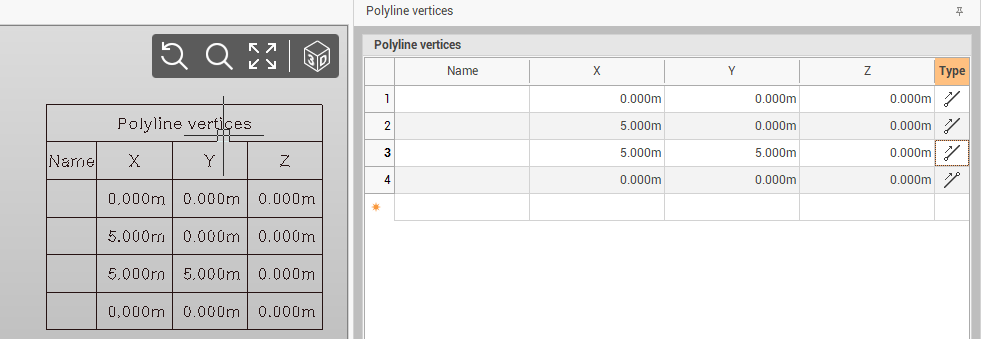
Insert table

-