-
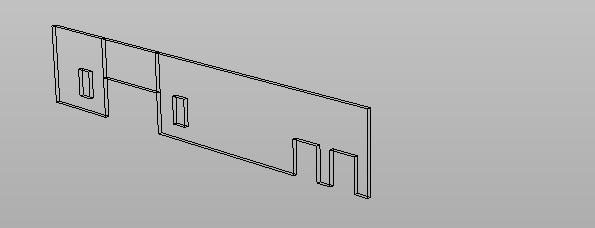
Use this command to create a polyline generated from the edges of a selected mesh.
This command can be used to extract edges from BIM models or CAD 3D models
-
Click Draw.
-
Click under Polyline to open the drop-down menu.
-
Click From mesh edges.
-
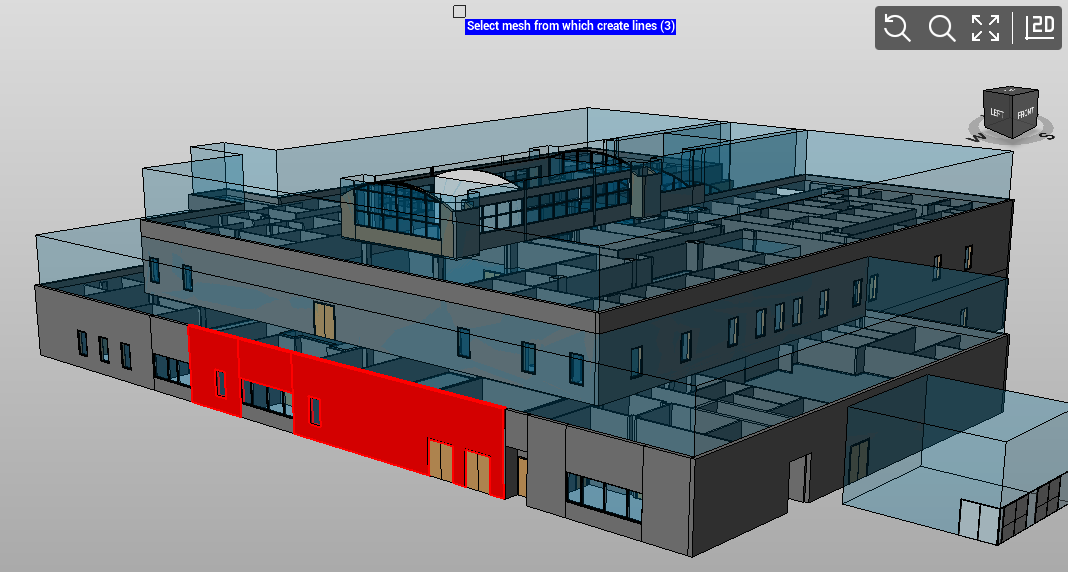
Select on the 3D model the mesh.
-
Right click to confirm the selection
-
Select if polylines are created on the original layer or on the current layer.

-
The polylines are created under the current drawing subproject.