


-
The MEP function Plumb point is used to determine, for the measured point, the corresponding plumb point (toward the top or toward the bottom).
-
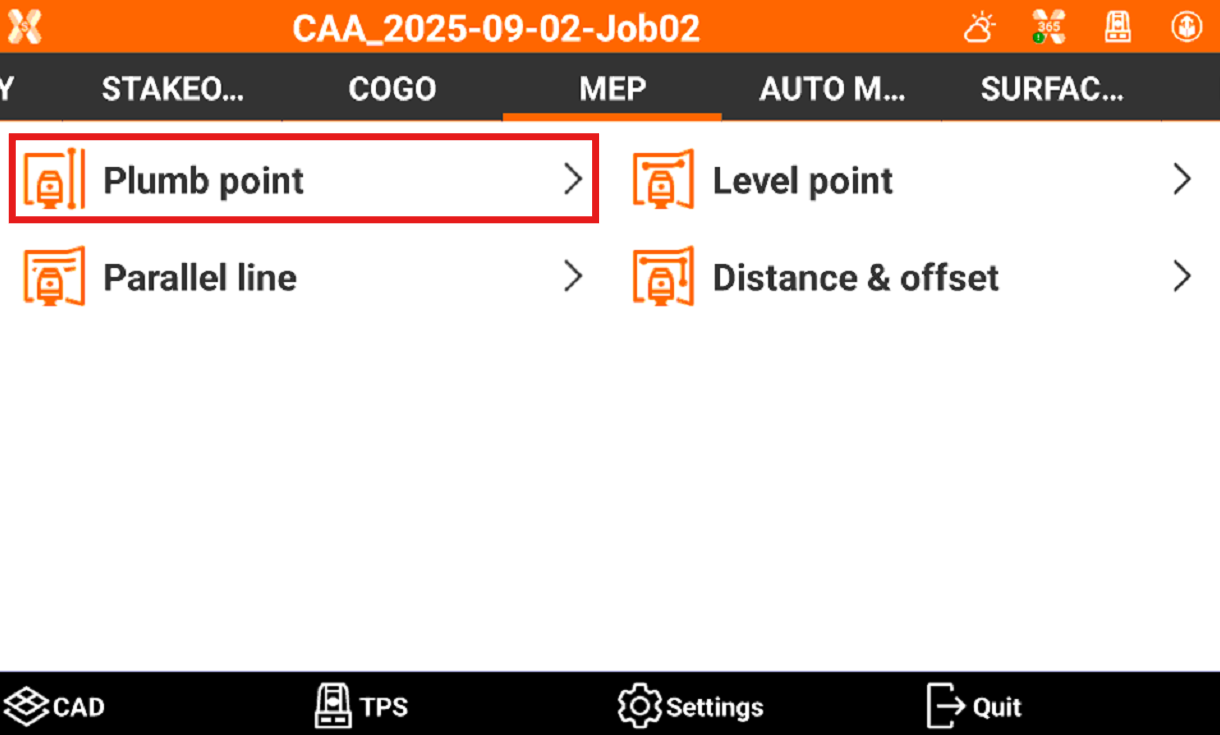
Click MEP.
-
Click Plumb point.
-
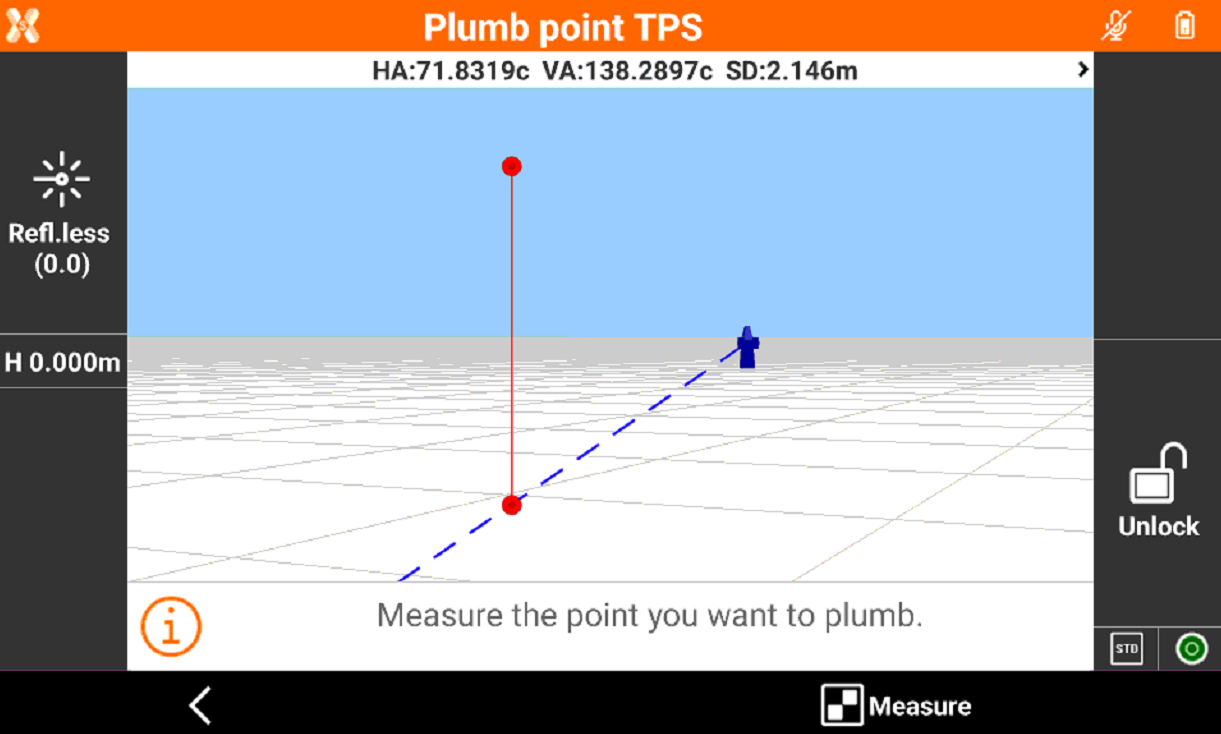
Measure the point to plumb. Click Measure.
-
Measure roughly the expected plumb position. Click Measure.
-
The robotic total station adjust the position to calculate precisely the plumb position.
-
The plumb position is visualized on the surface using the instrument laser pointer.
-
Click Measure to measure a new point to plumb.
If the reference point is a known point, it is possible to stakeout the known point or use the Rotate functions and then use the MEP function to transfer the height.