



-
X-PAD Ultimate allows to connect and operate with GNSS receivers.
-
In this chapter are explained the dedicated functions to manage GNSS receivers connected to the software.
-
GPS Status: the status page where to check the GNSS receiver tracking information.
-
Start a GNSS base: how to start a GNSS receiver configured as base to transmit corrections.
-
Working with IMU GNSS receiver: how to work with GNSS receivers with IMU sensor.
-
E-Bubble with GNSS receivers: how to use the e-bubble instead of the GNSS pole bubble.
-
GNSS receiver NMEA data streaming: how to start the NMEA data streaming from a GNSS receiver from X-PAD software.
-
Working with Terrastar PPP corrections: how to work with Zenith16/40/60 with PPP and Terrastar corrections in X-PAD.
-
GNSS Mock location: how to use the actual GNSS receiver as mock location, in order to give access to the precise coordinate to other Android applications.
|
Video tutorials |
|
|---|---|
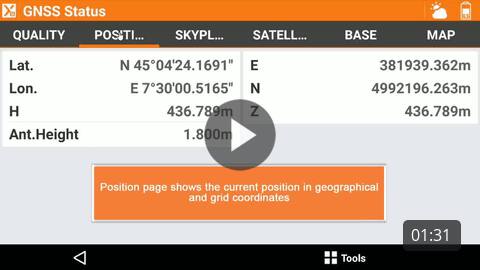
How to open the GNSS status to check real time information on the GNSS receiver. |
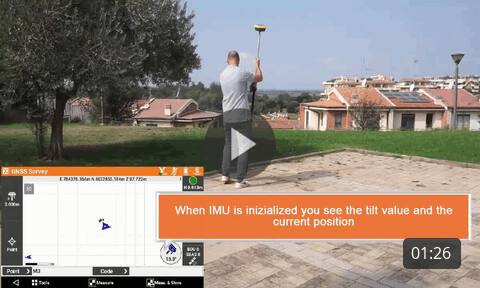
Surveying with GNSS receiver and IMU How to work with IMu receivers to measure points while the pole is tilted. |
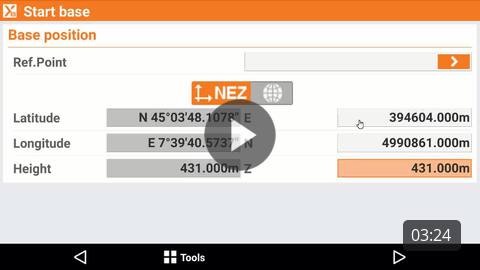
How to start the GNSS base for a base-rover setup. |
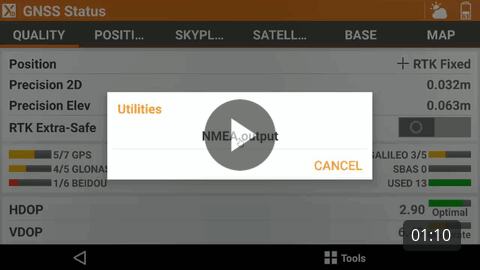
How to start the NMEA streaming from a GNSS receiver to external devices. |
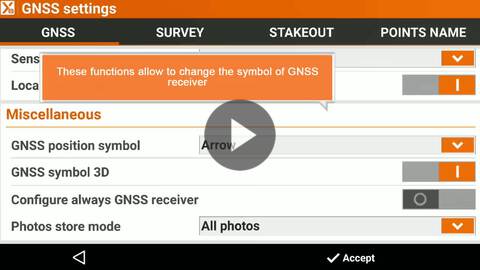
How to change specific settings related to the operations with GNSS receiver. |
|
|
Webinars |
|
(2023-8-3) Webinar on how to work with GNSS receiver with X-PAD field software. |
(2025-5-23) How IMU receivers work and how to use them with X-PAD field software. |

Mixed Surveying GNSS and Total Station EN (2020-05-11) Mixing GNSS and TPS measurements in X-PAD Ultimate field software. |
|