


-
X-PAD 365 is the web-based GeoMax cloud platform, where manage your data and assets anytime, anywhere, communicate in real-time and stay connected 365 days of the year.
-
The platform is available as web site and integrated in all GeoMax software for office and for field.
-
For more information on X-PAD 365, all available features and subscriptions visit the dedicated help portal.
-
X-PAD 365 workspace: understanding the X-PAD 365 workspace in X-PAD Ultimate.
-
Collaborative sites and jobs: how to create and use collaborative sites and jobs to share the data in the cloud and with other users.
-
Collaborative survey and stakeout: how to start and work in a collaborative survey or staekout session to work at the same time in the same job sharing measurements and positions.
-
Assets manager: how to register the license and the devices.
-
Backup & restore: functionalities to backup jobs and settings locally and in the cloud.
-
X-Chat: the chat functionality to share messages and files with other X-PAD 365 users.
|
Video tutorials |
|
|---|---|
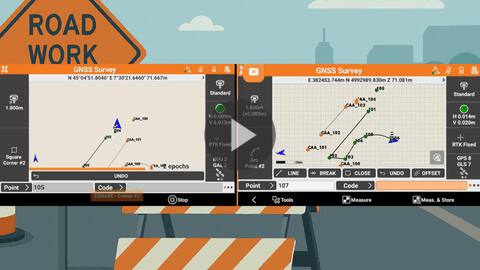
Collaborative survey and stakeout How to start and join a collaborative survey or stakeout session |
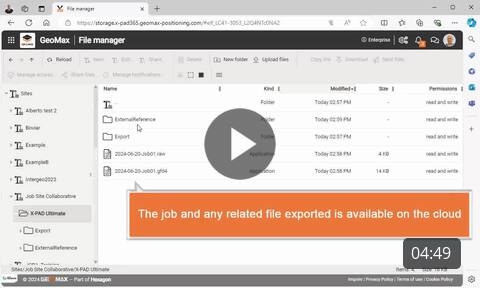
How to use collaborative sites and jobs to synchronize jobs and related data on cloud and among different users. |
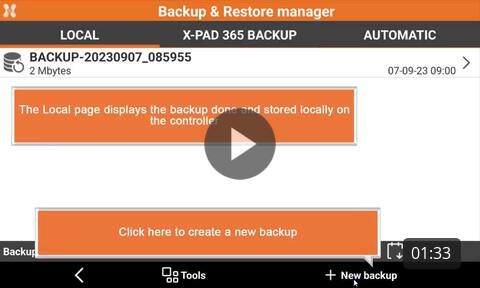
How to create and restore backup for jobs and settings. |
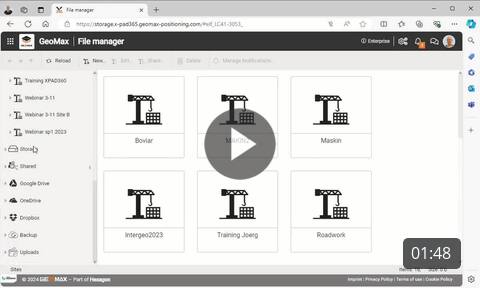
How to access and use the cloud storage. |
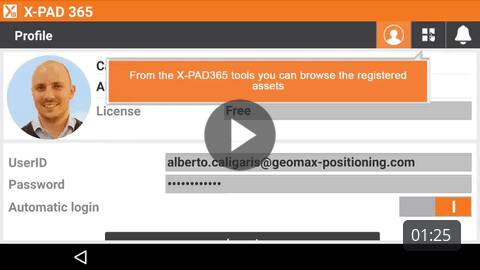
How to register the assets to access the resources and receive notifications. |
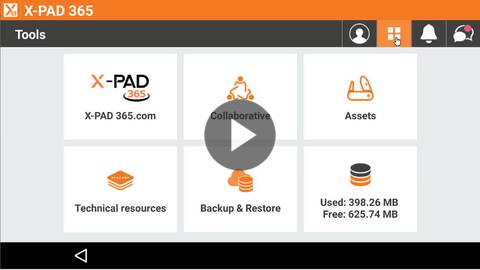
How to login and access to the X-PAD365 workspace in X-PAD Ultimate. |