



-
Import procedures allow to load points, drawings and other information from files in several format types.
-
Files to import can be present in device folders or on cloud servers.
-
Imported data is part of the job.
If you do not want the data to be part of the project, you can upload the external document as an external reference. Refer to External references.
-
Import a file to the current job: how to import an external file to the current job.
-
Select a file: how to select a file from internal mamory, USB or cloud storage.
-
Drawing DXF/DWG: how to import a DXF/DWG file containing drawing information and points.
-
Text file (ASCII): how to import a file of points or codes in text format. Import parameters can be saved in a template.
-
GSI format: how to import a file from a standard GSI format.
-
LandXML format: how to import points, drawings, surfaces and road design data from a standard LandXML file.
-
Raster image: how to load a raster map to be used as background.
-
Trimble DC: how to import points and GNSS calibration data from Trimble DC format.
-
ESRI shape file: how to import points, polylines and polygons from ESRI shape files format.
-
Carlson SurvCE: how to import points and GNSS calibration data from RW5/CRD/CRDB files format.
-
Sokkia SDR format: how to import data from SDR Sokkia files format.
-
Google Earth KML/KMZ: how to import data from Google Earth files in KML or KMZ format.
-
SBG Geo data GEO/PXY/TRM: how to import data and surfaces from SBG Geo files in GEO/PXY/TRM format.
|
Video tutorials |
|
|---|---|
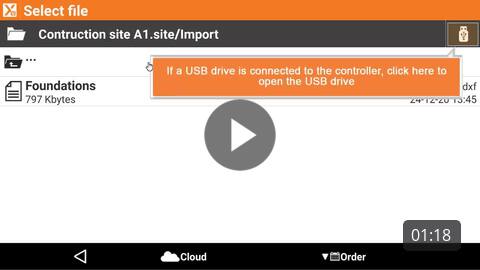
Basic steps on how to import an external file in the current job. |
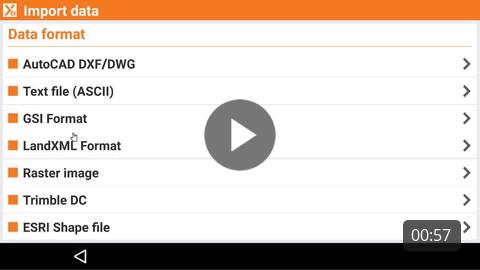
Import a file from XPAD365 cloud How to import a file from the X-PAD365 cloud storage. |
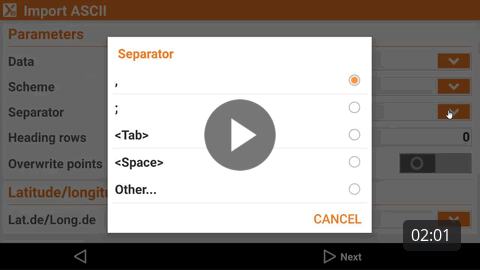
How to import an ASCII text file in the software. |
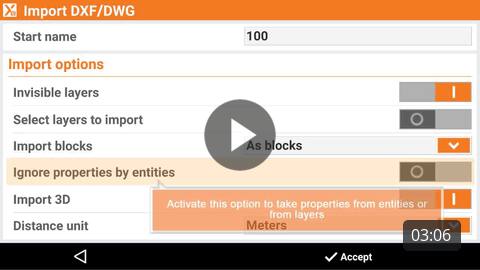
How to import a drawing file in AutoCAD DXF or DWG format. |
|
Webinars |
|

Understanding Import and Export in X-PAD Ultimate (2023-9-21) Webinar to understand the different options to import and export the data in X-PAD field software. |

Georeference raster maps in X-PAD Office Fusion and X-PAD Ultimate (2023-3-16) Webinar on how to georeference maps in X-PAD Office Fusion and import them in field software X-PAD Ultimate. |