



-
Starting a GPS base is a main operation and the first thing to do when working with a couple of receivers base and rover.
-
The first receiver (base) remains in a fixed position on the ground and sends corrections through radio to a second receiver (rover).
-
The second receiver is free to move on the ground, according to radio range, measuring or staking out positions.
Commands allowing to start a base are only available when a GNSS instrument profile is defined and the profile is for a Base instrument.
-
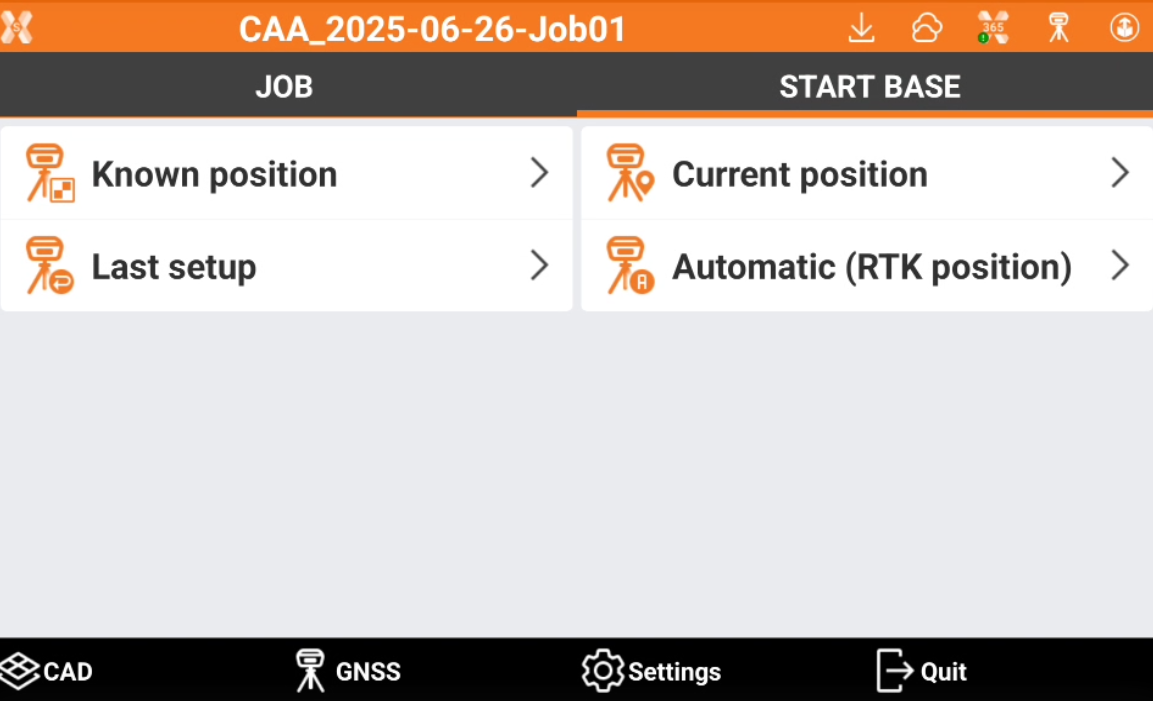
If the current profile is related to a GPS receiver defined as base, the software shows only the Start base page.
-
A base can be started in different modes.
-
Known position: the base is started over a point with known coordinates.
-
Current position: the base is started over the current position measured by the GNSS receiver.
-
Last setup: the base is started over the last base setup.
-
Automatic (RTK position): the base is started over a point with known coordinates measured with the same receiver in RTK.