-
The software, when working with a robotic total station, offers the possibility to configure the total station to automatically rotate.
-
This configuration can be used in exhibitions when displaying the instrument.
-
Crete a new job called FAIR.
-
Measure reference points in the Reference points list. These points will be used from the total station to automatically rotate to positions.
-
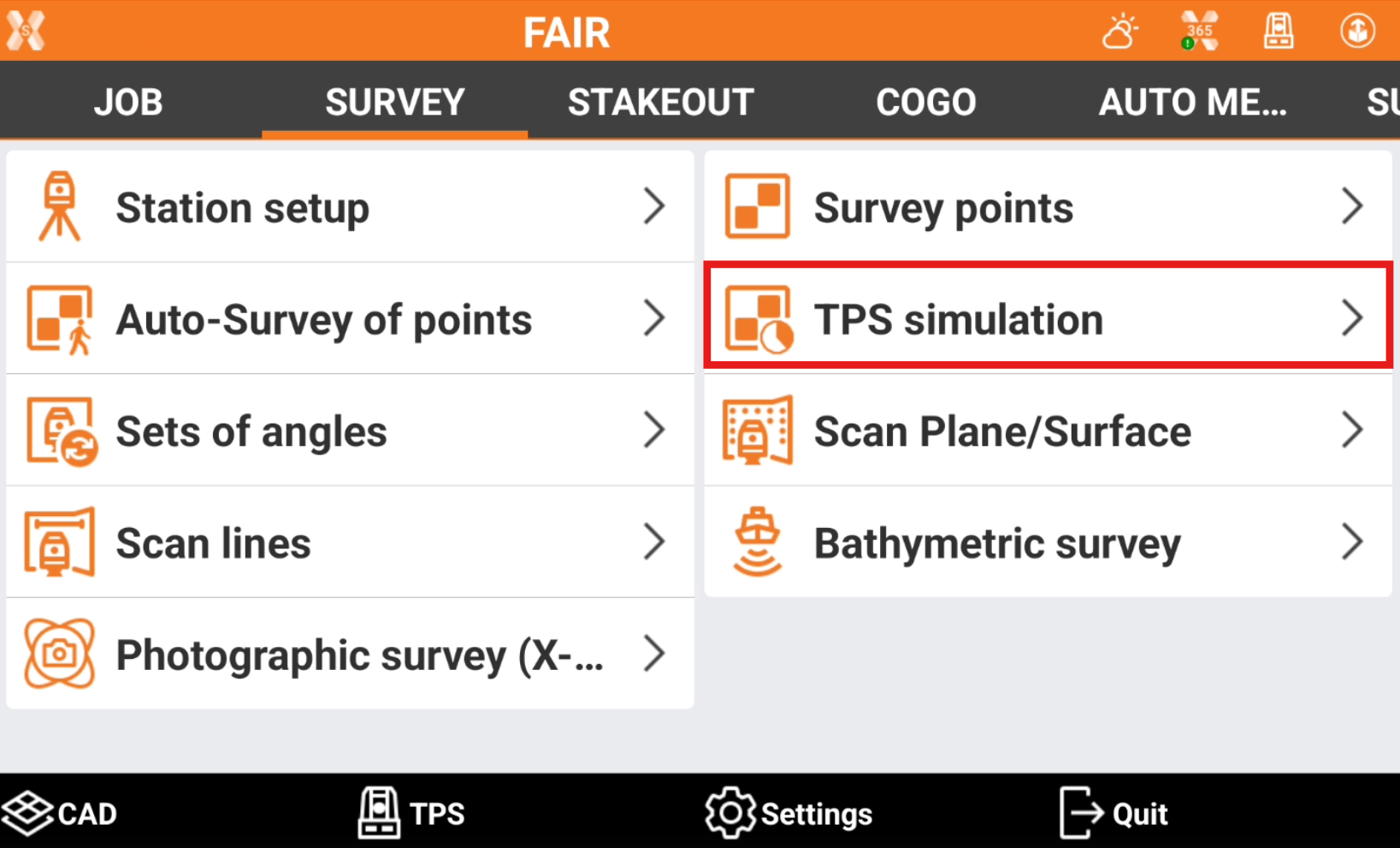
Open the Survey page.
-
Click TPS simulation.
-
Click Start to start the automatic instrument rotation.