



-
For demo or testing purpose it is possible to work with a simulator profile for GNSS receiver and total station.
-
In this page we will see how to create, configure and use a GNSS and a total station simulator.
Working with a GNSS simulator
Setup the GNSS simulator profile
-
To work with a GNSS simulator the first step is to activate and setup a GNSS simulator profile.
-
Click Settings.
-
Click GNSS & Total stations.
-
Click the NMEA Simulator profile and make it as current profile.
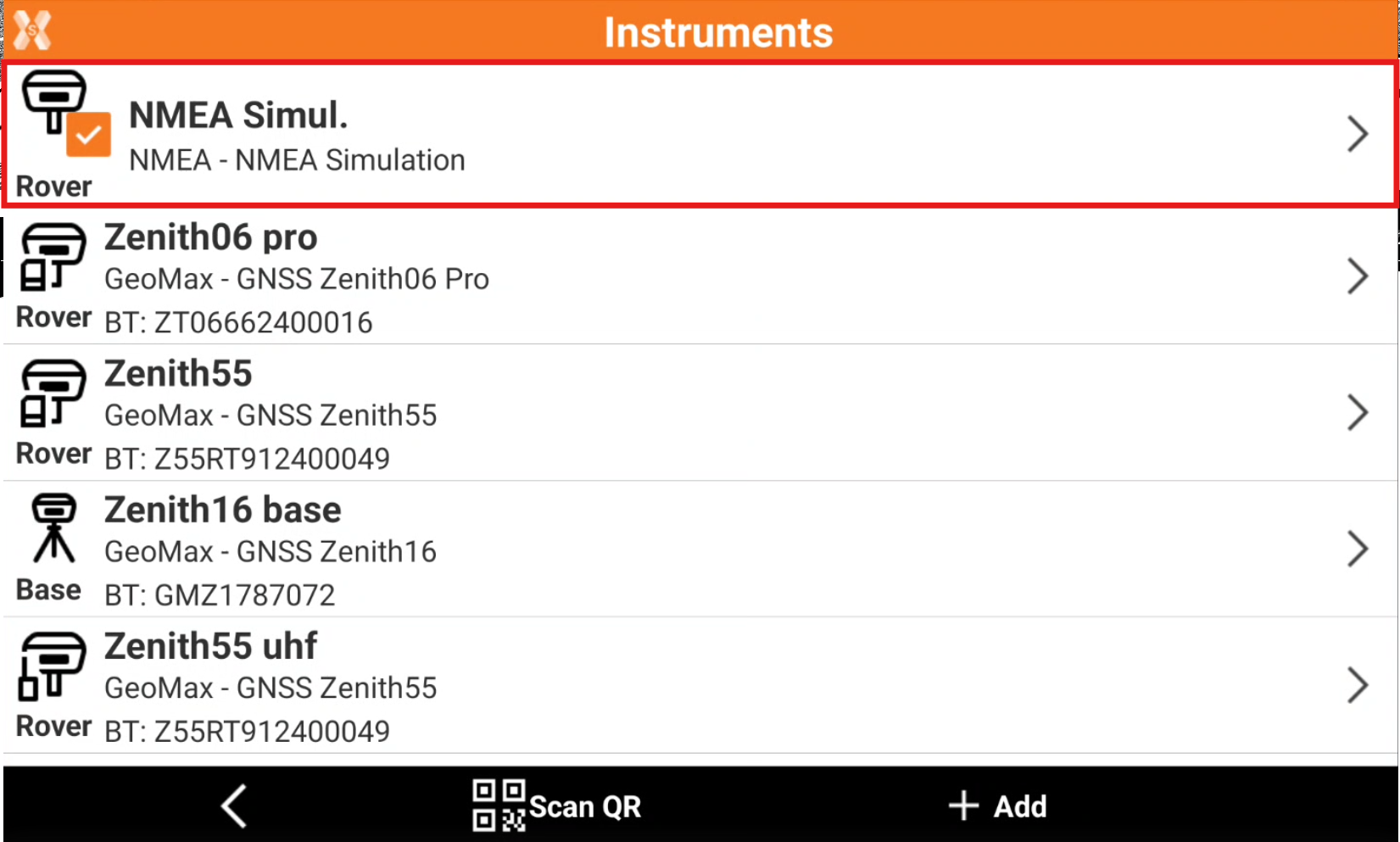
-
By default the simulator is localized at the center of defined cartographic system. To change the default GNSS position Modify the profile.
-
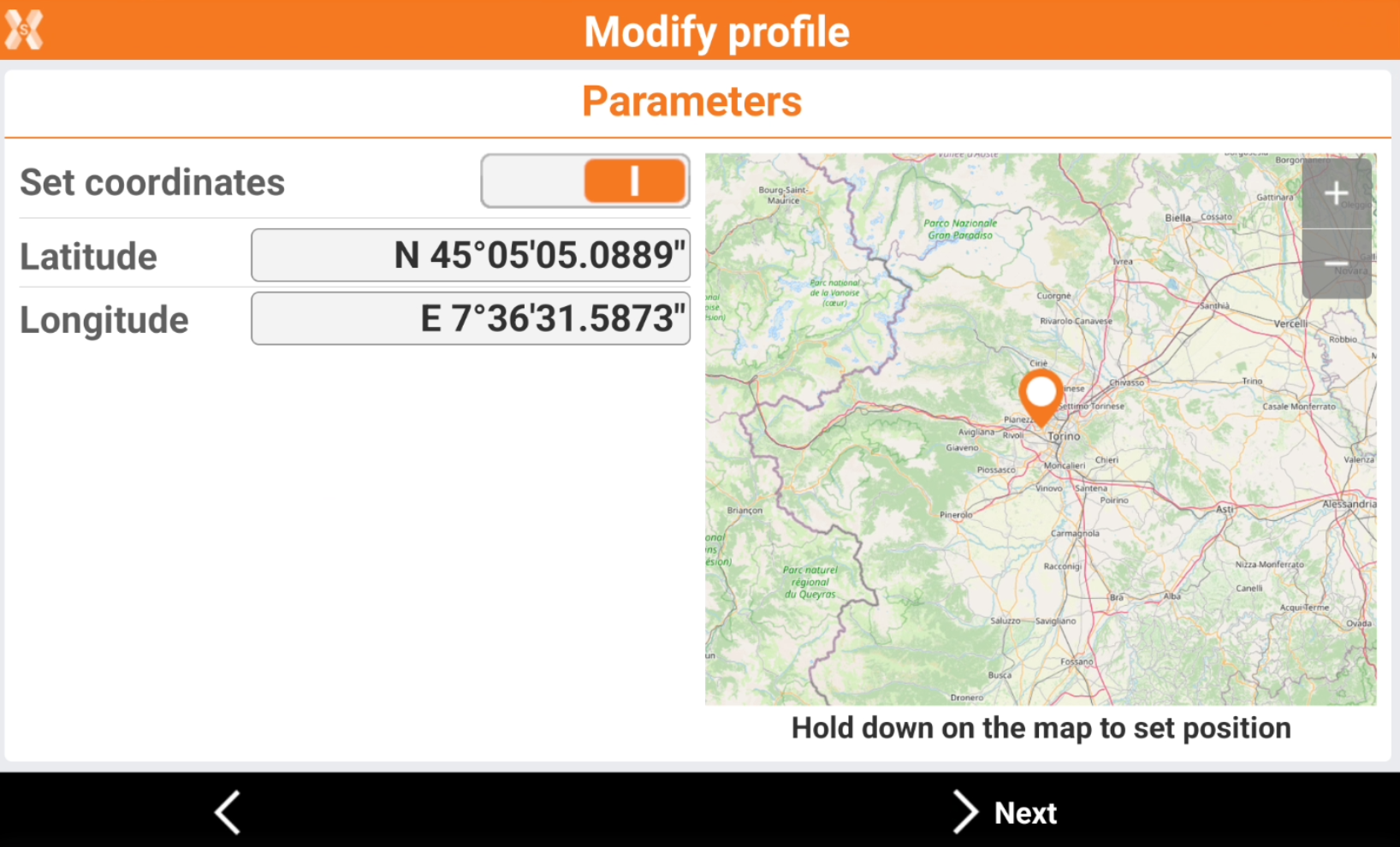
Open the Parameters page and enable Set coordinates.
-
Enter manually the simulator position, or tap on the map to change position and zoom level. Hold down on the map to set the position.
-
Click Next and Accept to save the simulator position.
Work with GNSS simulator in the software applications
-
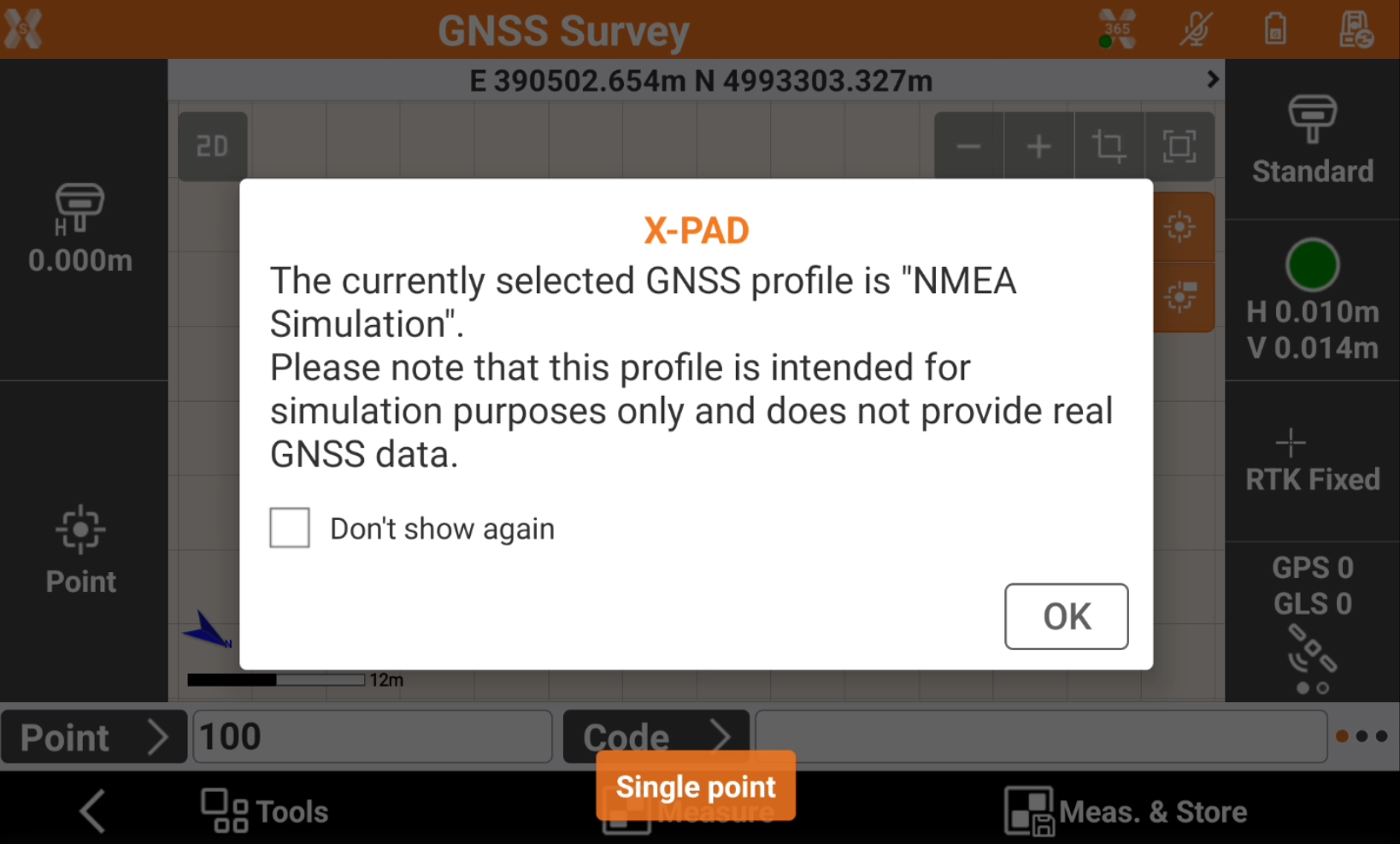
When working with the simulator, the software shows a warning.
-
By default the simulator position changes according to a defined path.
-
To change the simulator position in any software application with CAD, long-press on the screen to change the simulator position. This allows to simulate more precisely survey and stakeout operations.
|
Video tutorials |
|
|---|---|
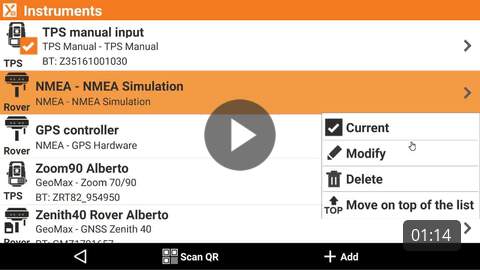
How to configure the GNSS simulator How to configure the GNSS simulator to experience the software without a real instrument connected. |
|
Working with a TPS simulator
-
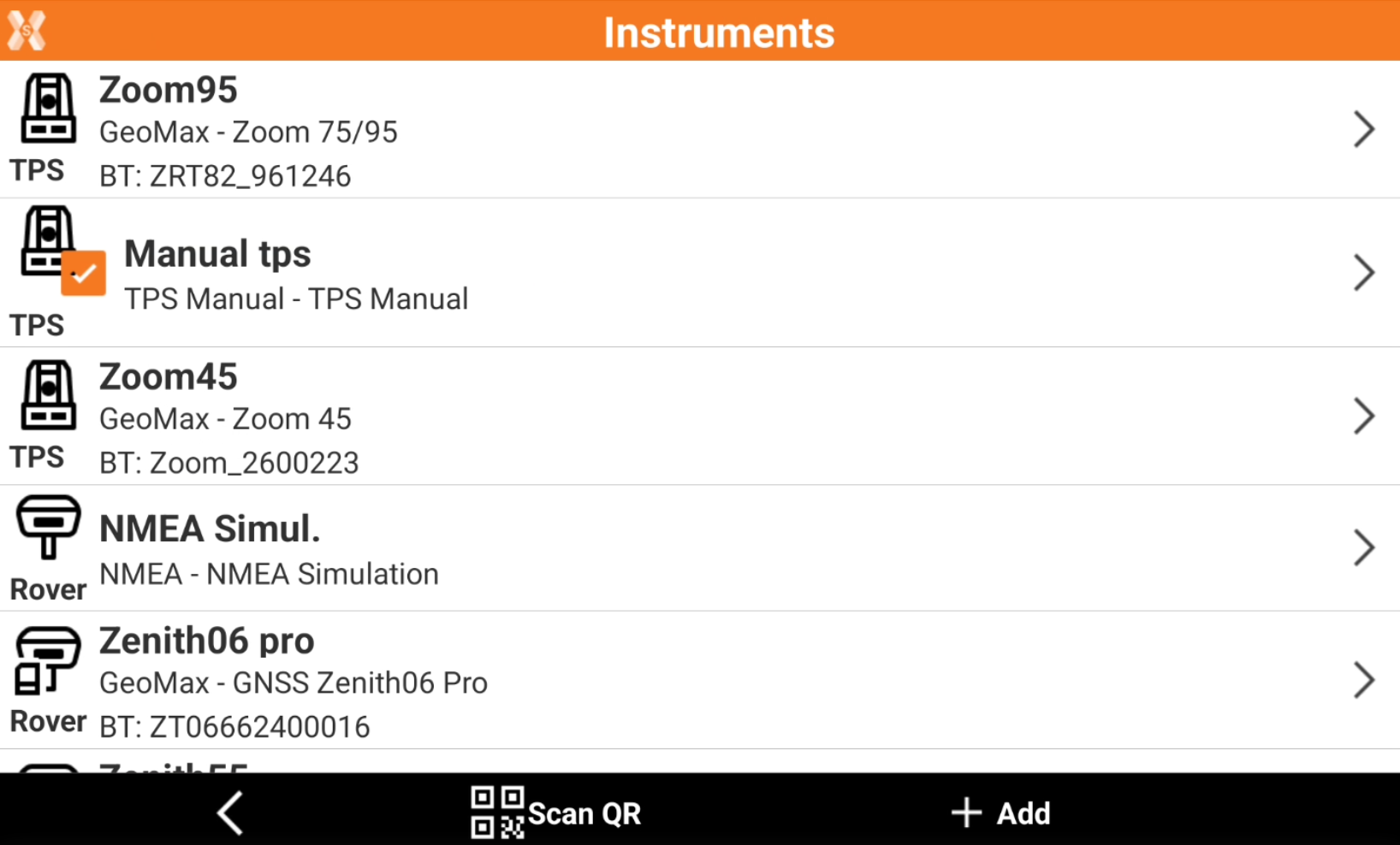
To work with a total station simulator the first step is to activate a total station manual profile.
This profile can also be used to manually input angles and coordinates.
-
Click Settings.
-
Click GNSS & Total stations.
-
Click the Manual tps profile and make it as current profile.
Work with total station simulator in the software applications
-
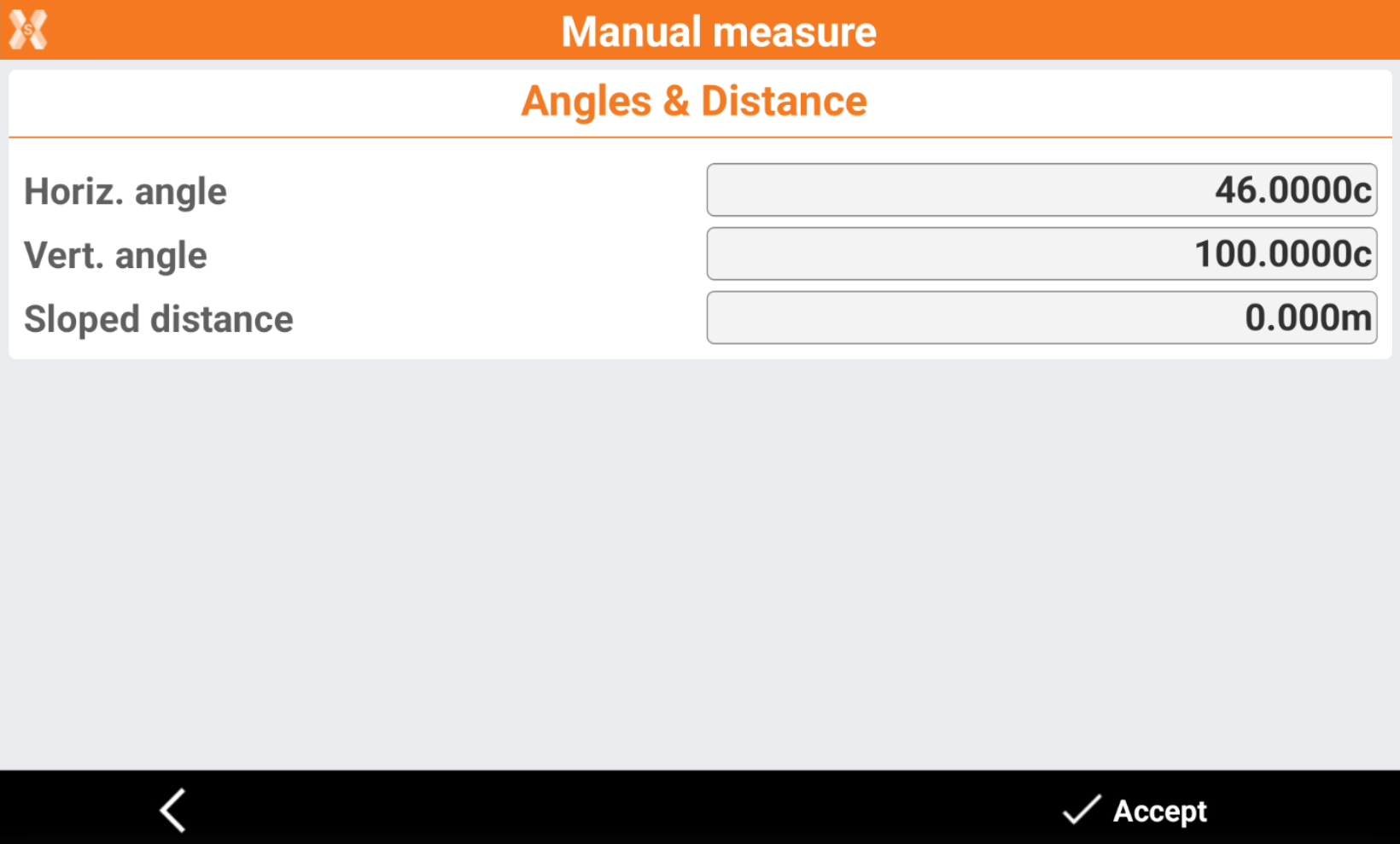
When using the manual total station profile, in software applications, click Measure or Measure & Store.
-
Enter manually the angles and distance.
-
Horiz. angle: the horizontal angle.
-
Vert. angle: the vertical angle.
-
Sloped distance: the value of the sloped distance.
-