



-
The information provided in the stakeout panel are the directions to stakeout the point.
-
The reference for the direction can be changed clicking on Reference for Stakeout.
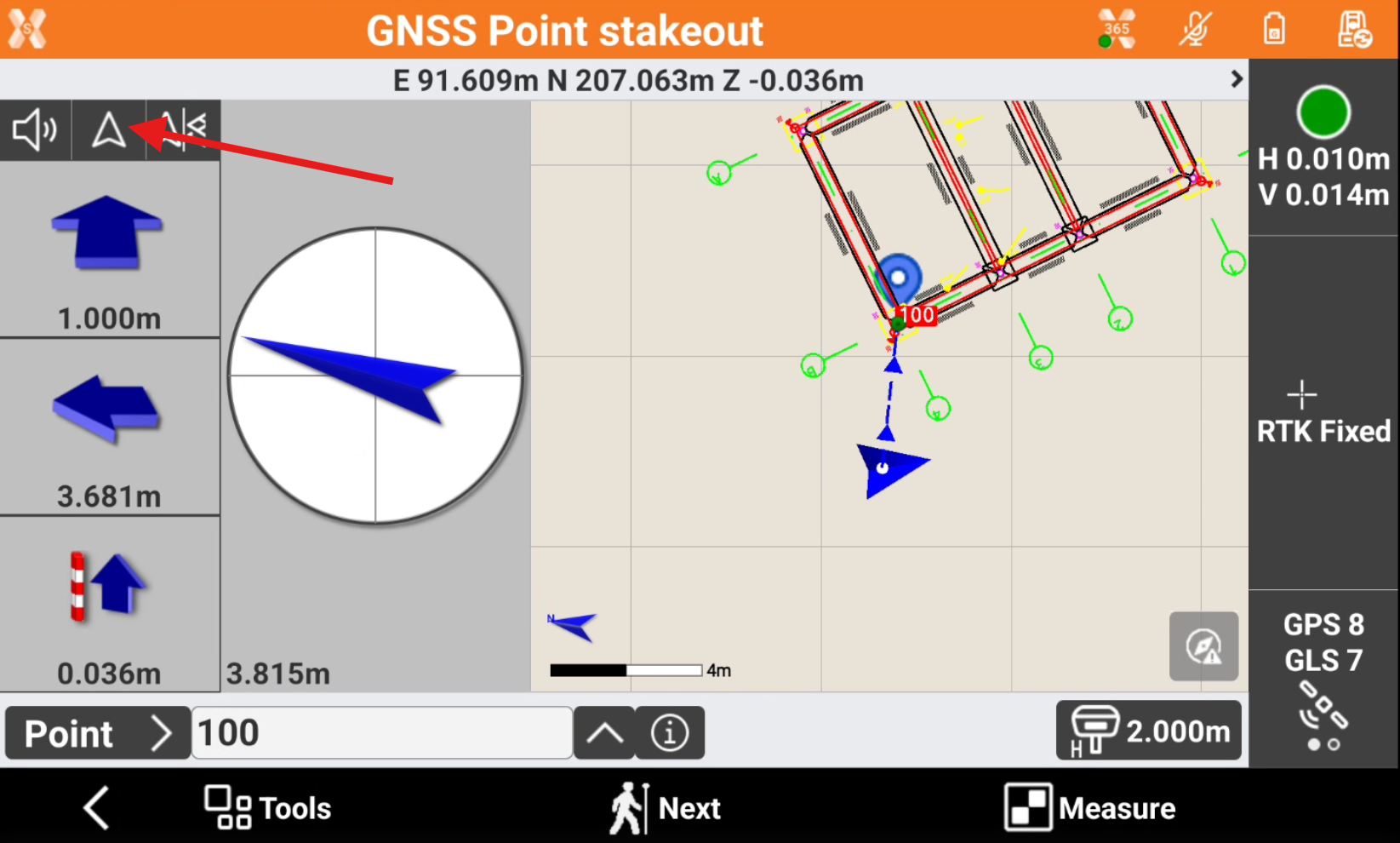
-
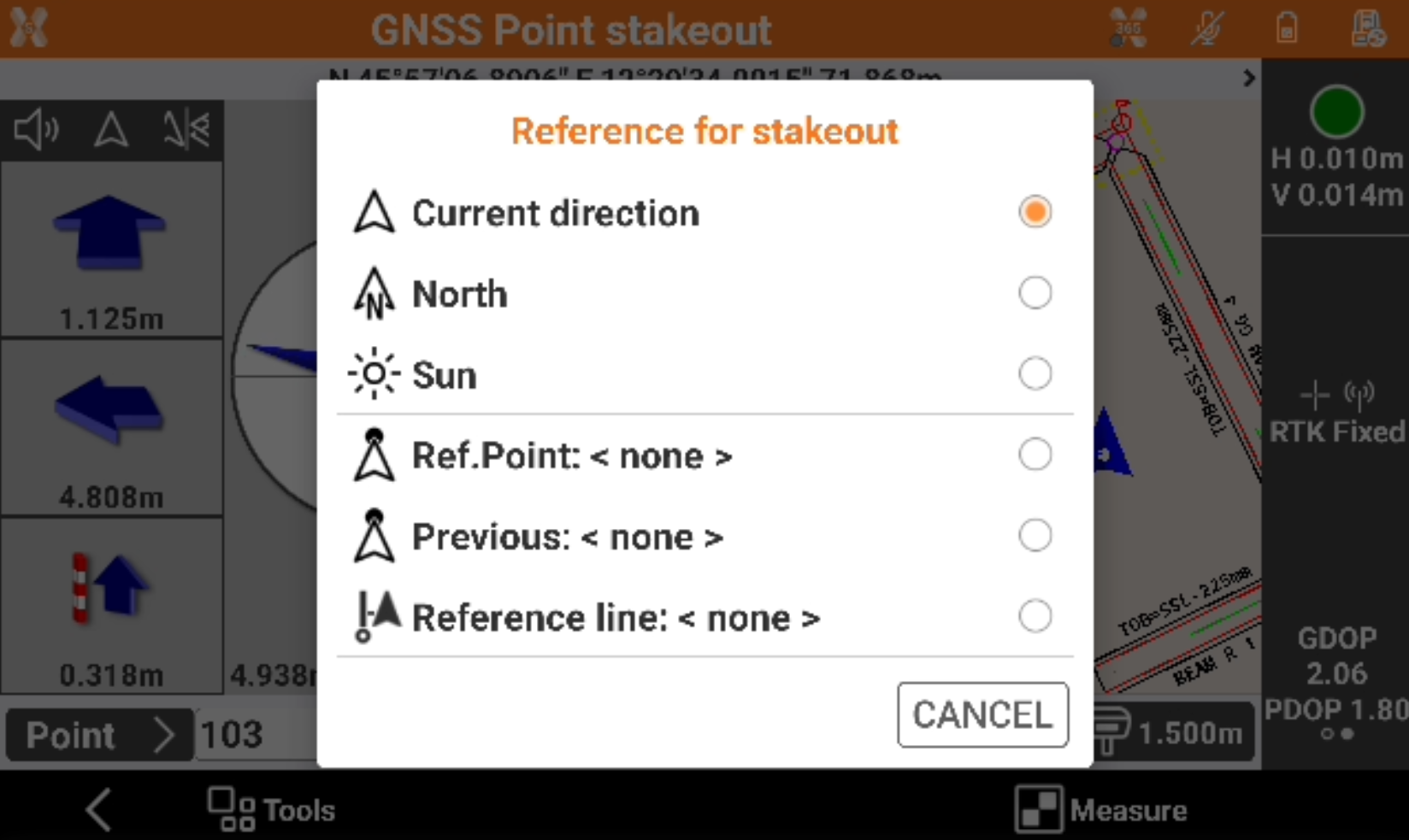
Select the reference to use.
-
Current direction: the direction to the point to stakeout is defined by the current walking direction. In case of working with IMU receiver, the direction is indicated by the IMU.
-
North: the direction to the point to stakeout is the north. Turn to north to read the distance values correctly.
-
Sun: the direction to the point to stakeout is the sun position. Turn to sun to read the distance values correctly.
-
Reference point: allows to select from CAD or from the point list a point to be used as reference point for stakeout directions. Turn to reference to read the distance values correctly.
-
Previous: allows to use the latest stakeout point for stakeout directions. Turn to previous stakeout point to read the distance values correctly.
-
Reference line: allows to select from CAD a line to be used as reference point for stakeout directions.
-