-
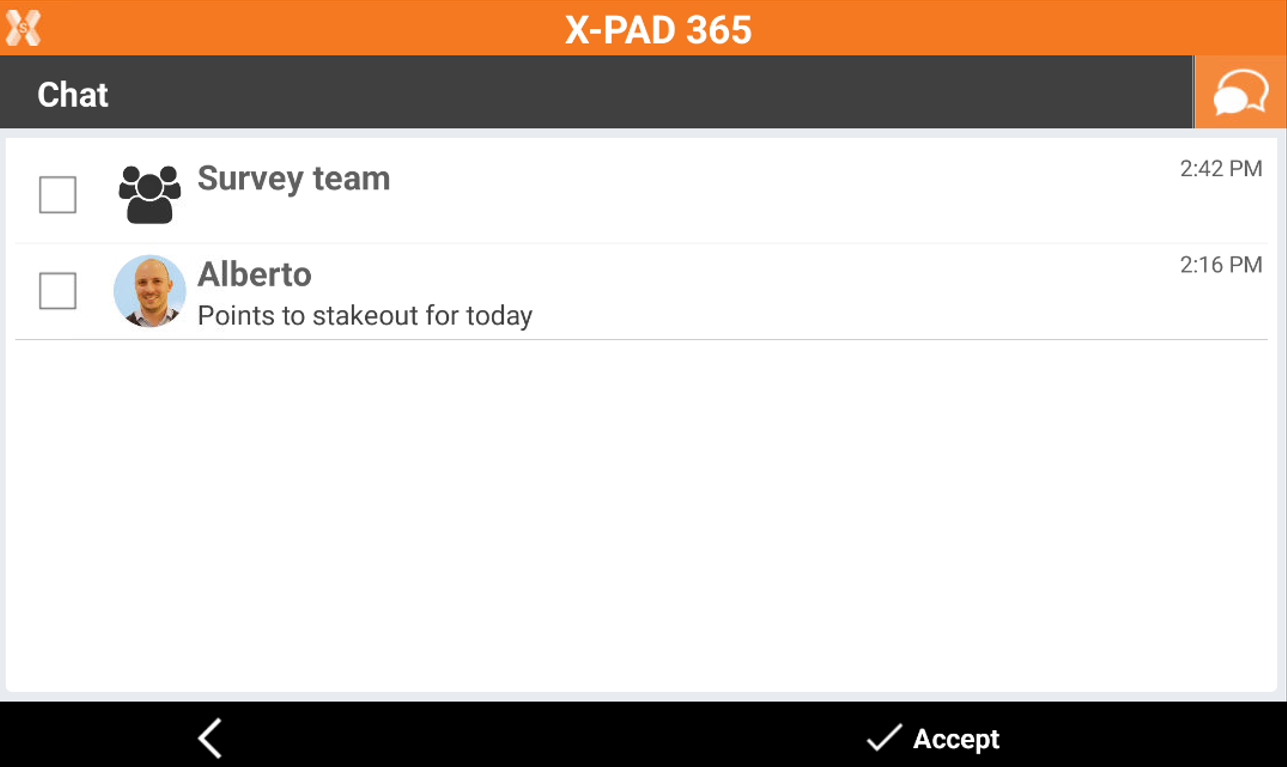
X-Chat is integrated in X-PAD Ultimate field software.
-
X-Chat allows to share messages and files with other users.
X-Chat panel
-
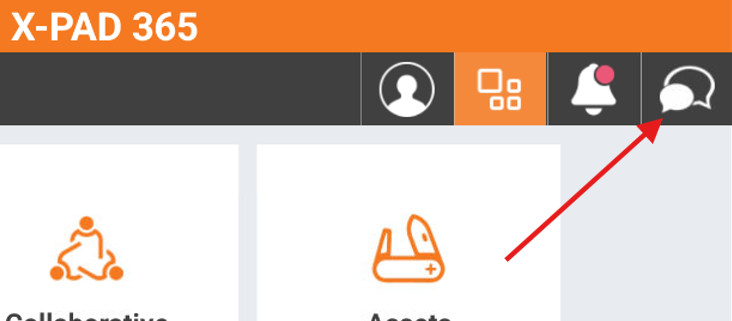
In Ultimate to open the X-Chat panel open the X-PAD365 workspace.
-
Click on chat icon on top-right.
-
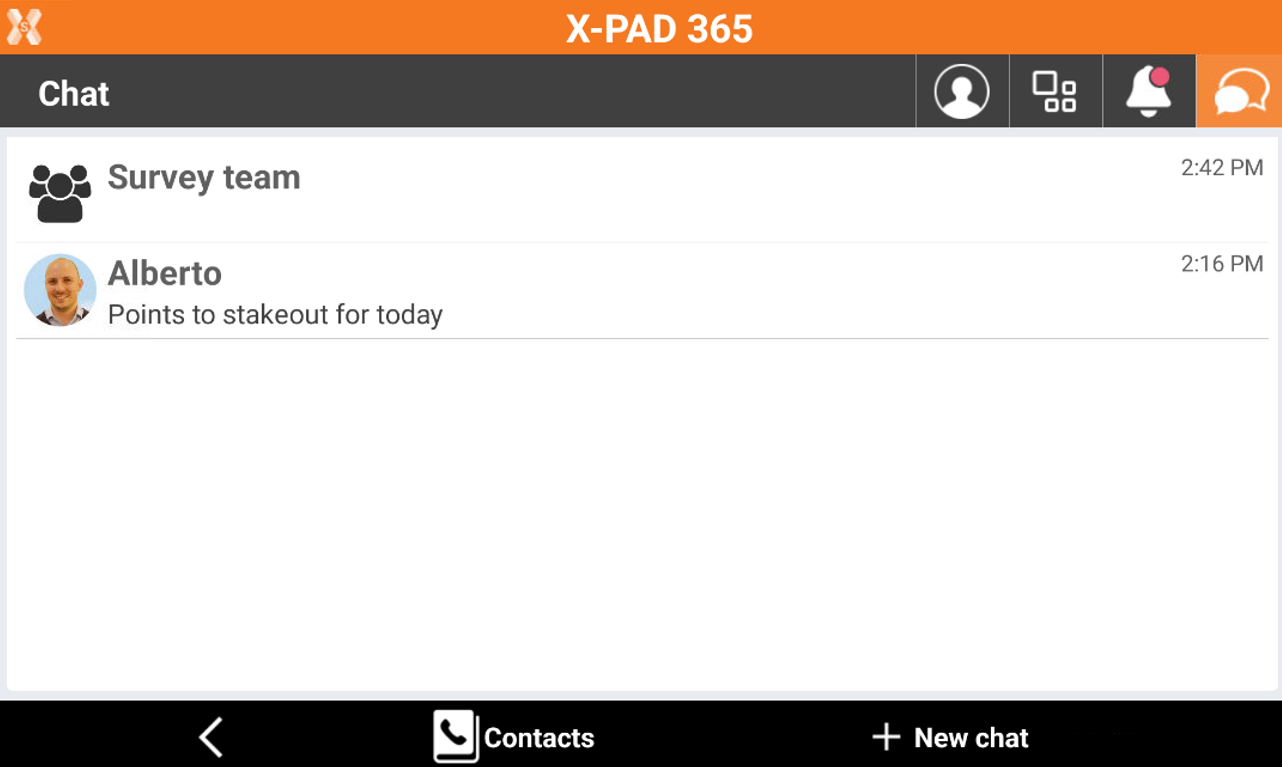
This opens the chat panel with list of active chat.
-
Click on an active chat to continue the chat.
-
Click Contacts to open the address book.
-
Click New chat to start a chat with a new contact.
Create a new contact
-
To create a new contact open the chat panel.
-
Click Contacts to open the address book.
-
This opens a new window.
-
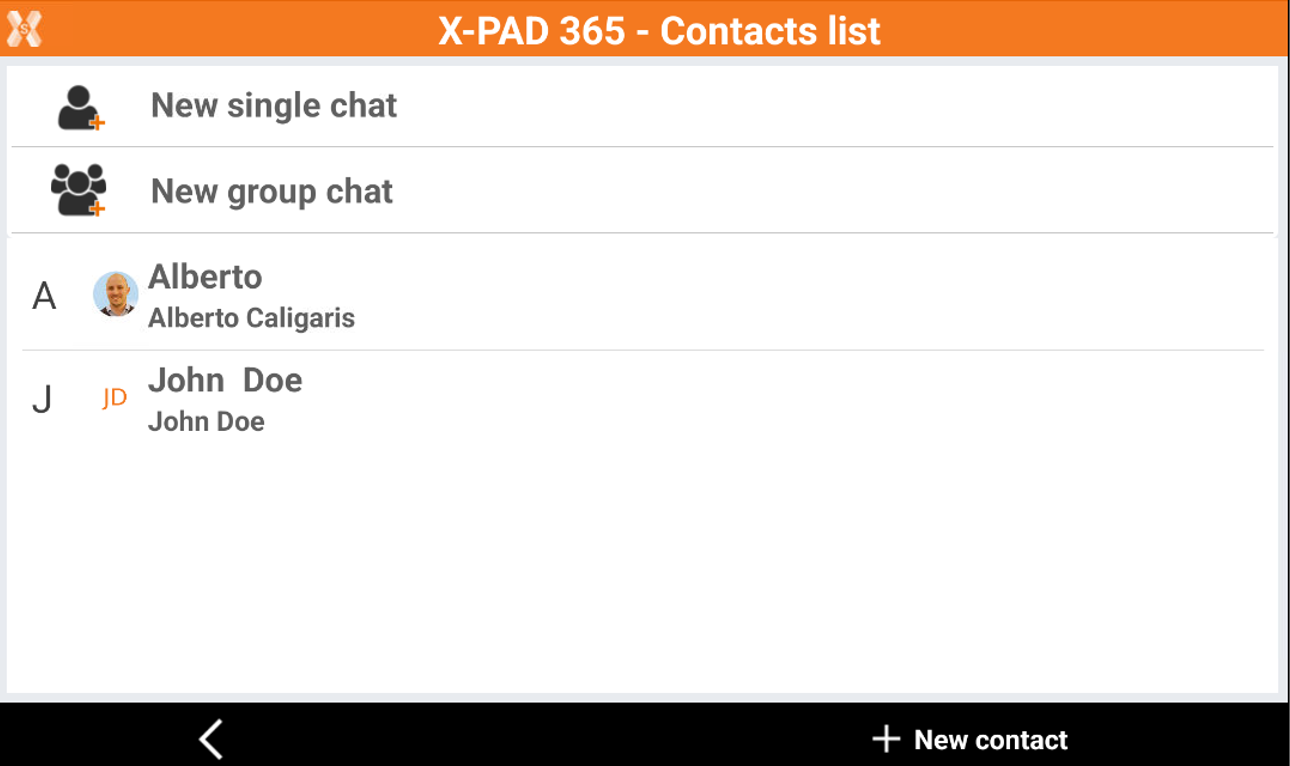
The address book includes the account of the available sub-users and already created contacts.
-
Click New single chat to start a chat with an existing contact.
-
Click New group chat to create a chat group with one or more contacts.
-
Click New contact to create a new contact. Create a new contact requires to enter:
-
Alias: the display name of the user.
-
Email: enter here the registration email for the X-PAD365 user you would like to include in the address book as contact.
-
Start a new chat
-
To start a new chat with a contact open the chat panel.
-
Select an existing chat to continue to message, or click New Chat .
-
Select the user from the list to start the chat.
-
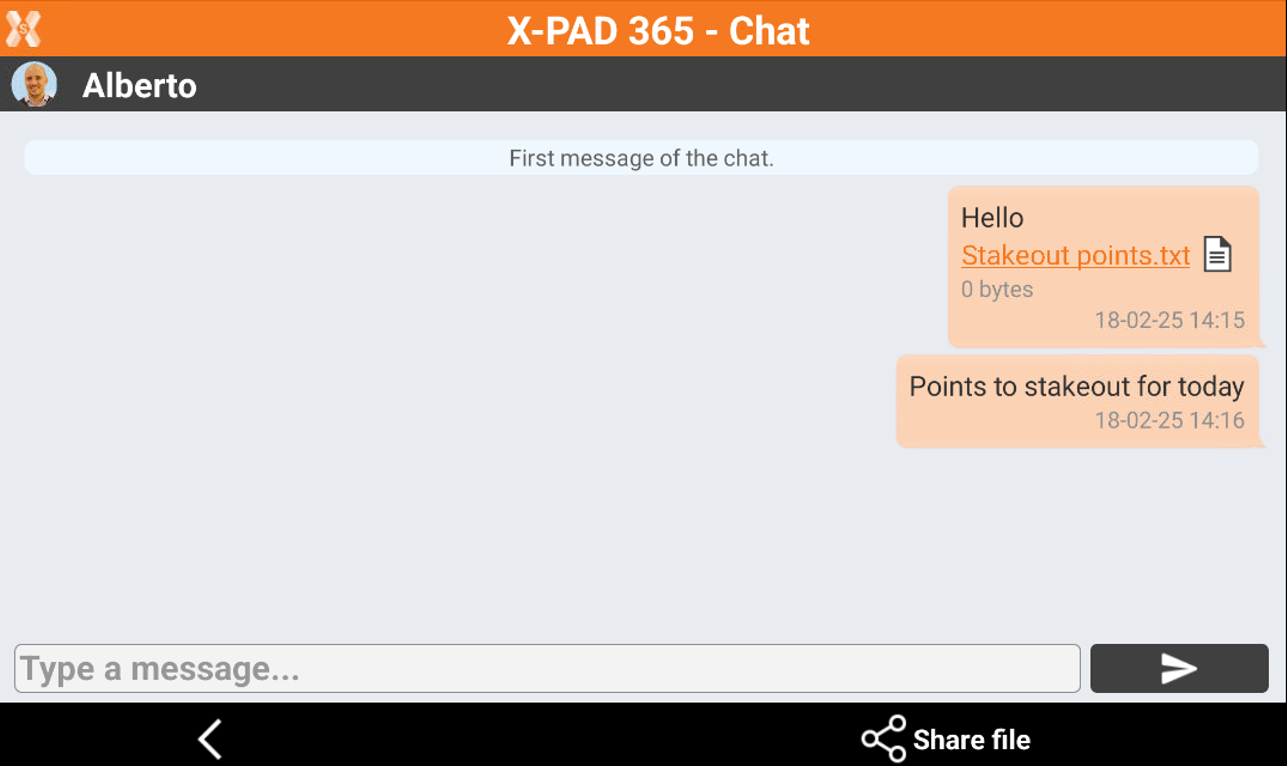
This opens the chat window.
-
Share file : allows to attach a file to be shared selecting it from local controller.
-
Send : sends the current message.
-
Create a new group
-
Groups are used to share messages and attachments with one or more users.
-
Groups are also used to start a field Collaborative Survey.
Before to start a Collaborative Survey (see Collaborative surveys ) all the users must be listed within a chat group.
-
To create a new group open the chat panel.
-
Click Contacts.
-
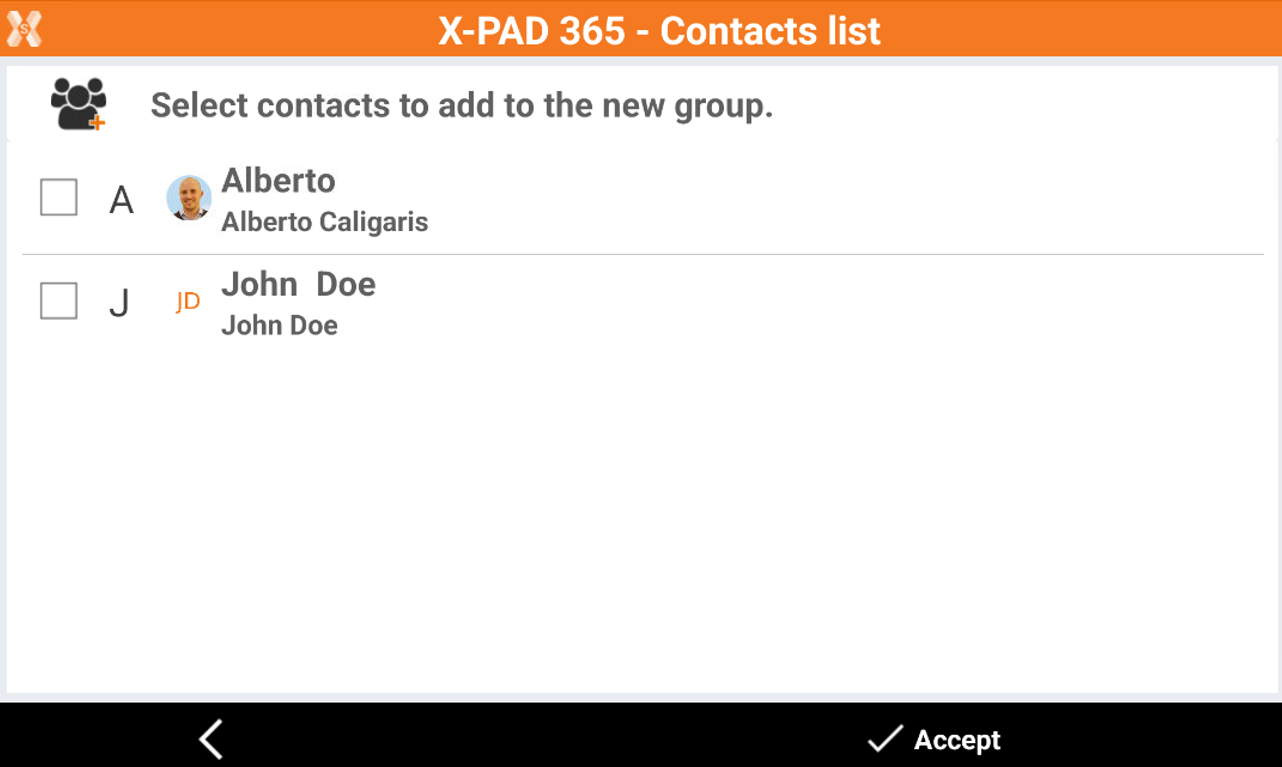
Click New Group chat.
-
Select the contacts from you address book to be part of the group.
-
The group is created and can be selected as active chat.

Exporting data to the chat
-
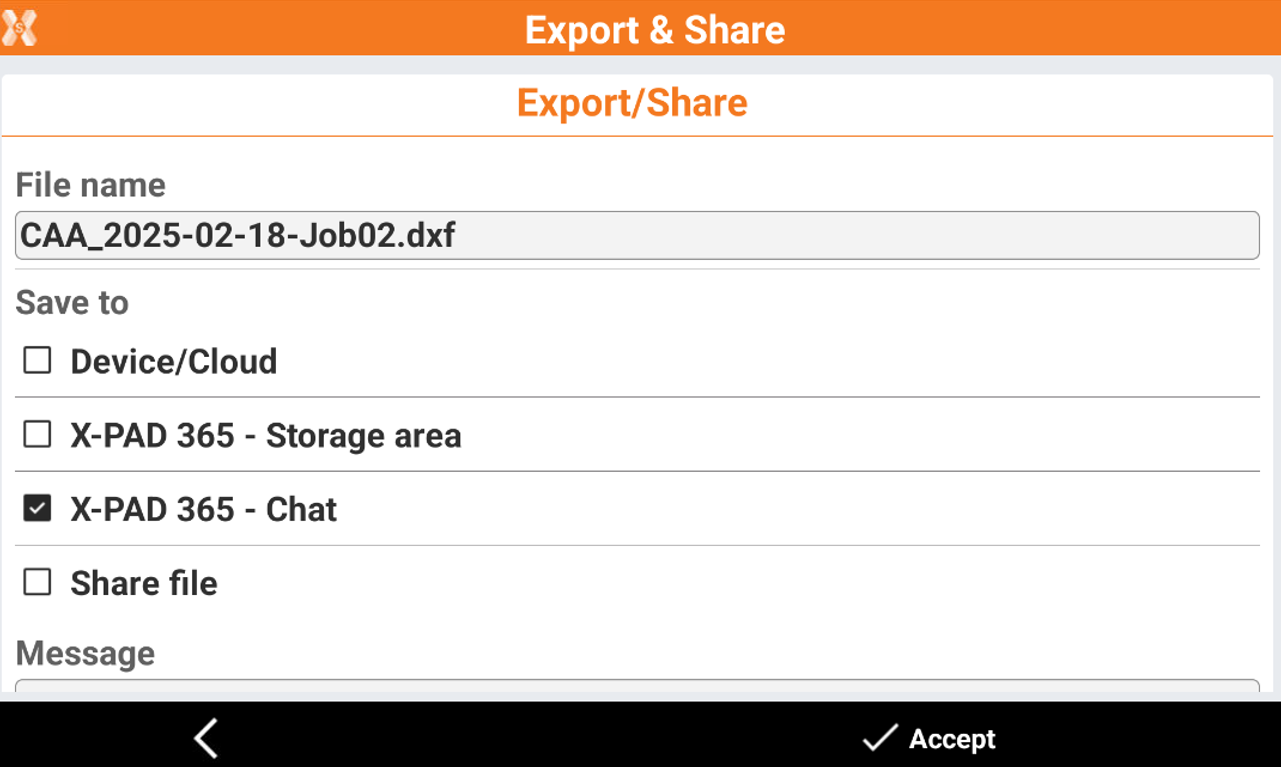
When exporting a file, it is possible to directly share it in the chat.
-
When exporting a file select X-PAD 365 - Chat.
-
Select the contact where to share the file.