
Opening a job



-
To open an existing job click Job.
-
Click New / Open job.
-
Select the site containing the job to open.
-
Select the job from the list, from the map or from the calendar.
Opening a job saved on a Cloud server
-
To open an existing job click Job.
-
Click New / Open job.
-
Click Import.

-
Click Cloud.

-
Select the cloud server on which the jobs are saved.
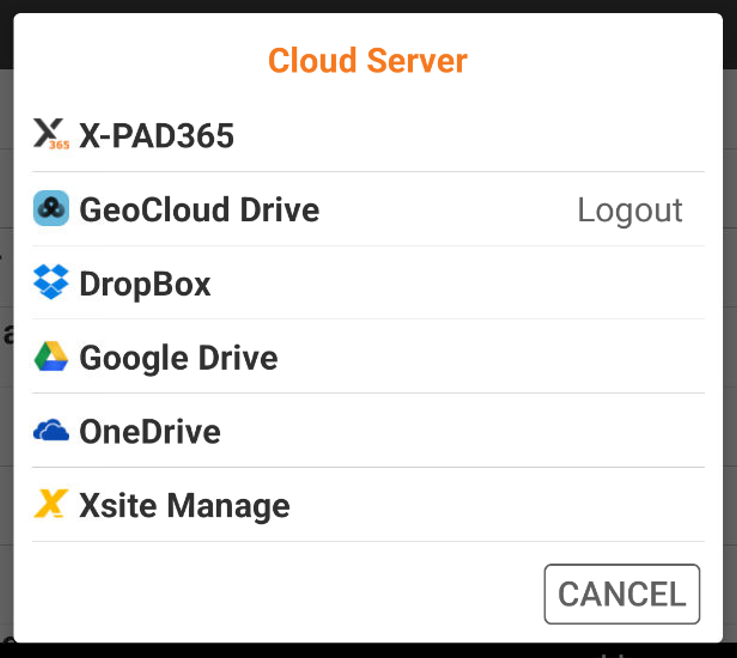
-
Login to the server, if required.
-
Select the job to open. The job is copied into the current site and can be opened.