


-
The function allows to stakeout at a defined distance from a reference point.
-
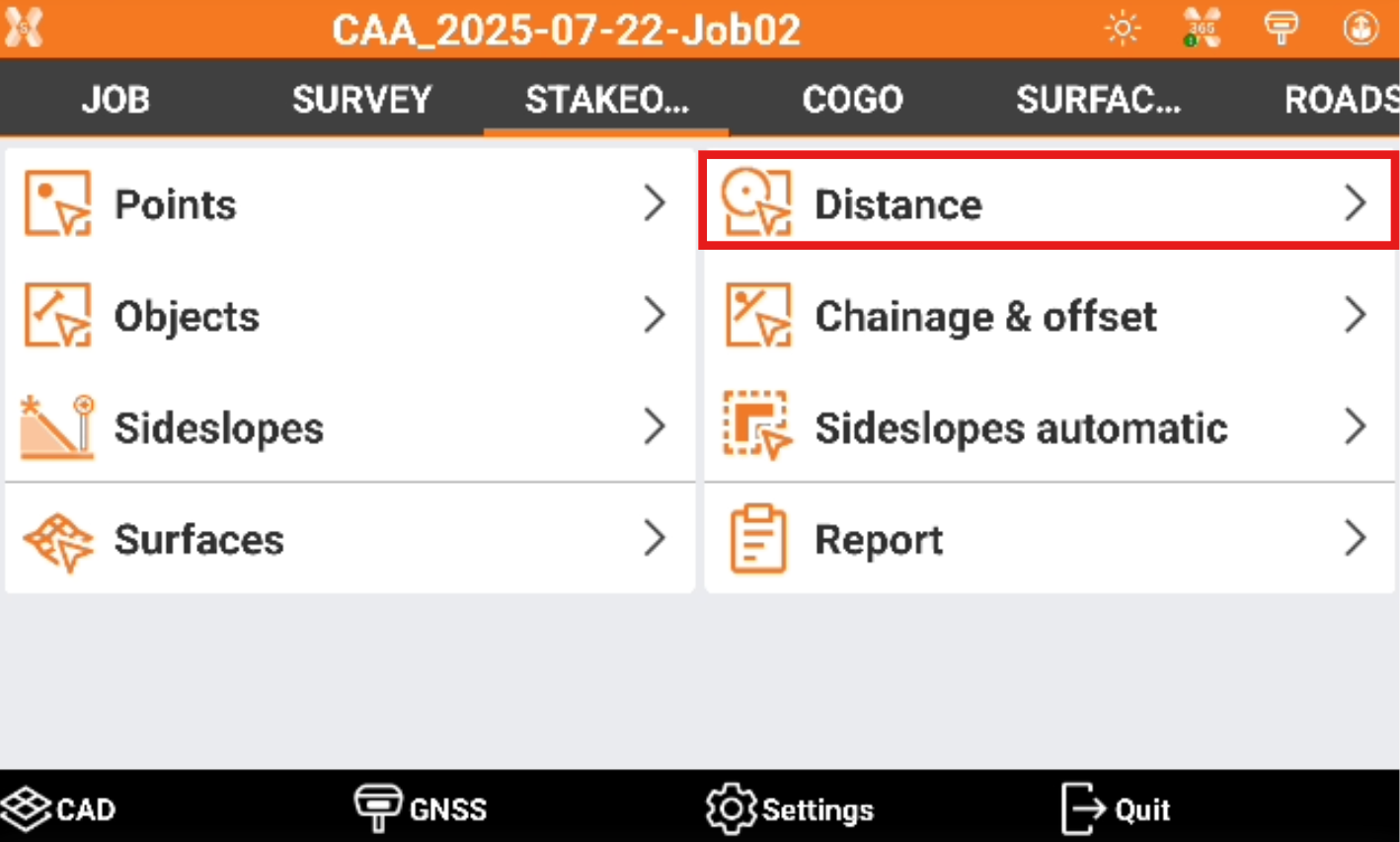
Click Stakeout.
-
Click Distance.
-
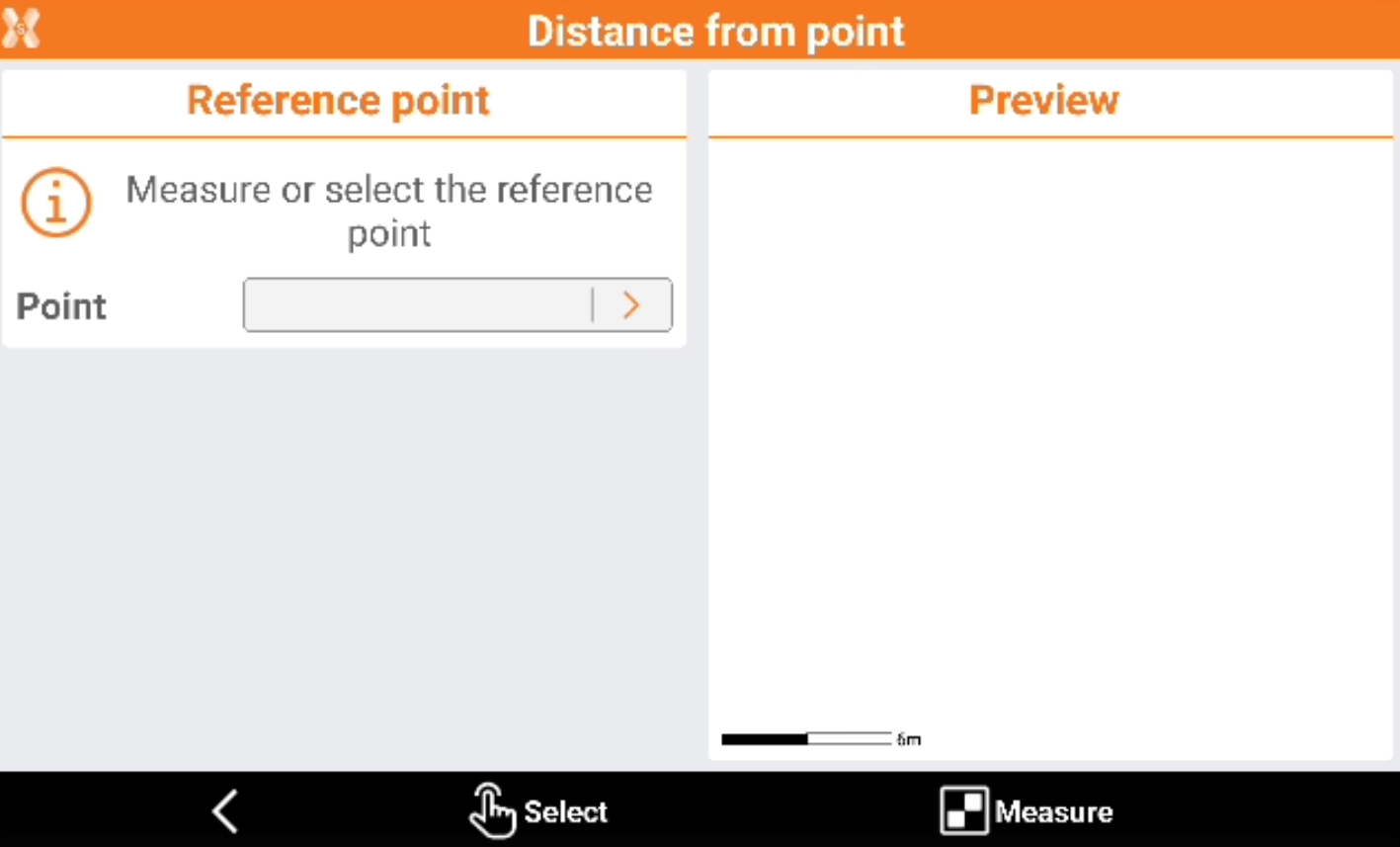
Select from CAD, from the list of points or measure the reference point.
-
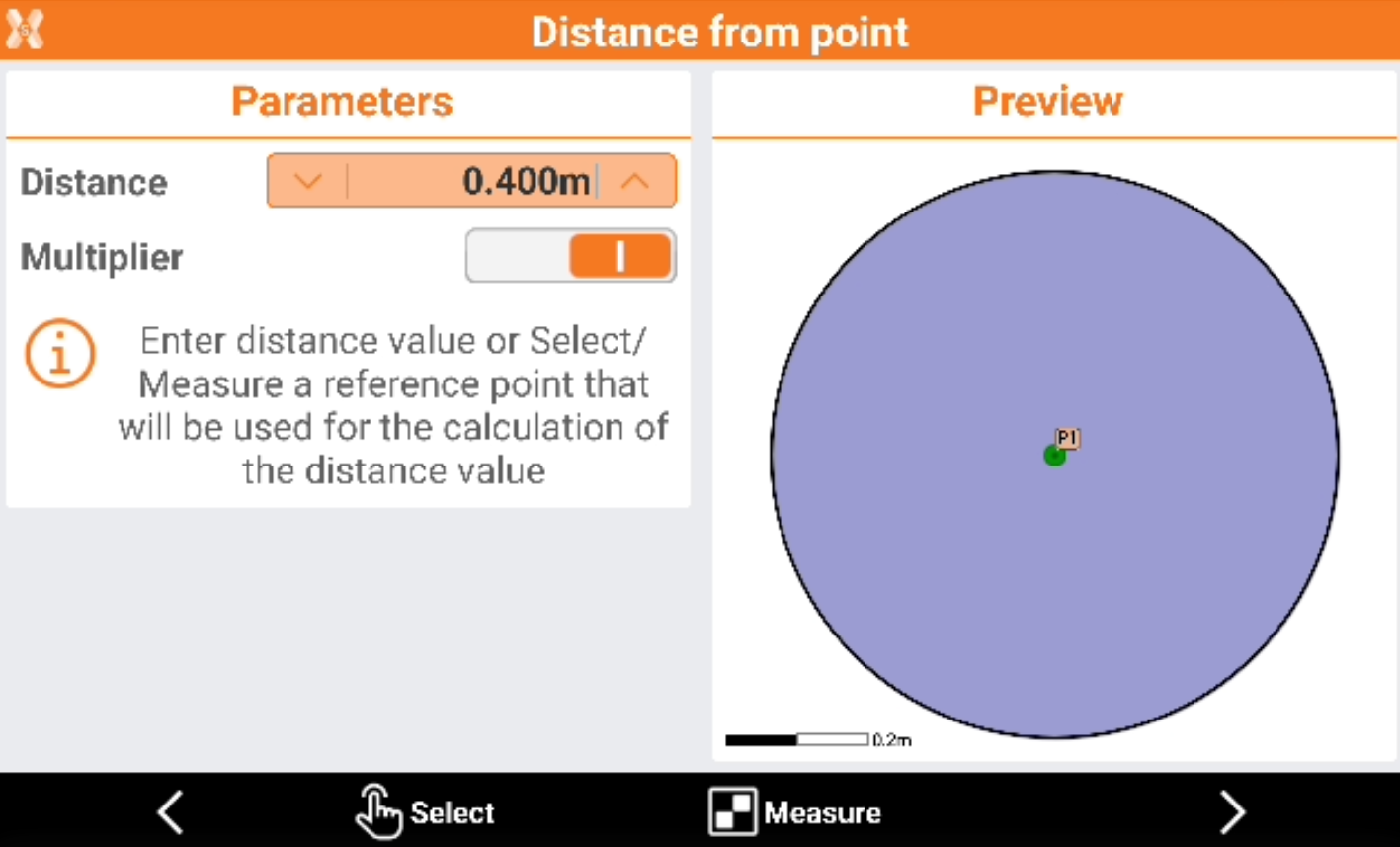
Enter the stakeout information.
-
Distance: the distance to stakeout from the reference point.
-
Multiplier: enables the multiplier. If enabled allows to stakeout from the reference point at the defined distance with a multiplier factor.
-
-
Click Select or Measure to define the distance from the reference point using another point or a measured point.
-
Click Next to stakeout the distance.
-
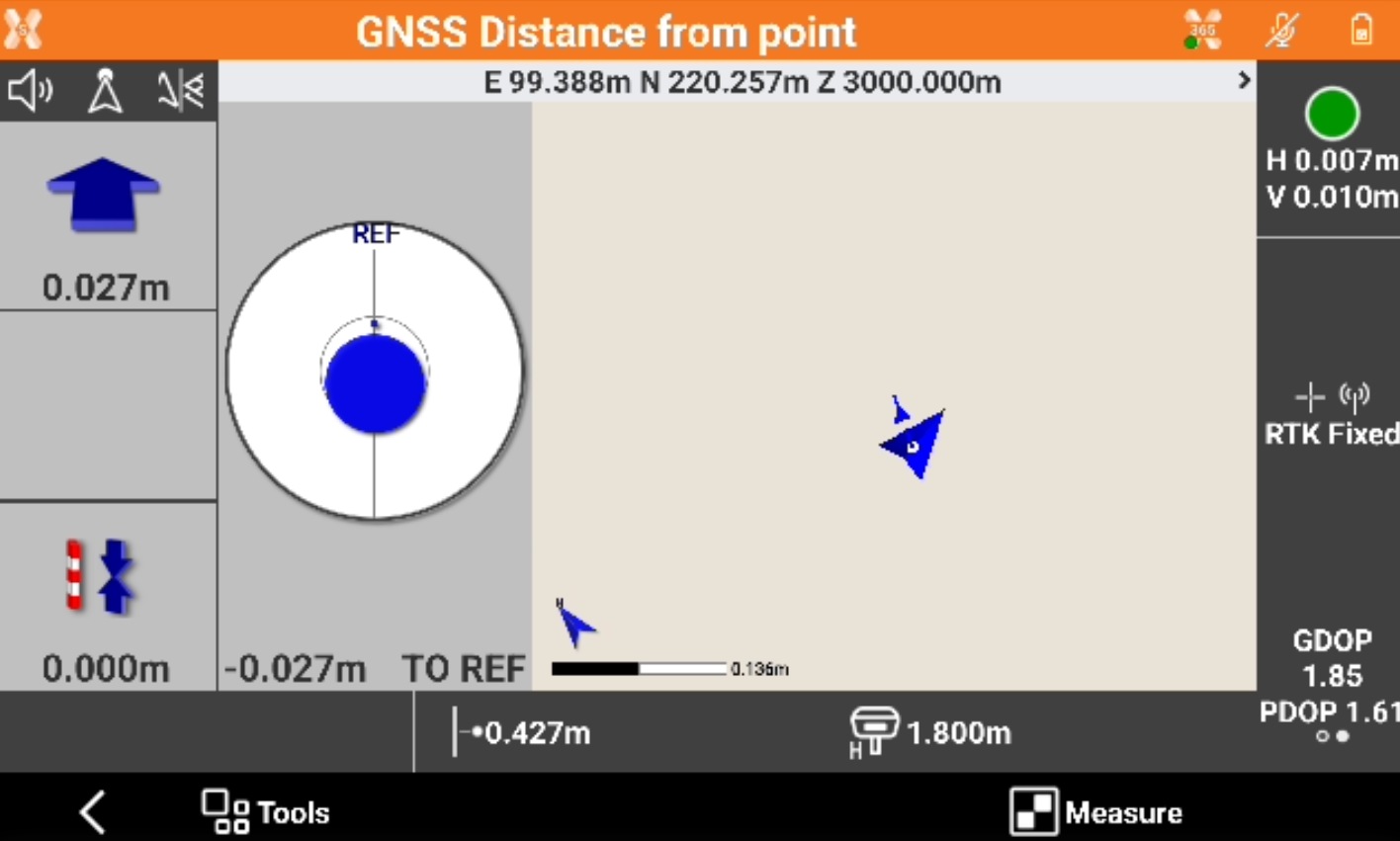
The software shows the information to stakeout the selected distance from the reference point.
-
In case the multiplier was enabled, the software shows also the multiplier factor.