


-
To delete a volume calculation, from the Surfaces and Volumes page click Volumes.
-
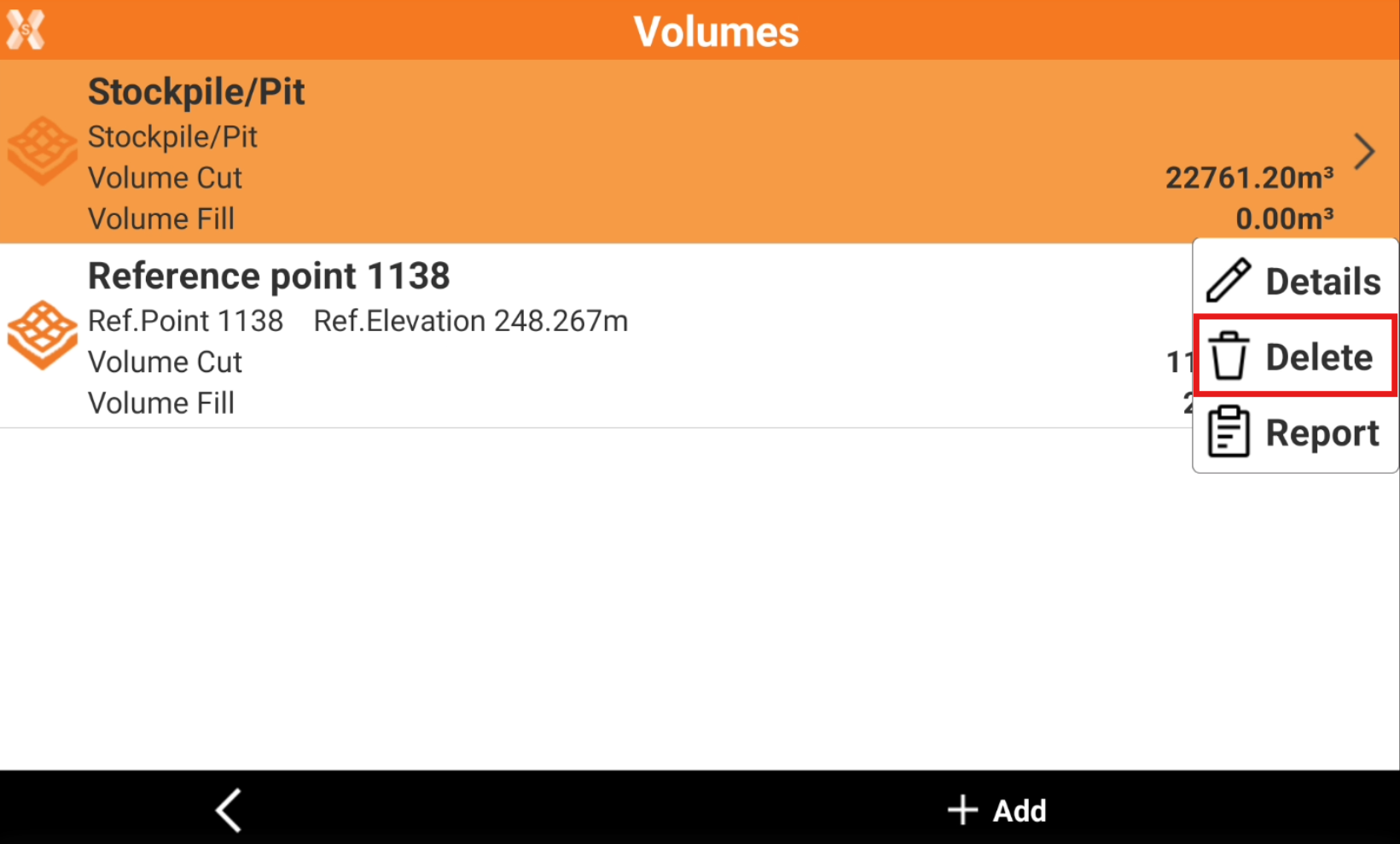
Click a volume calculation and click Delete.
-
Click YES to confirm. The operation cannot be undone.

To delete a volume calculation, from the Surfaces and Volumes page click Volumes.
Click a volume calculation and click Delete.
Click YES to confirm. The operation cannot be undone.