

-
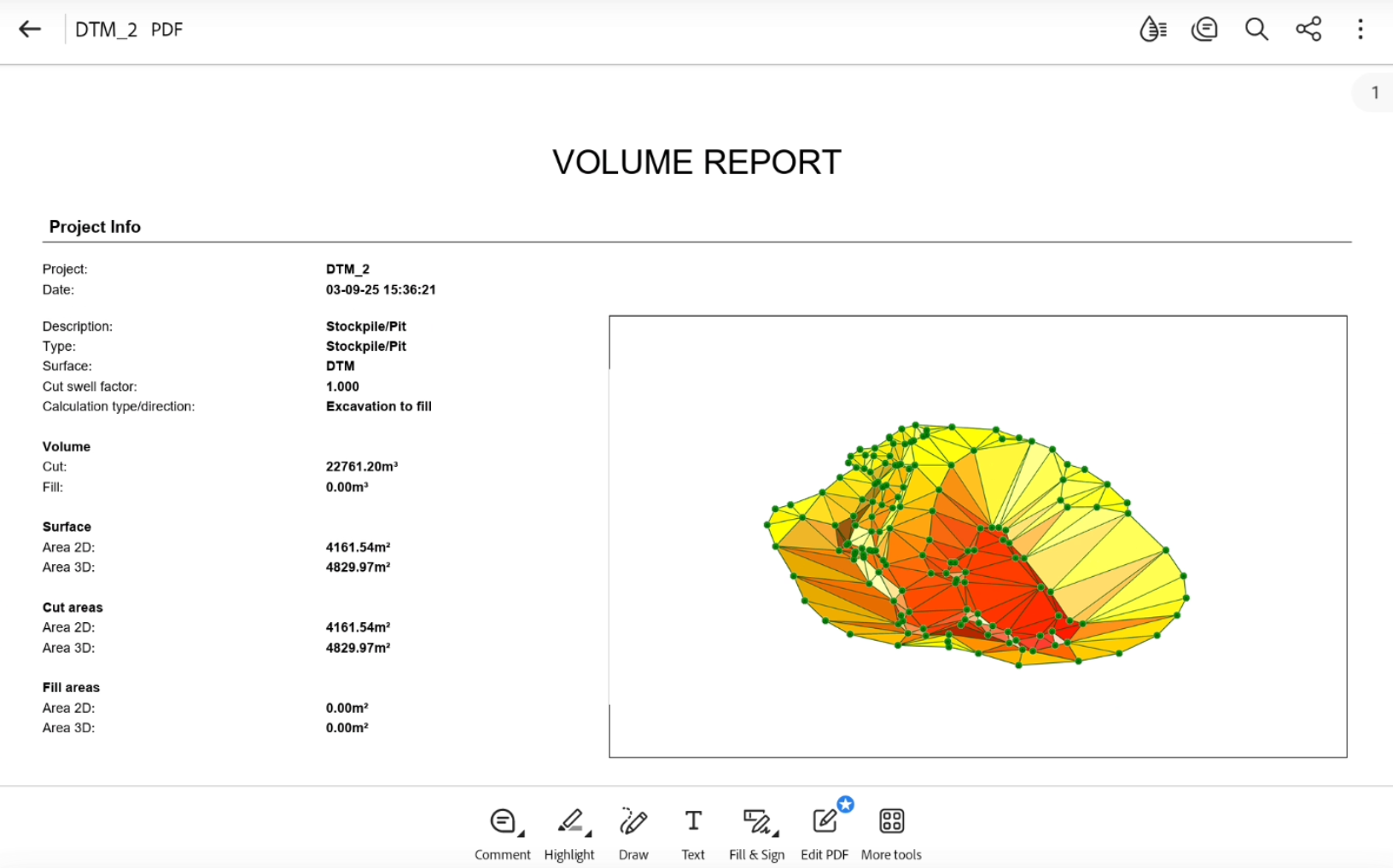
To generate a volume calculation report, from the Surfaces and Volumes page click Volumes.
The information are also available at the end of volume calculation clicking Report.
-
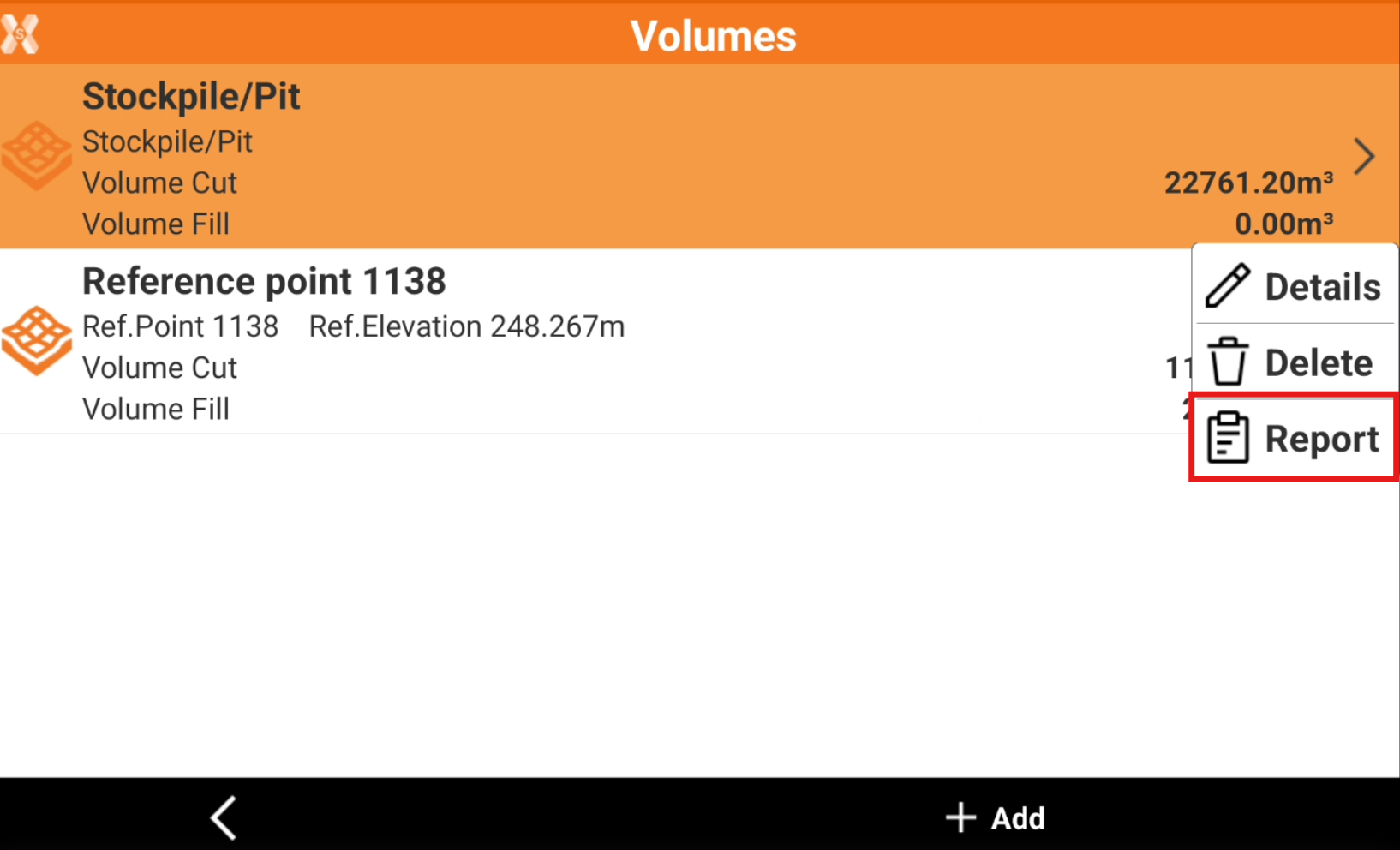
Click a volume calculation and click Report.
-
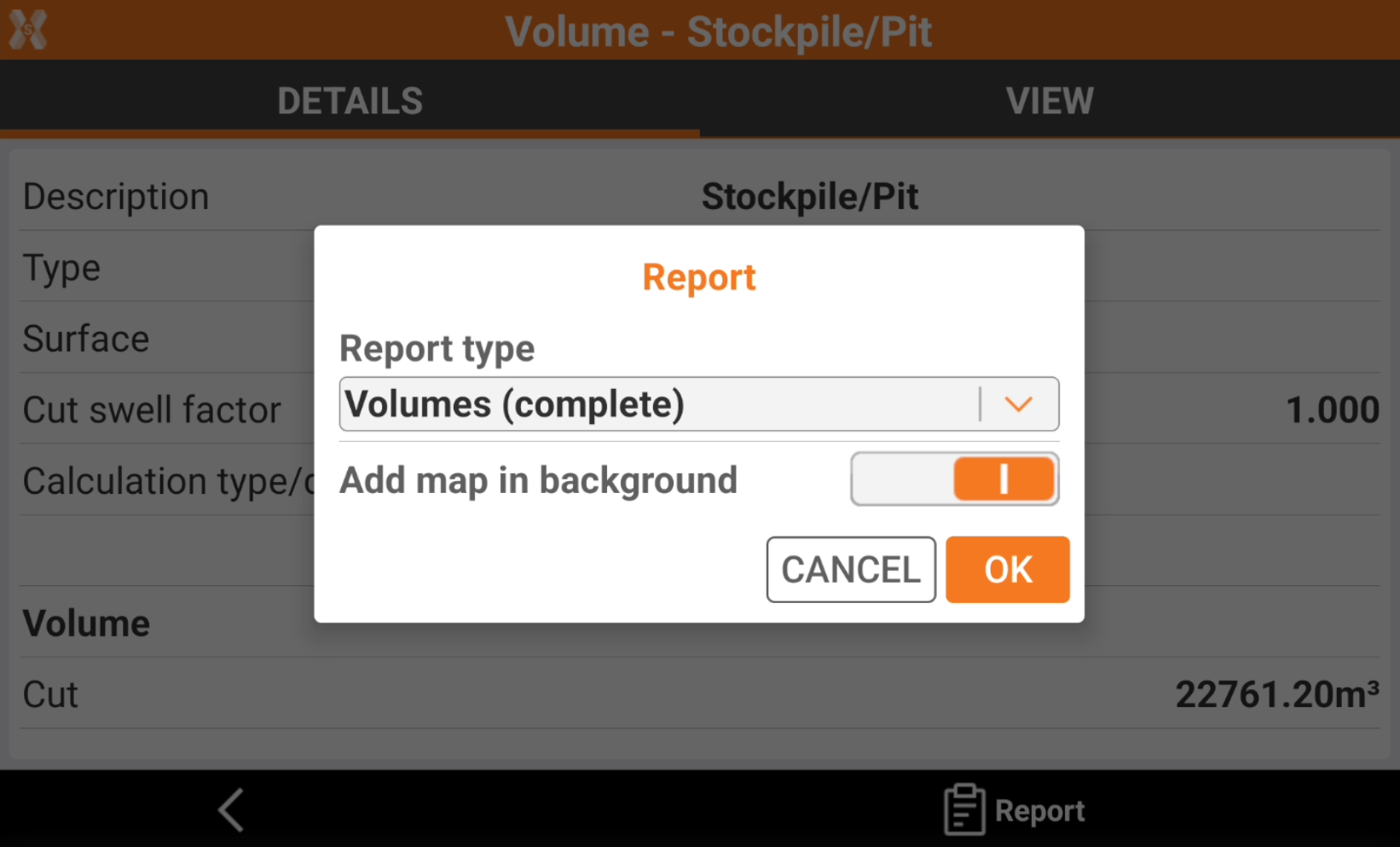
Select the report export options.
-
Report type:
-
Summary: includes the main volume calculation information.
-
Complete: includes the detailed information for each triangle.
-
-
Add map in background: enables the background map in the volume calculation view in report.
-
-
Click Ok.
-
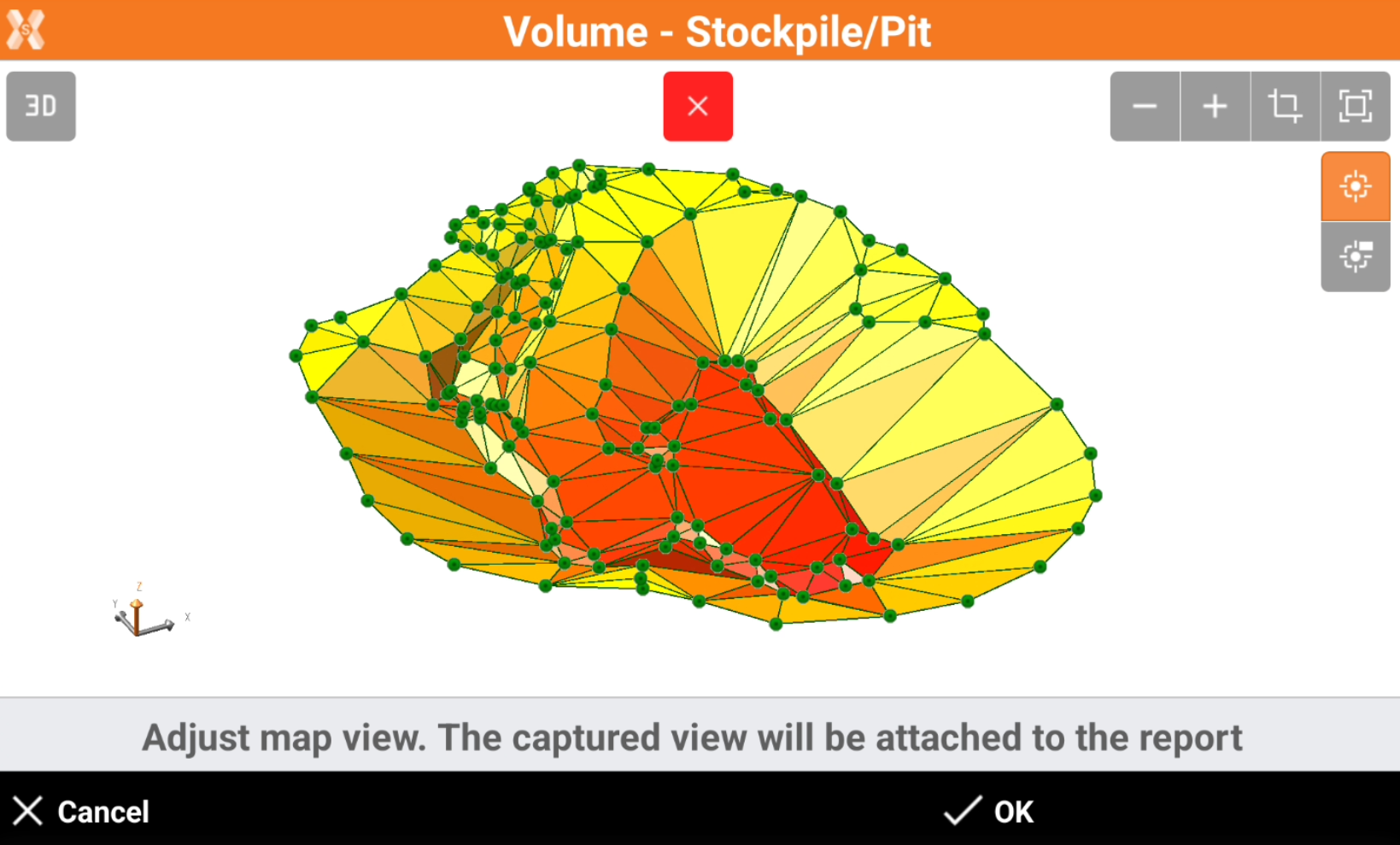
The following page allows to adjust the map view. The captured view will be attached to the report.
-
Use the CAD commands to adjust the view.
-
When done click OK to create the report.
-
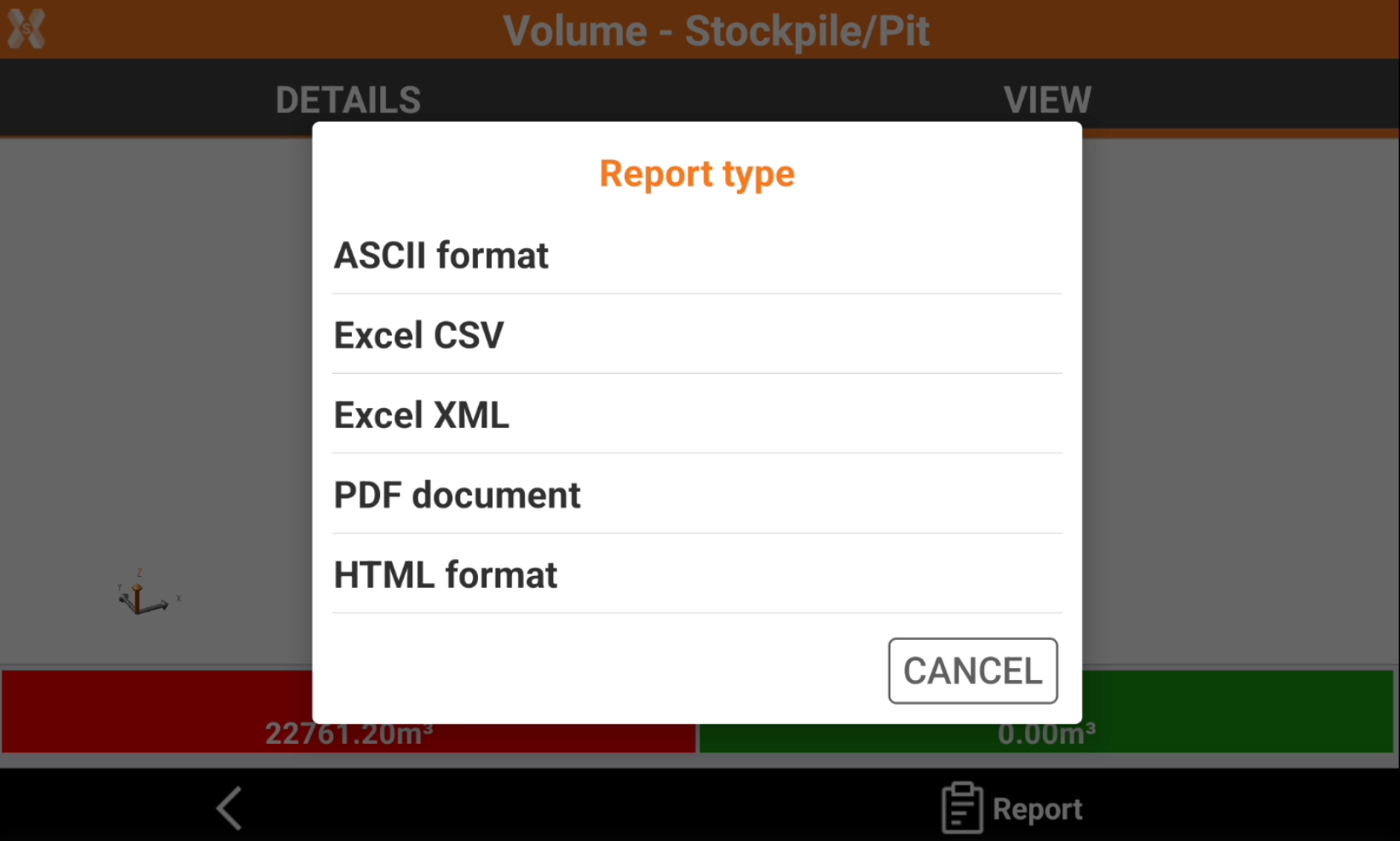
Select the format to export and save the file.
-
The report is saved in the selected folder.