

-
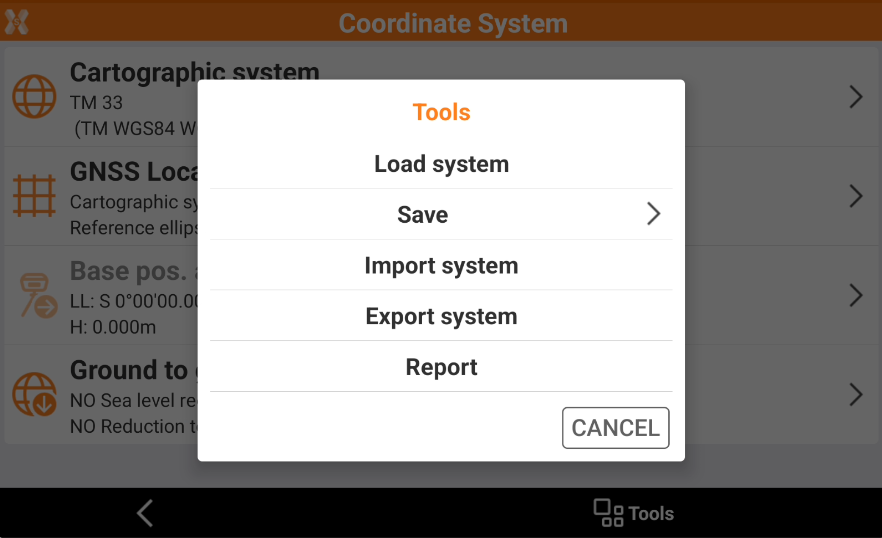
From Coordinate system page it is possible to save and import the coordinate system or generate a report of the current system.
-
Click Job.
-
Click Coordinate System.
-
Click Tools to open the list of functions to import and export the systems.
Load system
-
The function Load system allows to load a previously saved system in the .pcs format.
-
Click Load system.
-
Select a .pcs file from the internal memory or the cloud.
Save system
-
The function Save system allows to save the current coordinate system.
-
Click Save system.
-
Save current system: to export the current coordinate system in the cloud or internal memory in .pcs format.
-
Save as default system: to save the current coordinate system as default system for all job sites that will be created.
-
Save as site default system: to save the current coordinate system as default system for the current job site.
-
Import system in Leica iCON LOK format
-
The function Import system allows to import a coordinate system in Leica LOK format.
-
Click Import system.
-
Select iCON LOK file.
-
Select a .lok file from the internal memory or the cloud.
Export system in Leica iCON LOK file format
-
The function Export system allows to import a coordinate system in Leica LOK format.
-
Click Export system.
-
Select iCON LOK file.
-
Export the current coordinate system in the cloud or internal memory in .lok format.
Generate a report
-
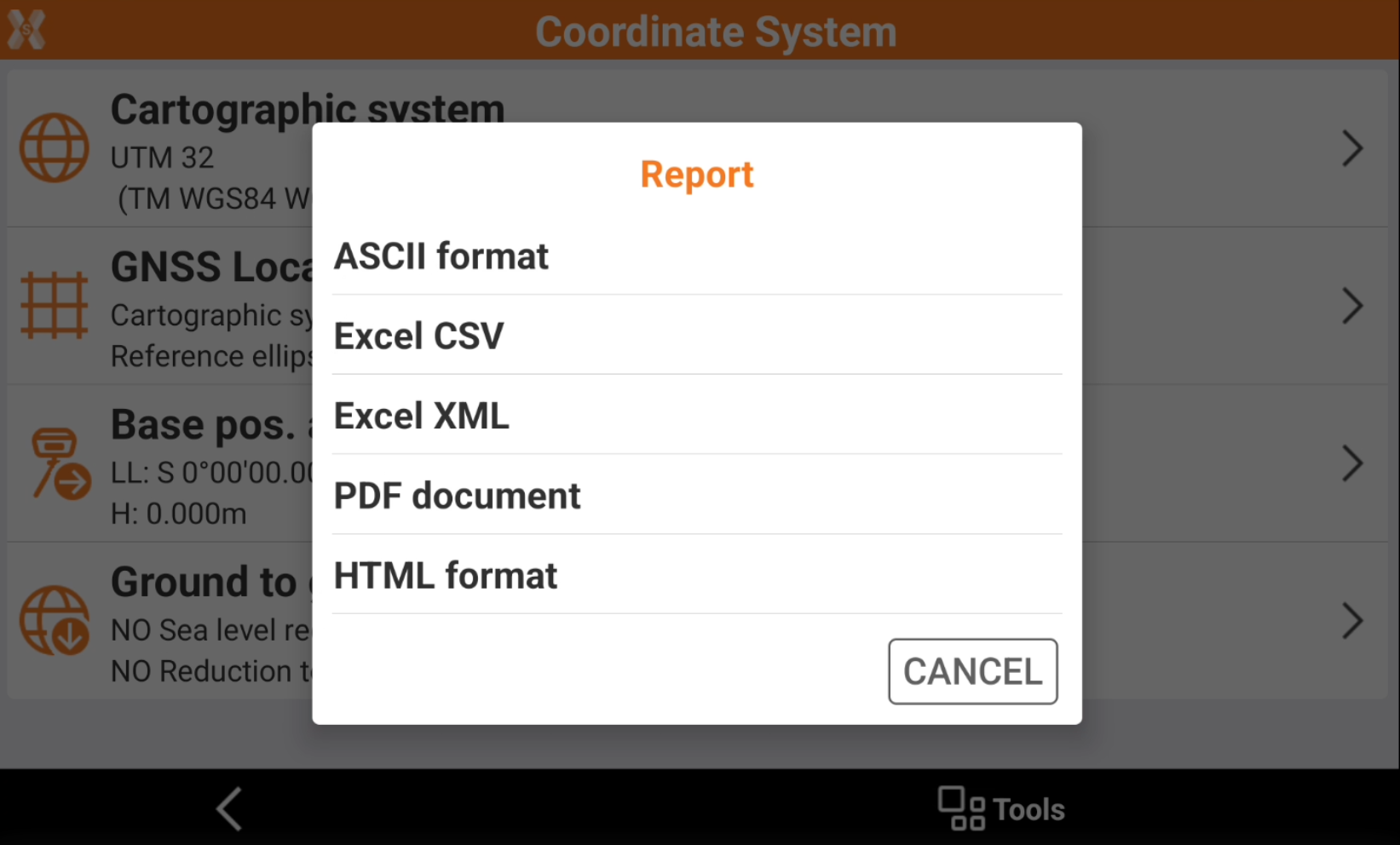
The function Report allows to generate a report of the current coordinate system.
-
Click Report.
-
Select the report format and export the file in the cloud or internal memory.