

-
This profile allows to use the GNSS module inside the Android controller in the X-PAD application.
-
Click Settings.
-
Click GNSS & Total stations.
-
Click Add to create a new profile.
-
Select GNSS Receiver (GNSS).
-
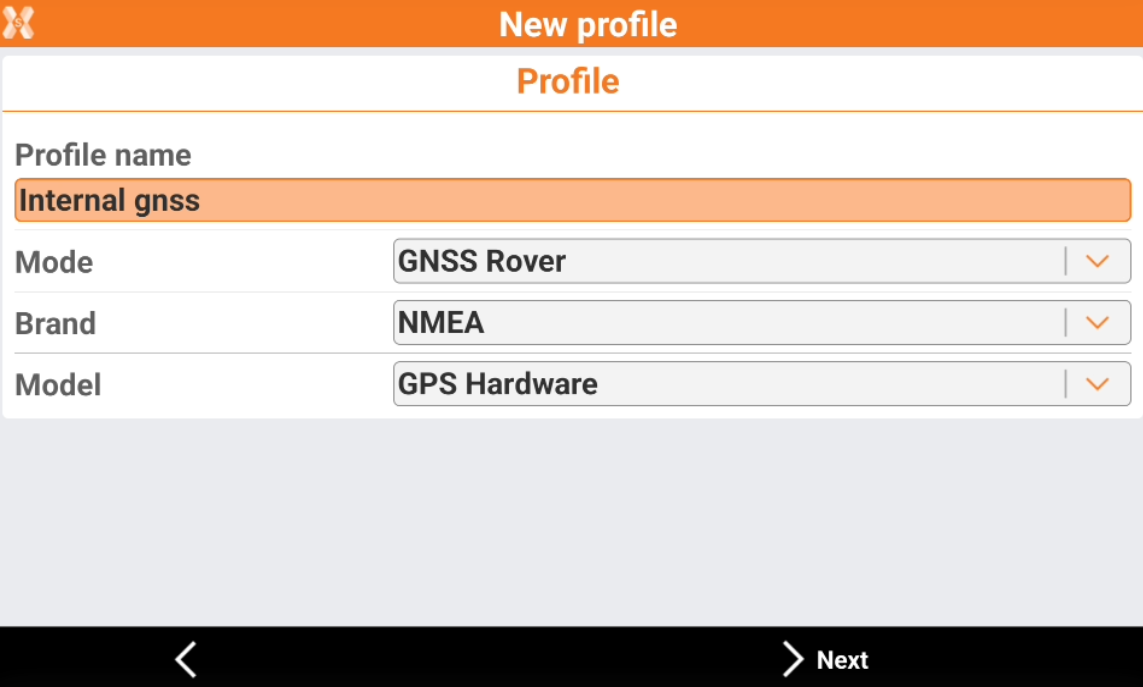
Assign a name to profile.
-
Select NMEA as Brand and GPS Hardware as Model.
-
Enter the height and click Accept to complete the profile.