
-
Create one or more profiles related to cable detectors.
-
Acquire positions with GPS and depth with a cable detector.
-
Click Settings.
-
Click Cable Detector.
-
Click Add to create a new profile.
Profile page
-
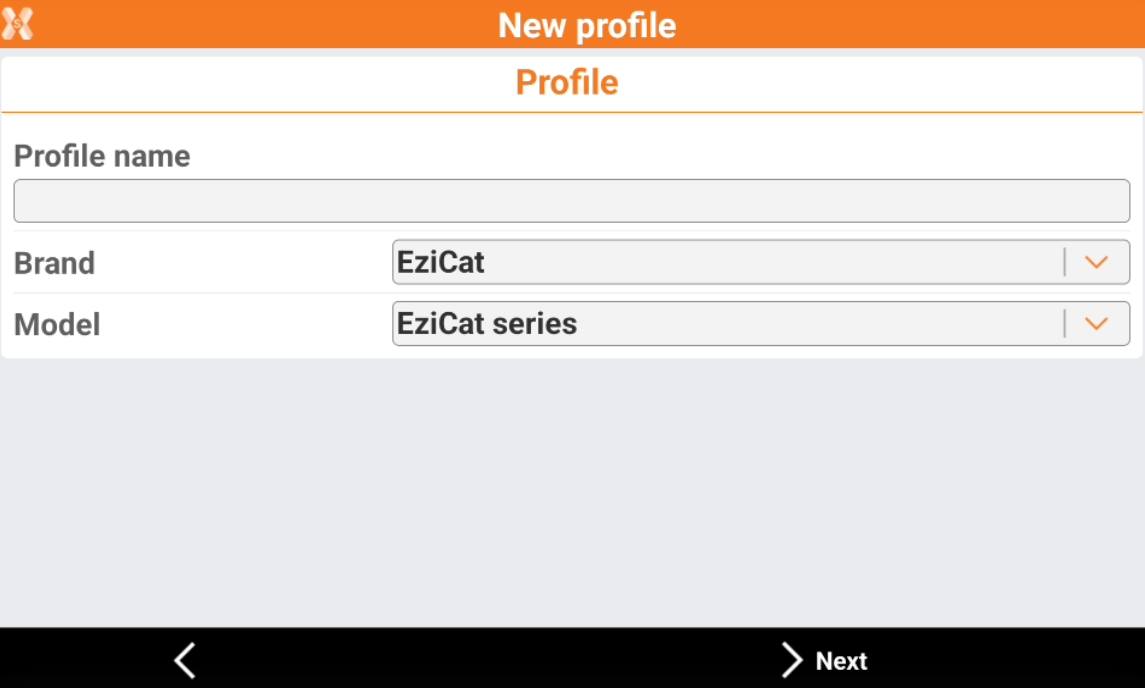
The Profile page allows to enter the information on the profile type and instrument connected.
-
Profile name: name to assign to the profile.
-
Brand: brand of the cable detector.
-
Model: model of the cable detector.
-
Device page
-
The Device page allows to define how the device is connected to the software and search the device using the bluetooth.
-
Device: name of the Bluetooth to connect.
-
-
To start a search in case the instrument is not in the list, click Add device.