
-
The Road manager is the control panel of all data of the road project.
-
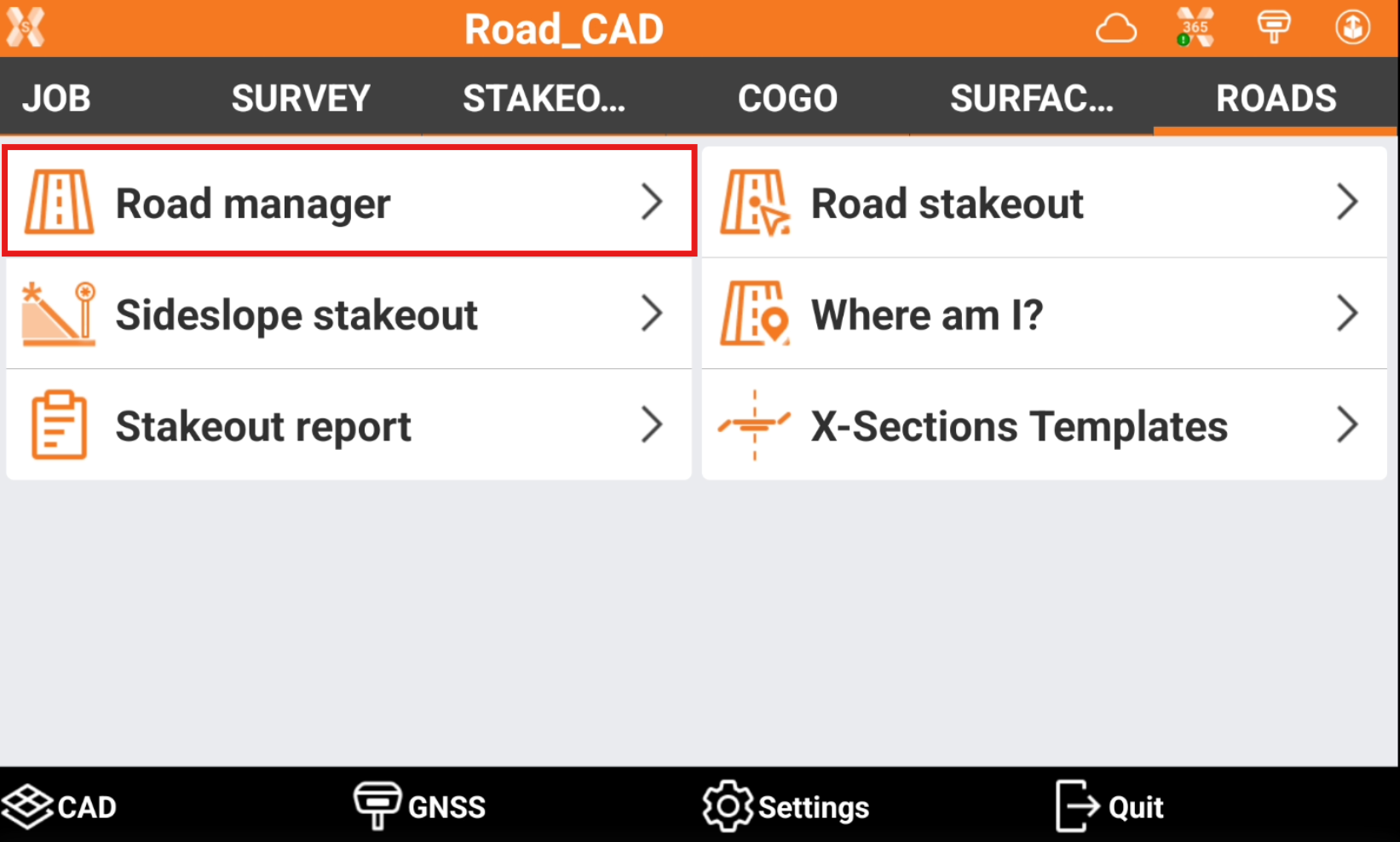
Click Road.
-
Click Road manager.
-
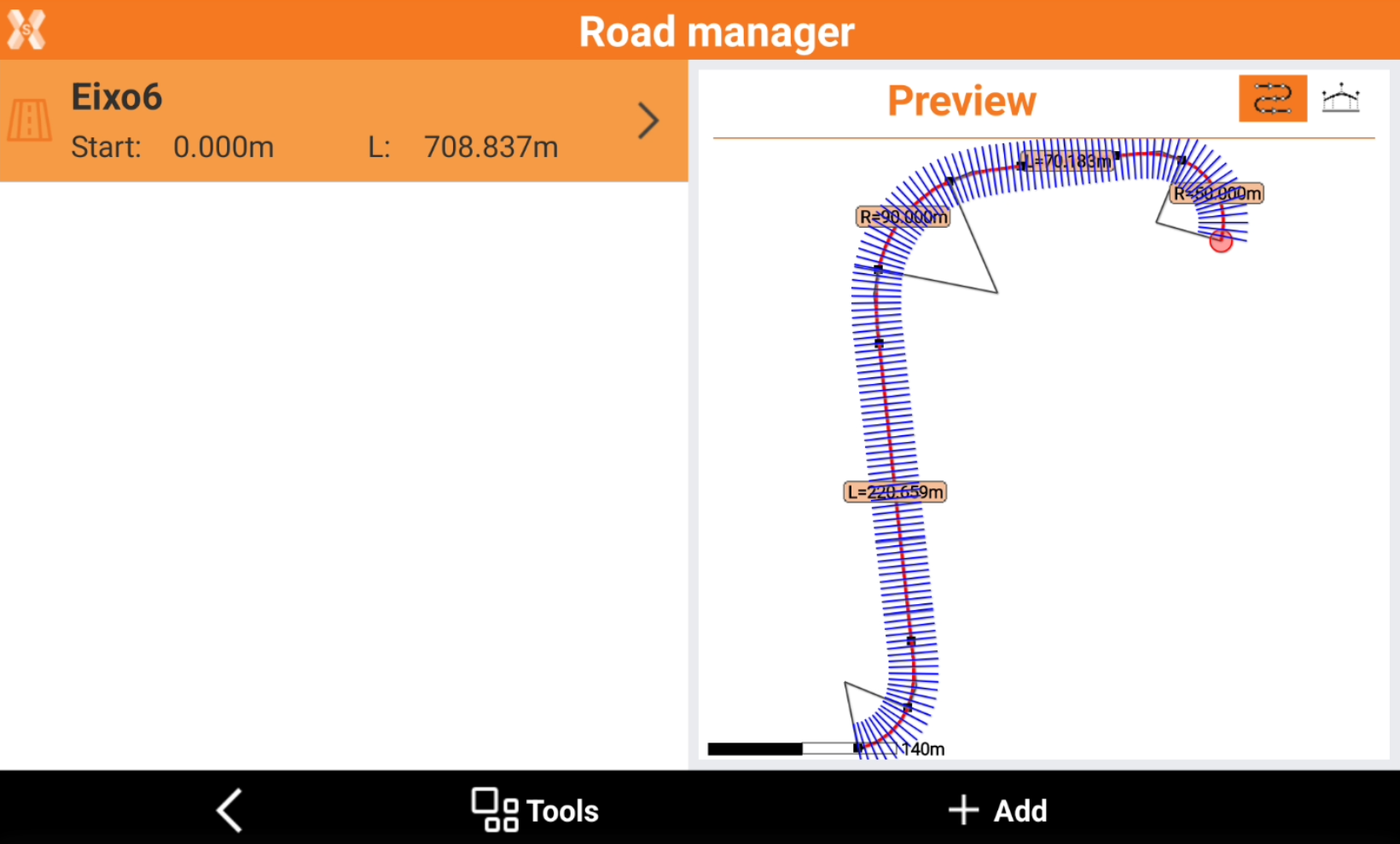
The page lists all the roads available in the job. Click on a road to show the preview.
-
The preview panel has a graphical view of the selected road with all its elements.
-
Click

-
Click

-
Import road data
-
To import road data from external file click Tools.
-
Select Import road data.
-
Refer to Import road data.
Add a new road
-
To design a new road click Add.
-
Refer to Design a road step-by-step.
Display options
-
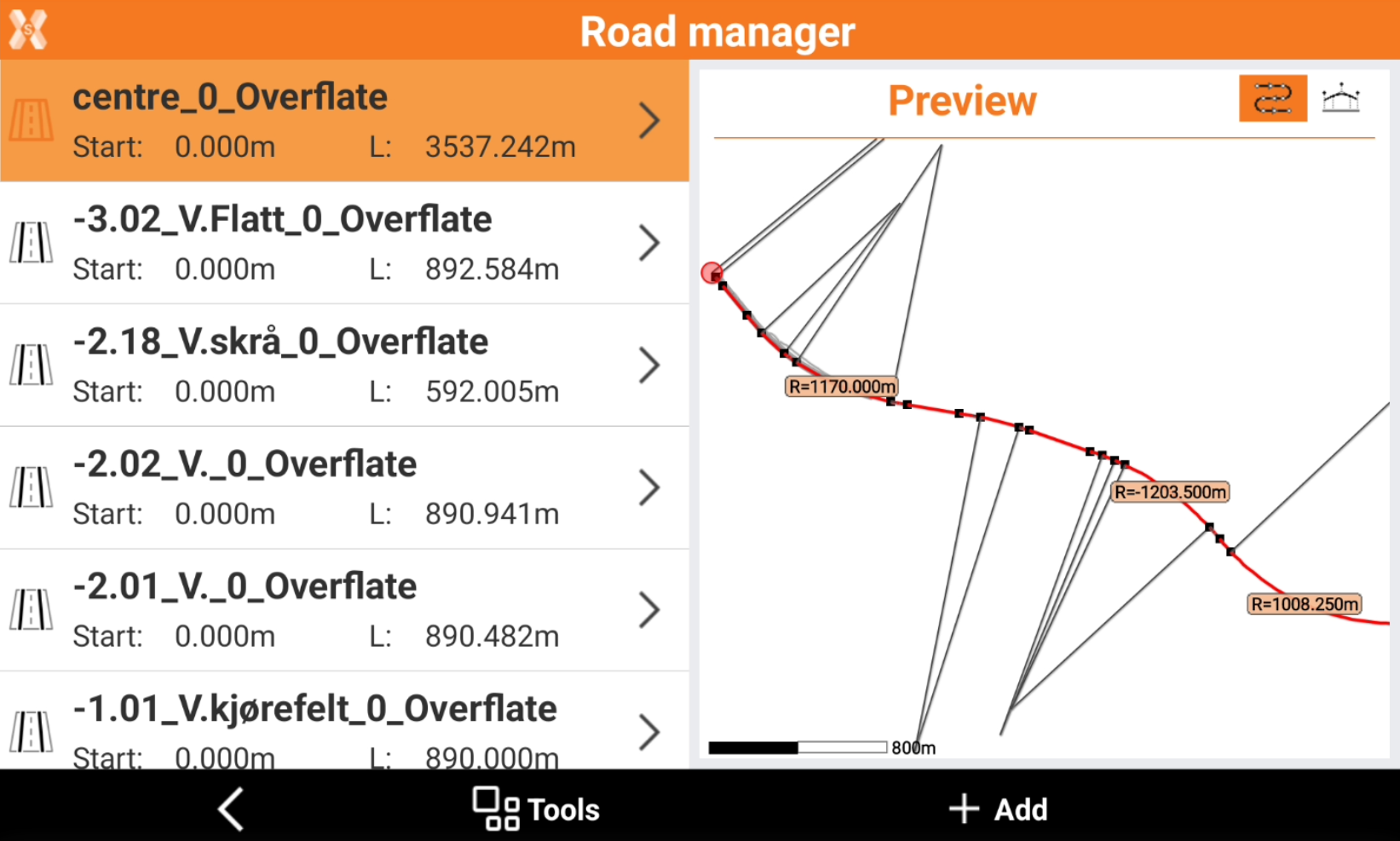
The road can be imported with several axis.
-
In this case it is possible to select if display only the centerline or also the other axis in the road manager.
-
Click Tools.
-
Click Display all to display all axis.
Delete a road
-
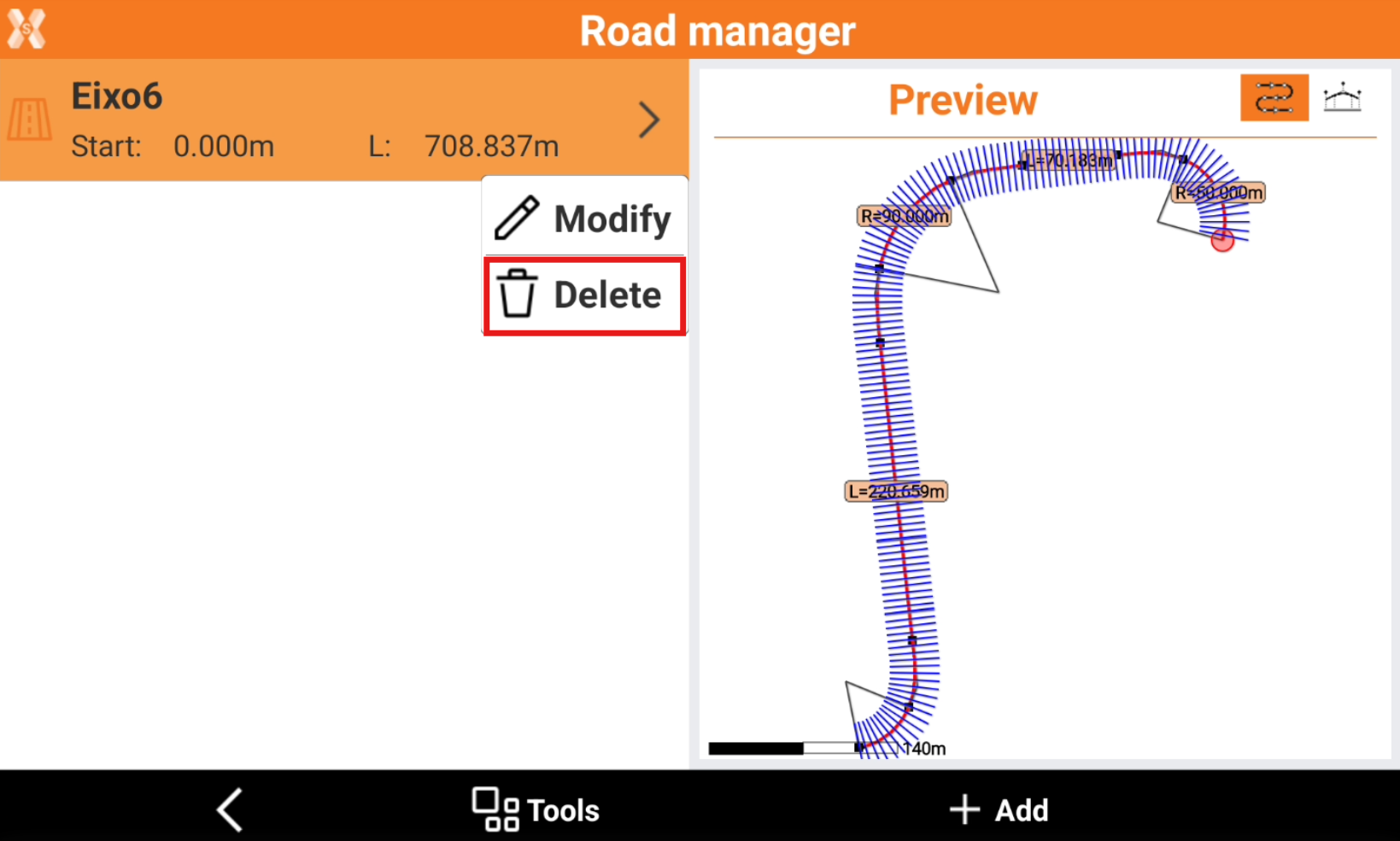
To delete a road select the road in the Road manager.
-
Click Delete.