


-
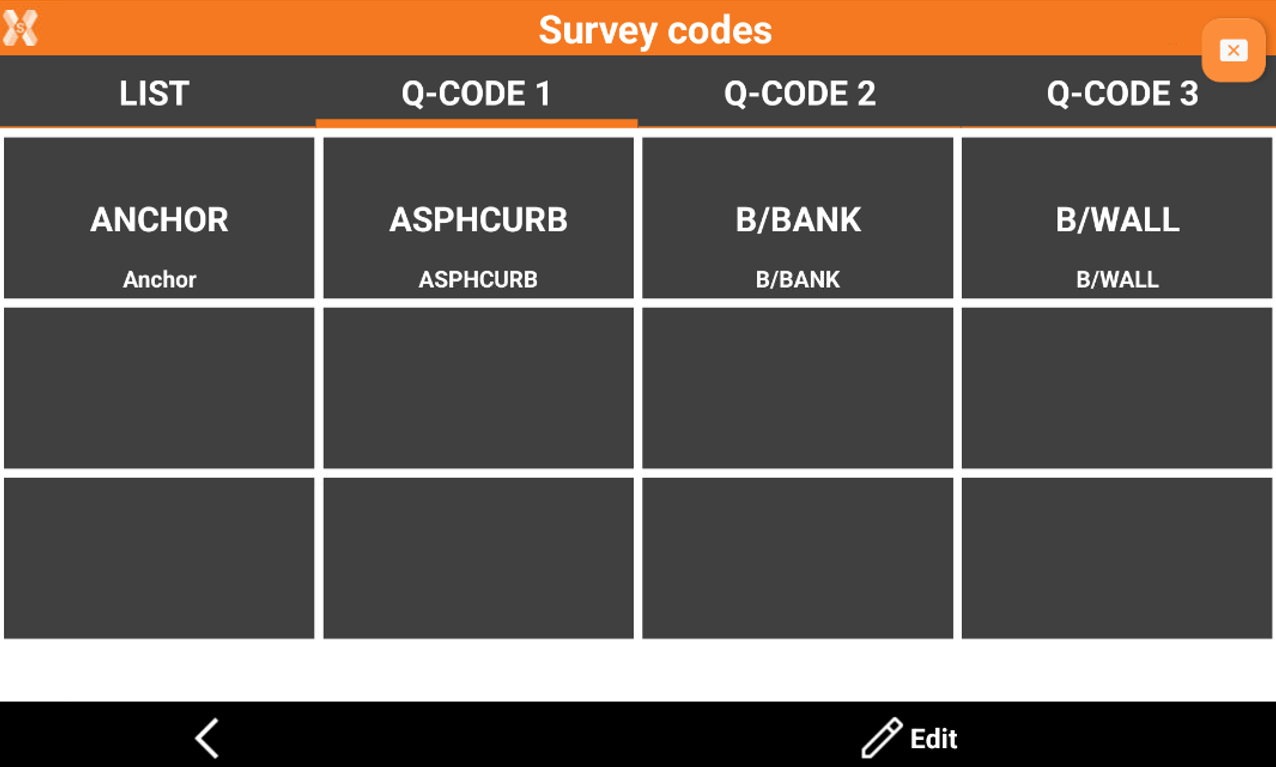
The Quick codes table allows to define a page with a selection of the most used codes, to be quickly accessed from the survey page.
Selecting quick codes
-
Click Code to open the codes list.

-
On the Q-Code 1, Q-Code 2, Q-Code 3 page, some buttons corresponding to some codes are available. Select the code hitting the corresponding button.
Customize the quick codes
-
Open the Quick codes table page to customize.
-
Click Edit.
-
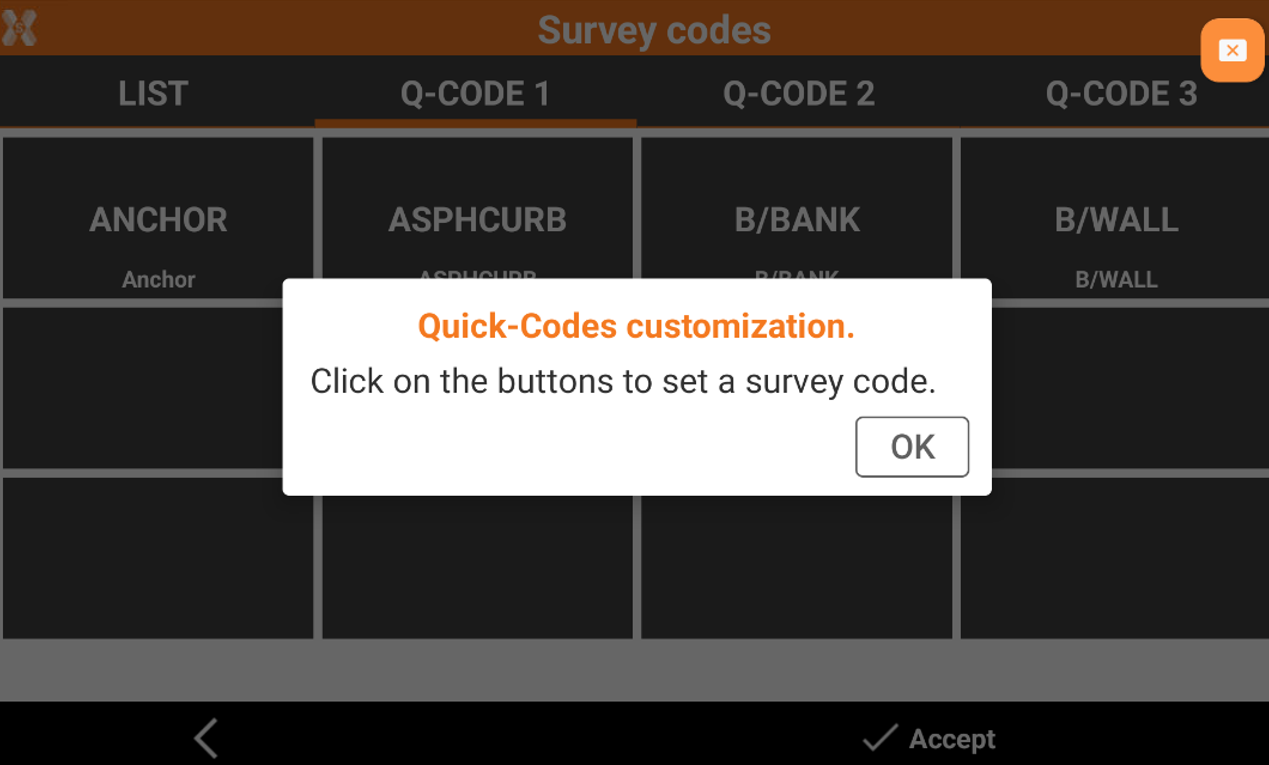
Select Quick-Codes customization.
-
Click on the buttons in the table to set a survey code selecting it from the list of codes.
-
Click Accept to complete the procedure.
Add a new Quick-codes page
-
Open the Quick codes table.
-
Click Edit.
-
Select Add Quick-Codes page.
-
Enter the new page name to create a new page available to be customized with quick-codes.
Rename a Quick-codes page
-
Open the Quick codes table page to rename.
-
Click Edit.
-
Select Rename Quick-Codes page.
-
Enter the new page name.
Delete a Quick-codes page
-
Open the Quick codes table page to delete.
-
Click Edit.
-
Select Delete current page.