



-
While connected to an instrument click on its battery icon to open the instrument Information page.
-
This opens new page.
-
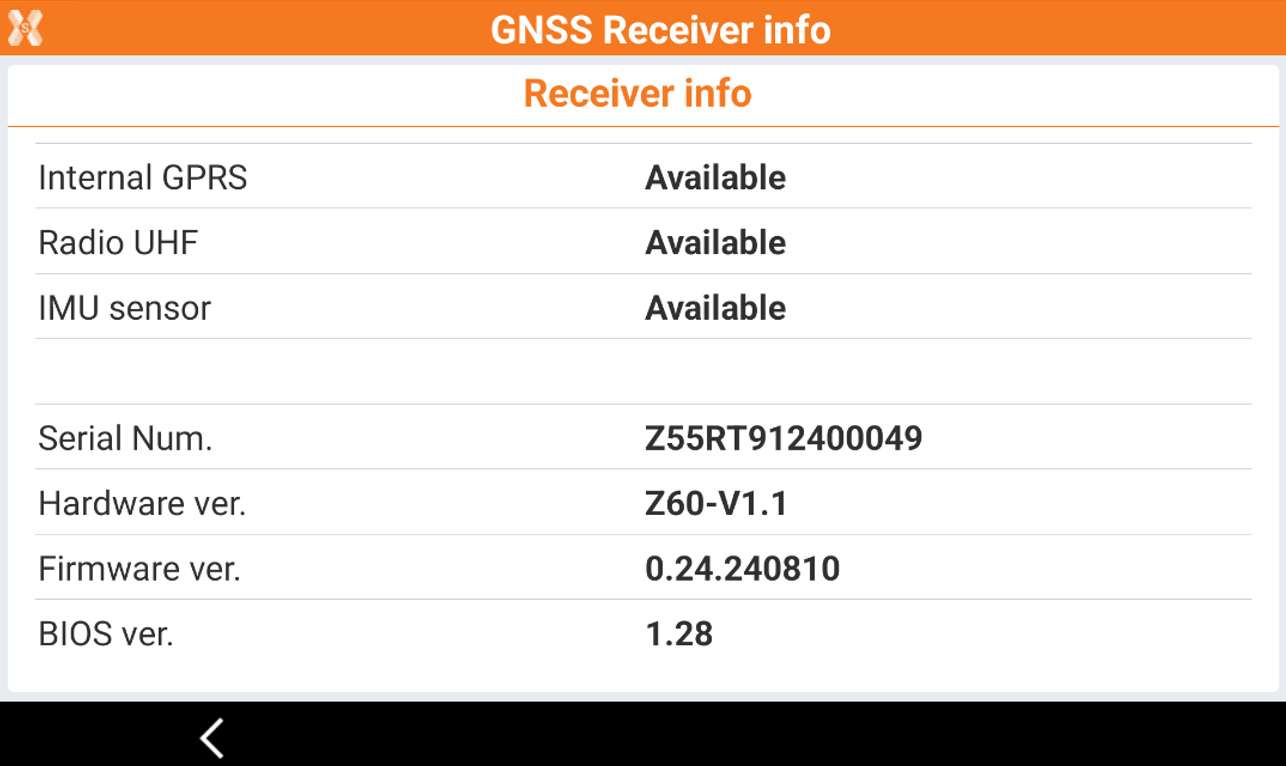
The information page shows different information depending on the instrument connected, such as the battery level, the activated options, the instrument serial number and the firmware version.