



-
The X-PAD Info page shows information on the current release, license, device and allows to get support.
-
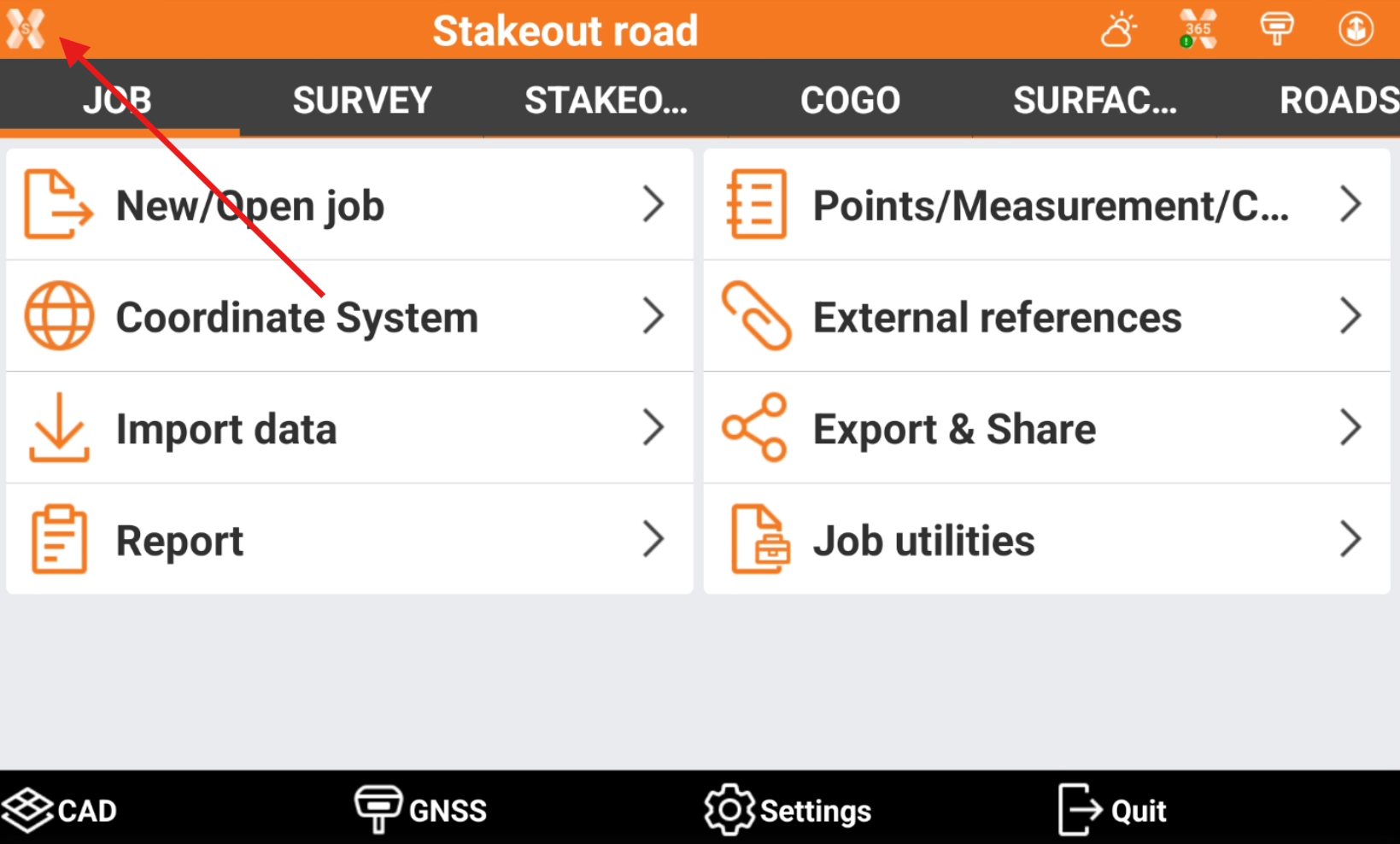
Click X-PAD logo on top-left of main work screen.
-
About: shows the current software version.
-
License: shows the license information and offers tools to release the license from current device or update license information.
-
Releases: shows the old software releases with possibility to download them.
-
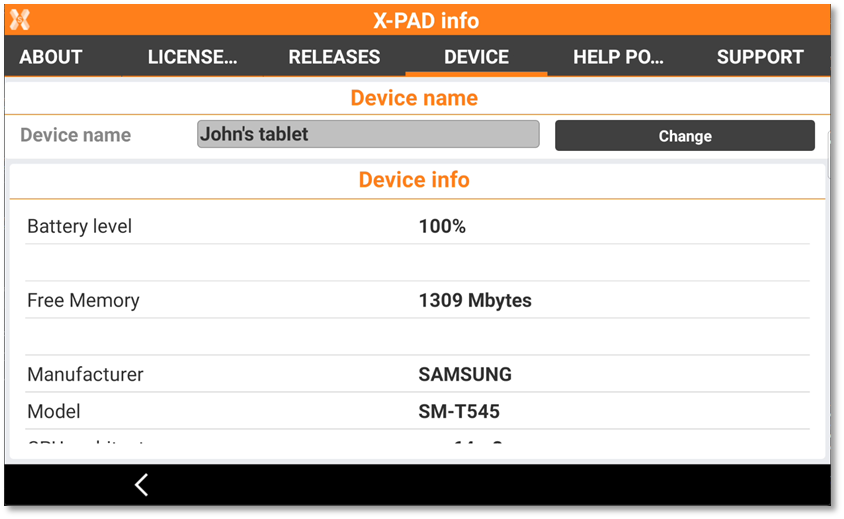
Device: shows the device information. This page allows also to enter or change the controller name. This name is reported in X‑PAD 365 Assets Manager together with the other controller information.
-
Support: allows to download and start remote support applications.
-