

-
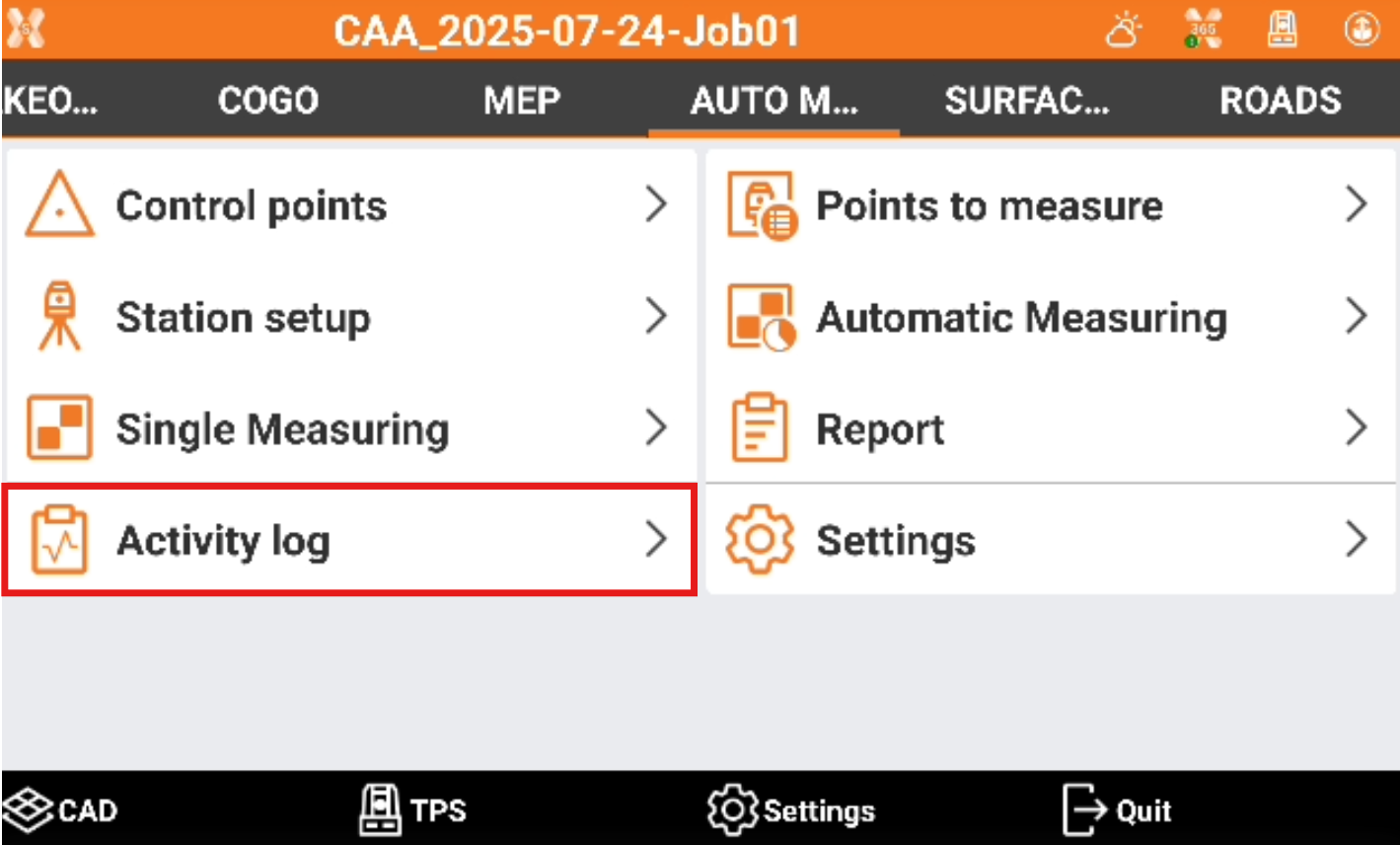
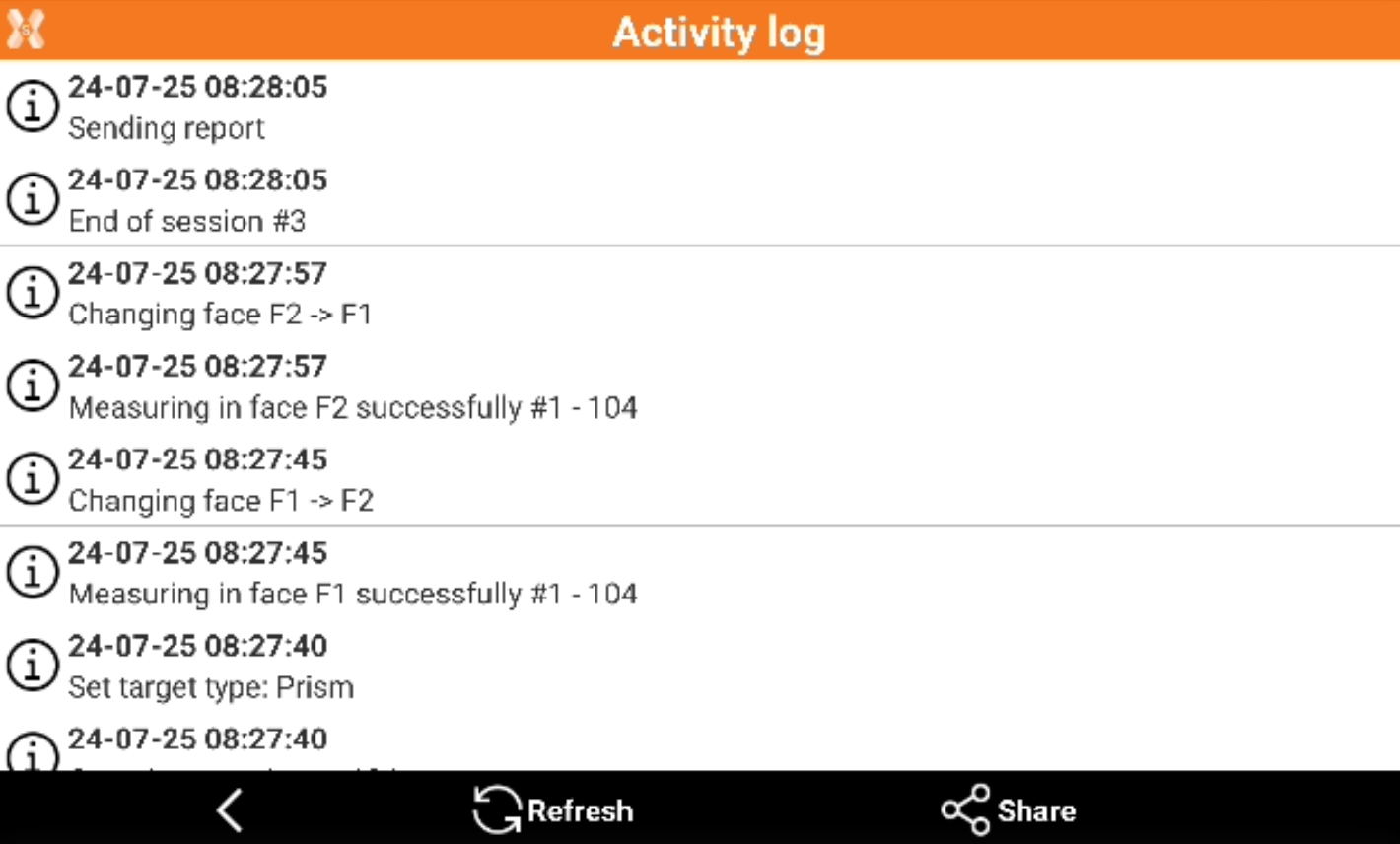
The activity log displays all operations performed during the sessions in a chronological way.
-
Click Activity log.
-
This opens the list of all operations performed in the monitoring cycles.
-

-

-

-
-
Click Refresh to update the activity log.
-
Click Share to export and share the activity log as text file.