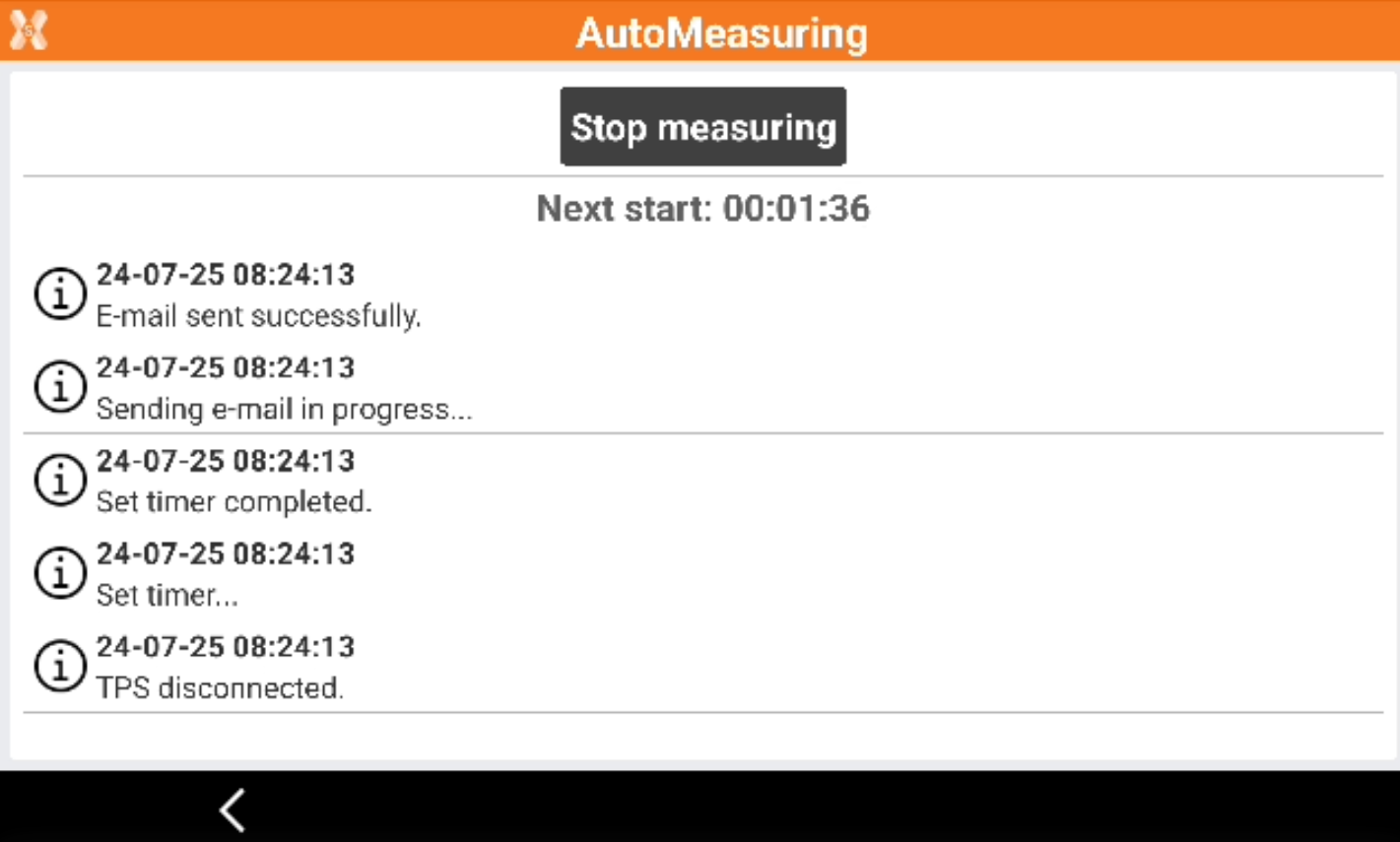
-
Automatic measuring starts the automatic measuring of the points using the configured parameters.
-
Click Automatic measuring.
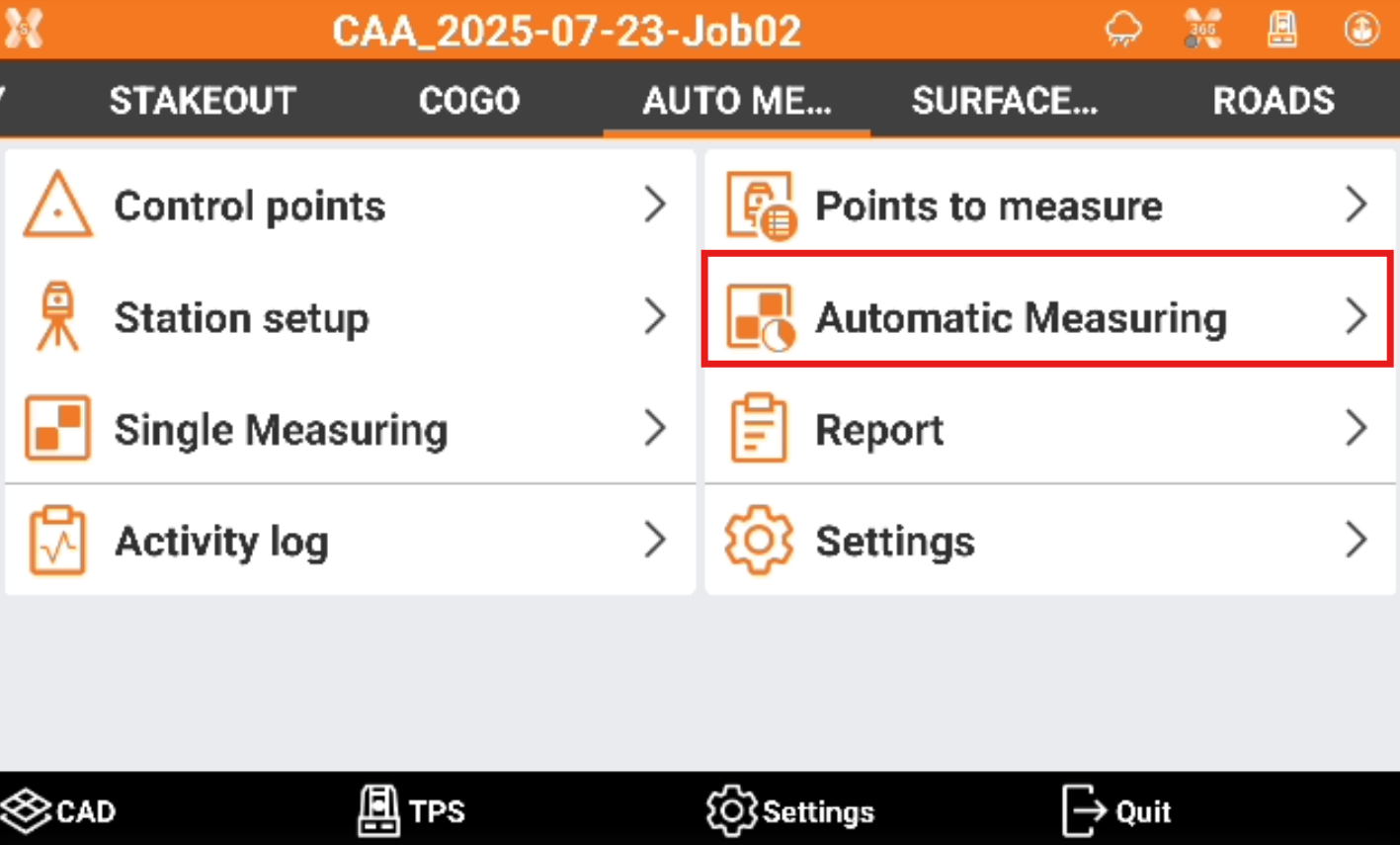
-
Tap Start measuring to start the automatic measurement procedure based on defined parameters.
-
At the defined time intervals, the connection to the station is activated.
-
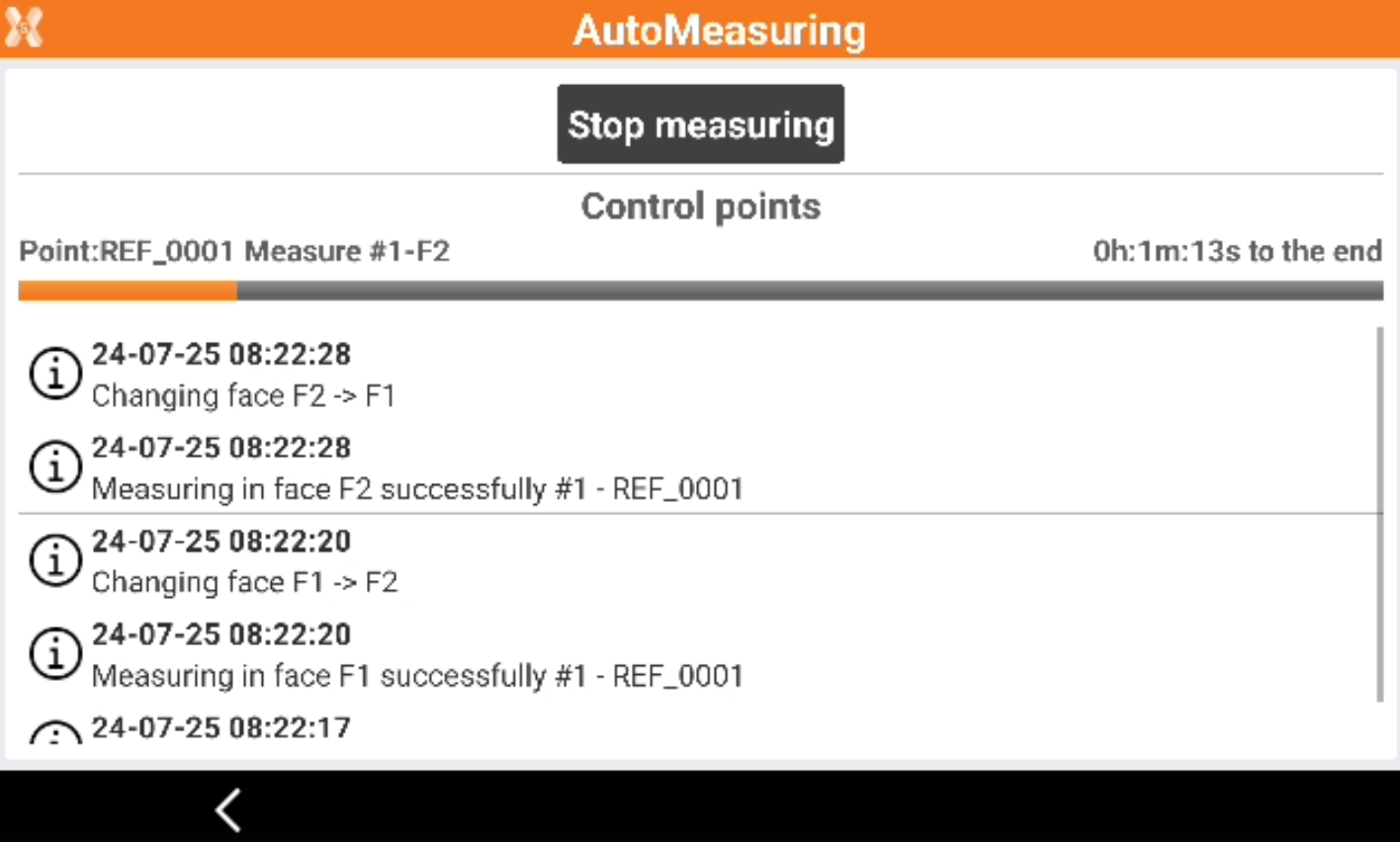
A log of operations done is visible on screen and recorded in the activity log.
-
The reference points are measured and the position of the station is checked. A scale factor is applied to correct the distances measured after the environmental temperature and pressure have been added.
-
The defined points are measured automatically.
-
At the end of a measuring session, a report is generated that can be sent by e-mail or saved on an FTP area.
-
When problems are found during the measuring sessions notifications can be sent. Problems are for example points not measured or exceeded tolerance.
-
Tap Stop measuring to stop the automatic measurement procedure otherwise the automatic procedure automatically restarts at the defined time internal.