

GPS Status panel

X-PAD Ultimate Survey 1.png | X-PAD Ultimate Build 1.png | X-PAD Ultimate GO 2.png

  • All GNSS survey and stakeout functions have a panel that visualizes the main GNSS Status information.
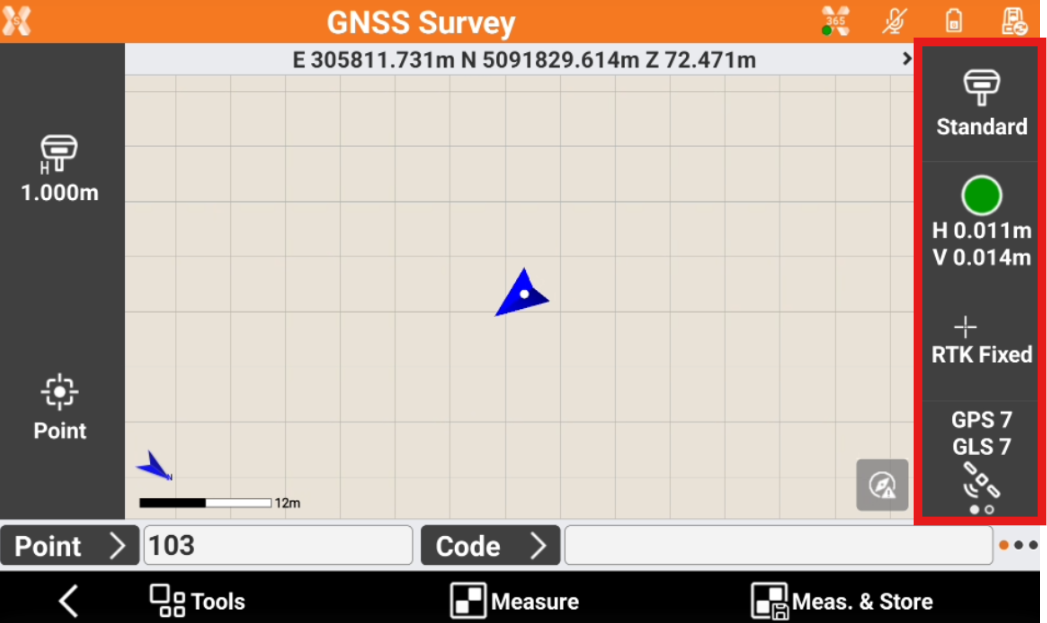
    image-20250918-090250.png
  • Click on the panel to open the GPS Status page.
image-20250626-150010.png
image-20250626-150040.png
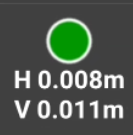
  • Current precision for coordinates (H) and for elevation (V).

    • If icon is green, precision level set in the survey parameters has been reached. Epochs are acquired.

    • If icon is red, precision level set in the survey parameters has not been reached.

image-20250626-150143.png


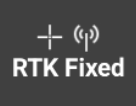
  • RTK quality of position:

    • RTK Extra-Safe / RTK SureFix: available for some GNSS receiver models. The receiver gets corrections from a source and has fixed the ambiguities in RTK Extra-Safe / RTK SureFix.

    • RTK Fixed: the receiver gets corrections from a source and has fixed the ambiguities with maximum precision.

    • Quick-Fix: available for some GNSS receiver models. The receiver has fixed the ambiguities but has not reached the maximum precision level yet.

    • RTK Float: the receiver gets corrections from a source but it has not yet fixed ambiguities.

    • DGPS: the receiver gets differential corrections in DGPS mode.

    • Autonomous: the receiver gets positions without receiving corrections from any source in minimum precision.

    • PPP-Fixed: the receiver is receiving corrections using PPP service and ambiguity is fixed.

    • PPP-Float: the receiver is receiving corrections using PPP service and ambiguity is still not fixed.

image-20250626-150341.png
  • Correction status.

    • If the icon is blinking, the corrections are received.

    • If the icon is not blinking, the corrections are not received.

image-20250626-150514.png


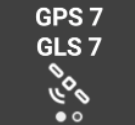
  • Satellite/DOP status. Shows the number of tracked satellites and the DOP. Click the icon to change the view between satellites and DOP.