



-
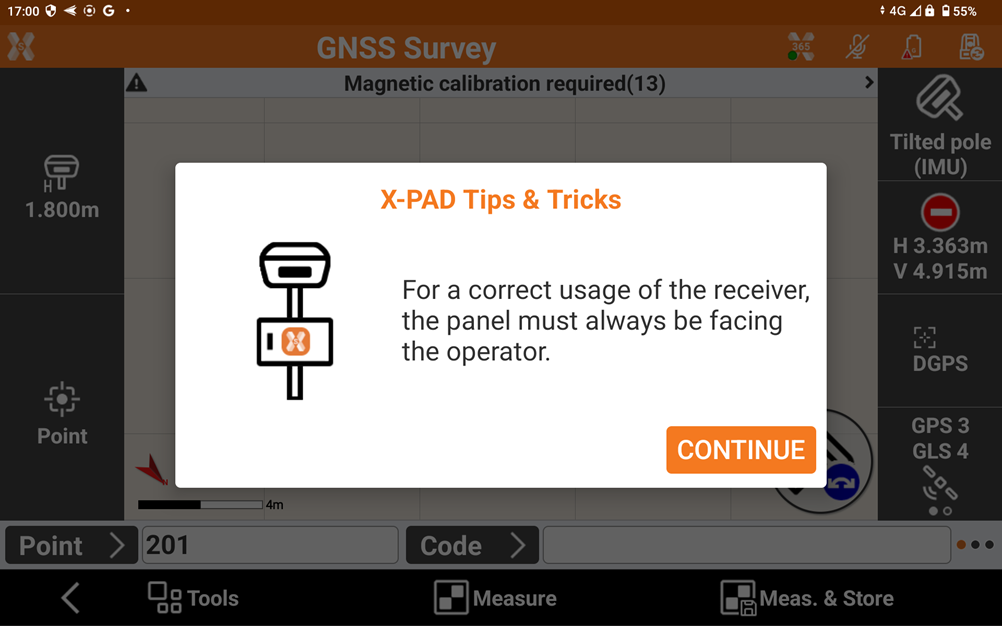
First step when working with GNSS receivers with IMU is to face the receiver front panel.
-
This allows to provide correct information regarding the walking direction.
-
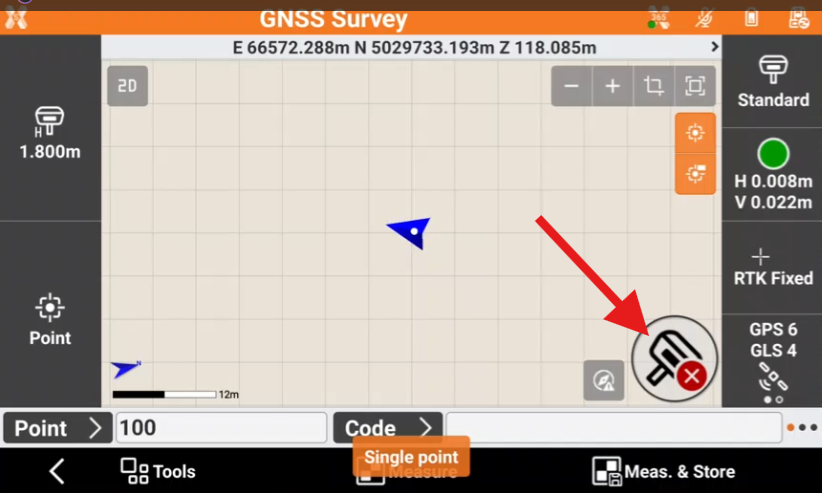
To enable the measurements with IMU click on IMU icon and select Tilted pole.
-
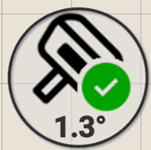
The IMU icon has different status:
-
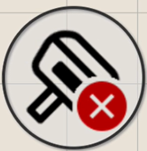
IMU disabled
-
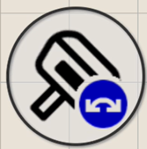
IMU enabled but not available
-
Not initialized: walk and move the receiver to inizialise.
-
Tilt with low quality: walk and move the receiver to improve result and use IMU.
-
Magnetic calibration required: walk and move the receiver to inizialize; could happen after receiver is turned on.
-
GNSS quality low: if the GNSS accuracy is low or receiver is not fixed, IMU solution is not available.
-
-
IMU enabled
-