

-
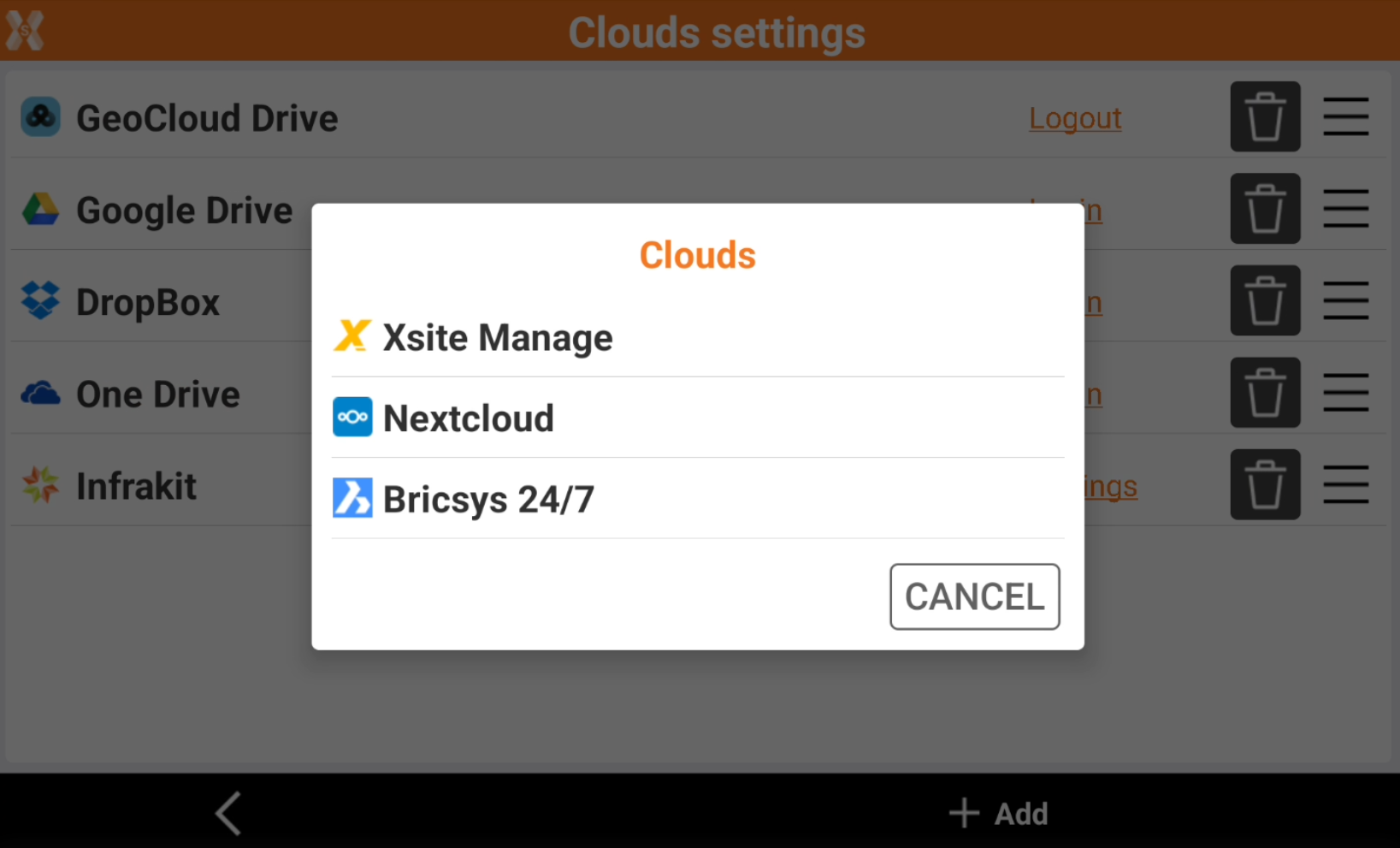
Cloud allows to manage access to different could services.
-
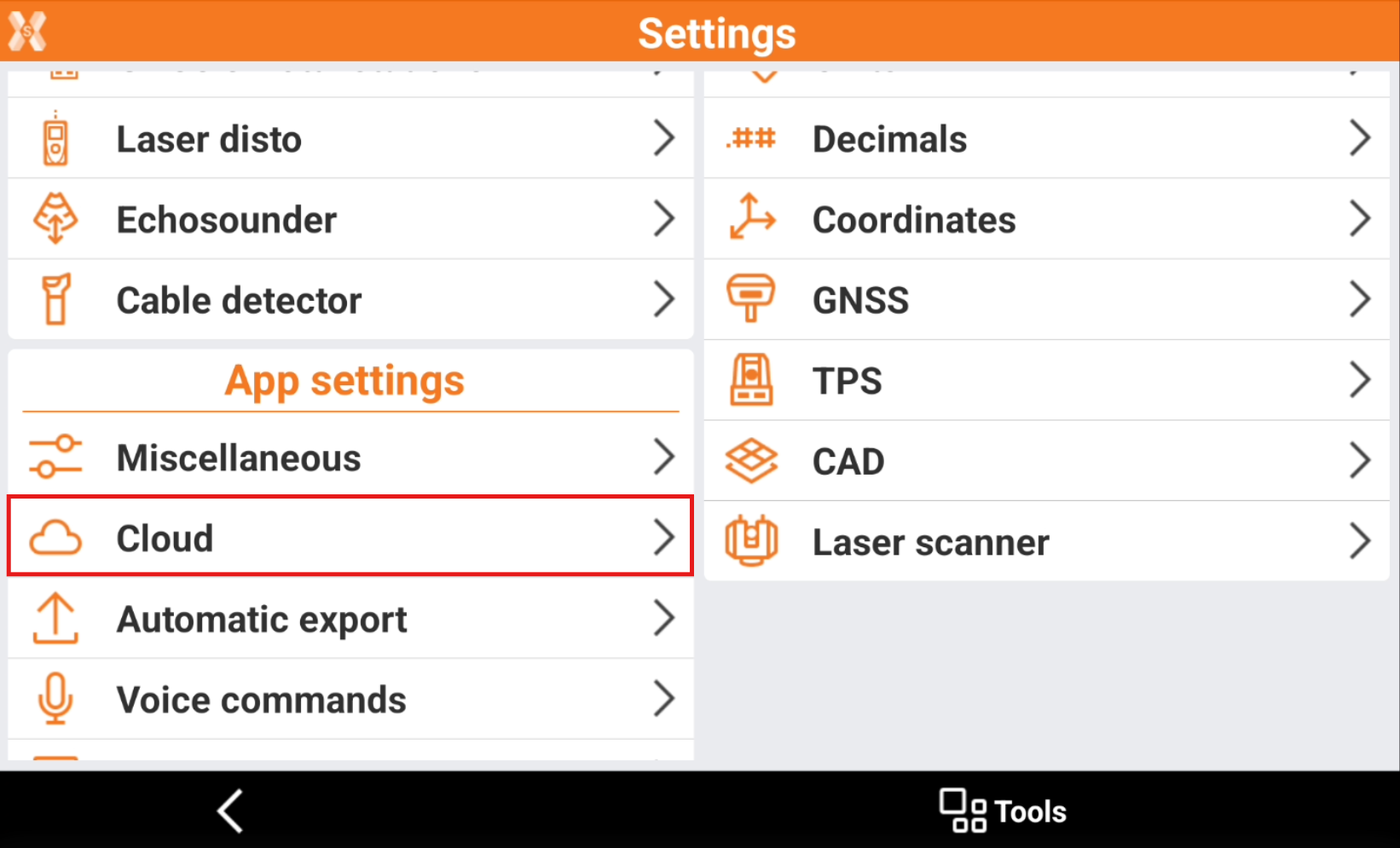
Click Settings.
-
Click Cloud.
-
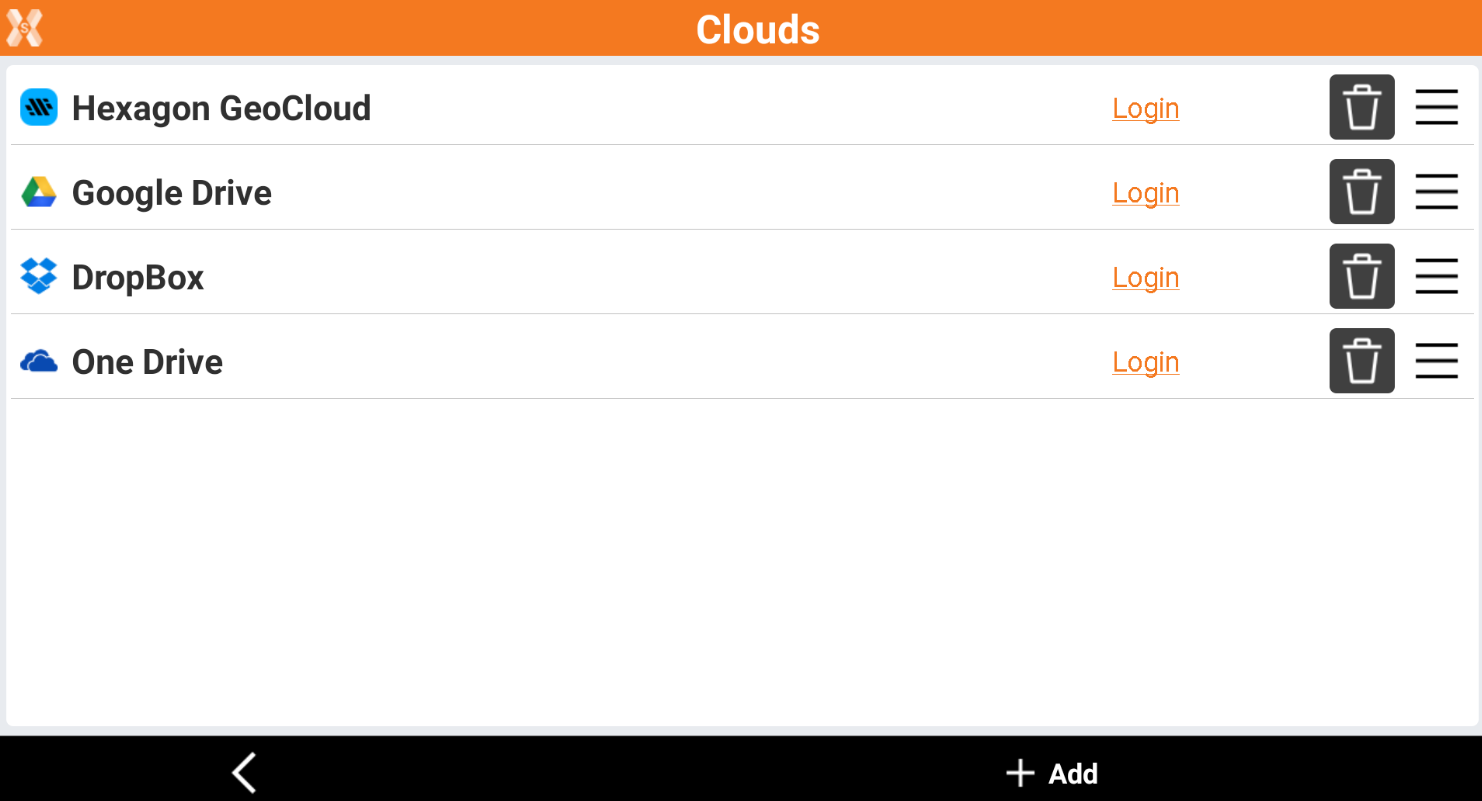
The page shows the list of cloud services.
-
Click

-
Click and drag

-
Click Login to perform a login to a specific cloud service. The authorization after the first login is maintained also in different X-PAD Ultimate sessions; the same authorization is maintained for the time established by the server and it not required at each X-PAD session
-
Click Add to add new clouds to be used from the list of available clouds.