


-
Flic buttons (Flic button) is a physical accessory that can be purchased and used in combination with X-PAD software. Flic buttons pairs to the controller through Bluetooth and that can be used to start performing some operations.
-
Click Settings.
-
Click Flic buttons.
-
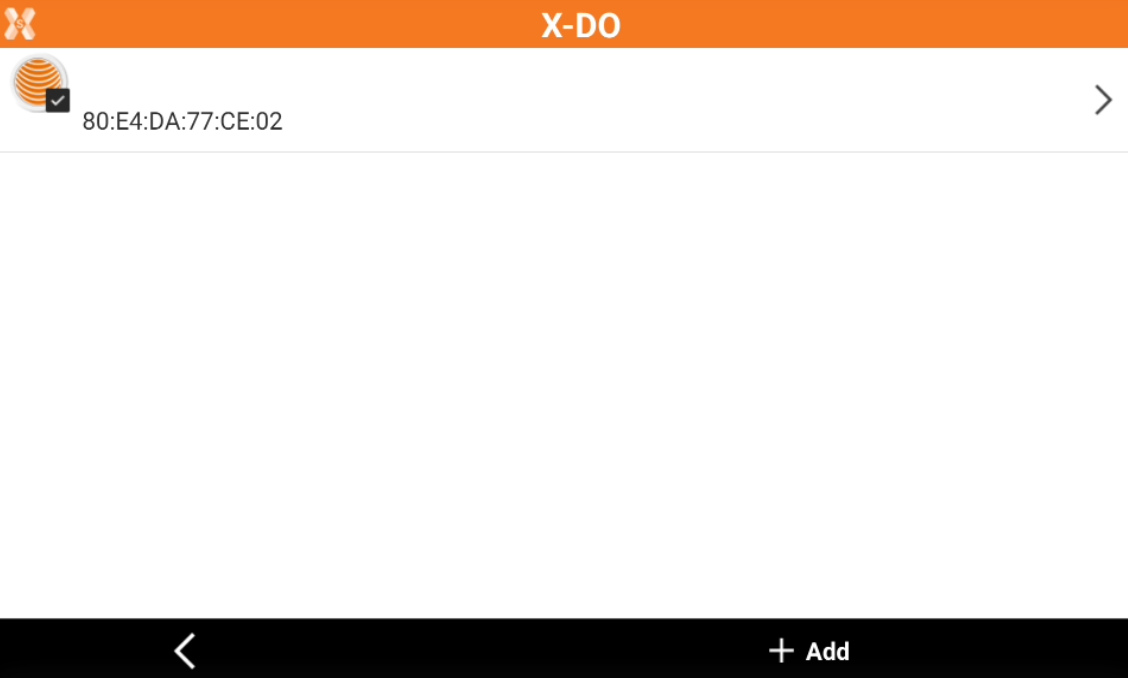
Click Add to pair a new button.
-
Hold and press the button for 10 seconds until it is paired with Android.
-
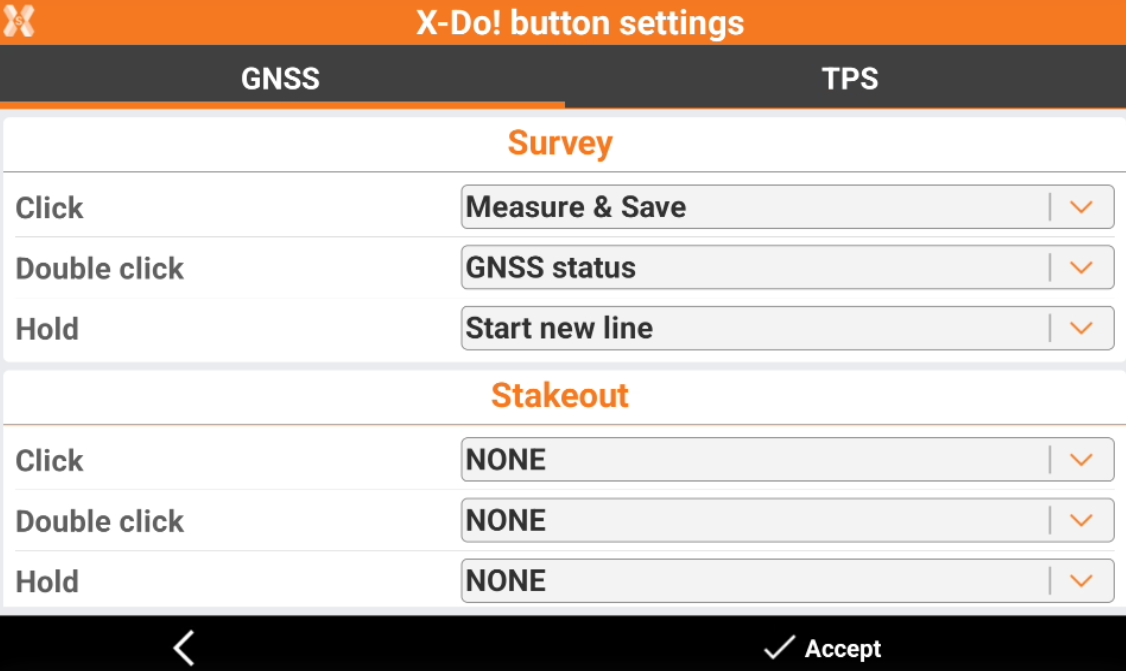
To configure the actions, select a button from the list of paired buttons, and click Settings.
-
The available actions are:
-
Click.
-
Double-click.
-
Hold.
-
-
It is possible to assign to each action a specific command of management of the GNSS and TPS survey and stakeout with GNSS and TPS.
-
During stakeout and survey jobs, click, double click or hold the button to start the selected action.