


-
To load a DXF/DWG drawing as external reference click External references.
-
Click Add.
-
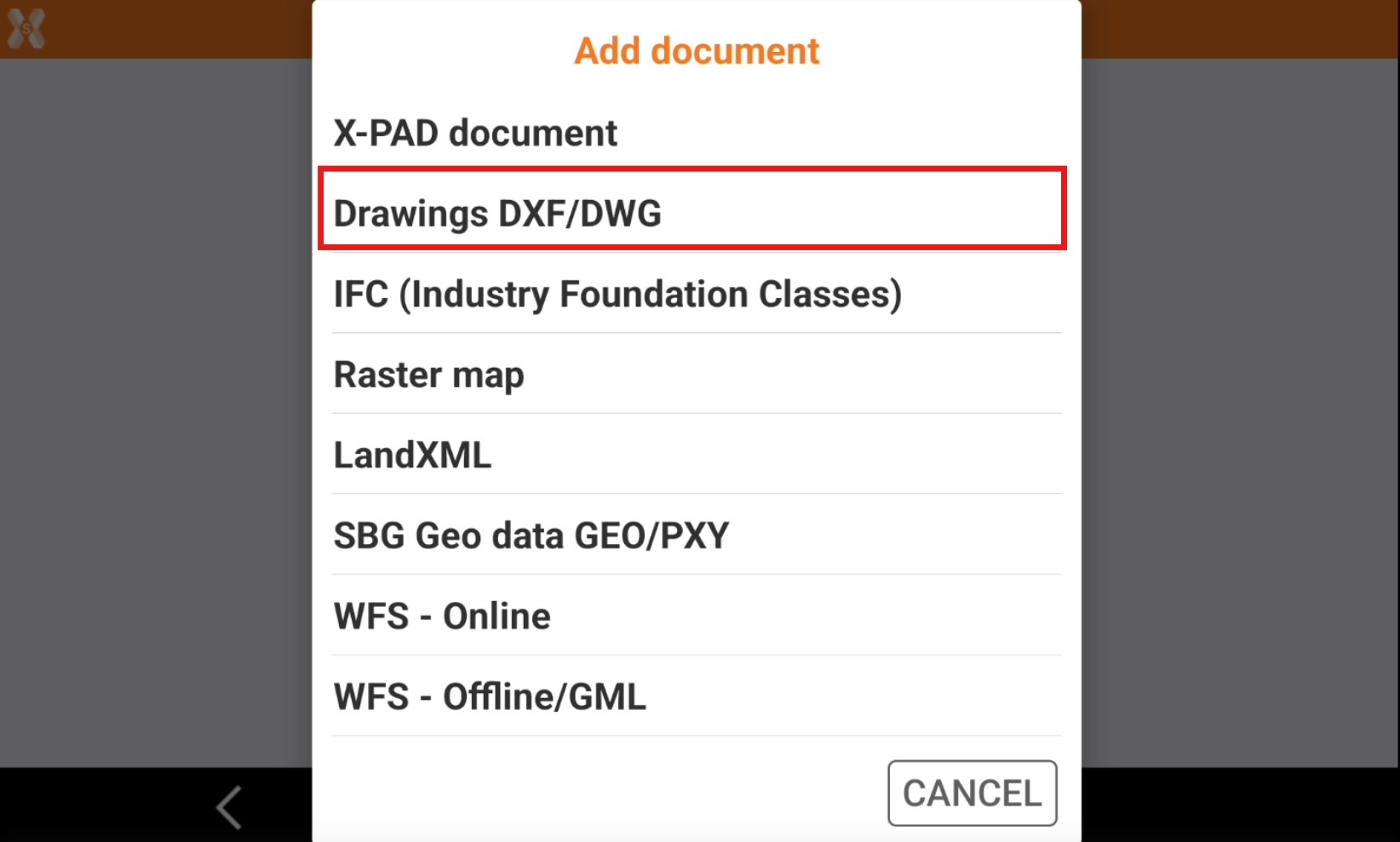
Select Drawings DXF/DWG.
-
Select thefile from the internal memory or from the cloud.
-
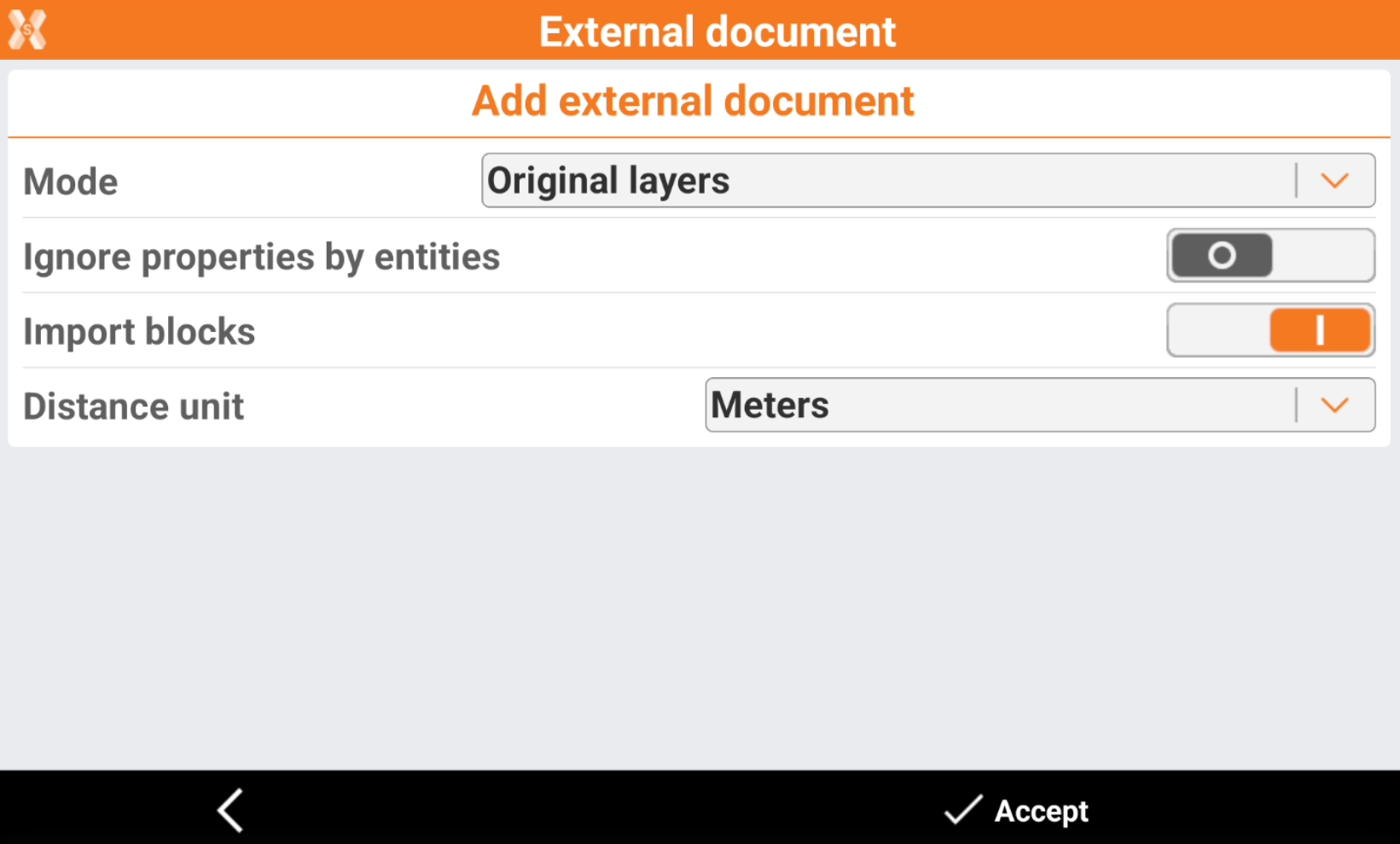
Enter the options.
-
Mode:
-
Original layers: the data is loaded maintaining the original layers as defined in the file.
-
All in one layer: the data is loaded in one layer with the name of the external document.
-
-
Ignore properties by entities: the data is loaded ignoring the specific properties of the entity.
-
Import blocks: enables/disables the loading of blocks.
-
Distance unit: specifies the distance unit in the external document.
-
-
The reference job is loaded.
