


-
To load a BIM model in IFC format click External references.
-
Click Add.
-
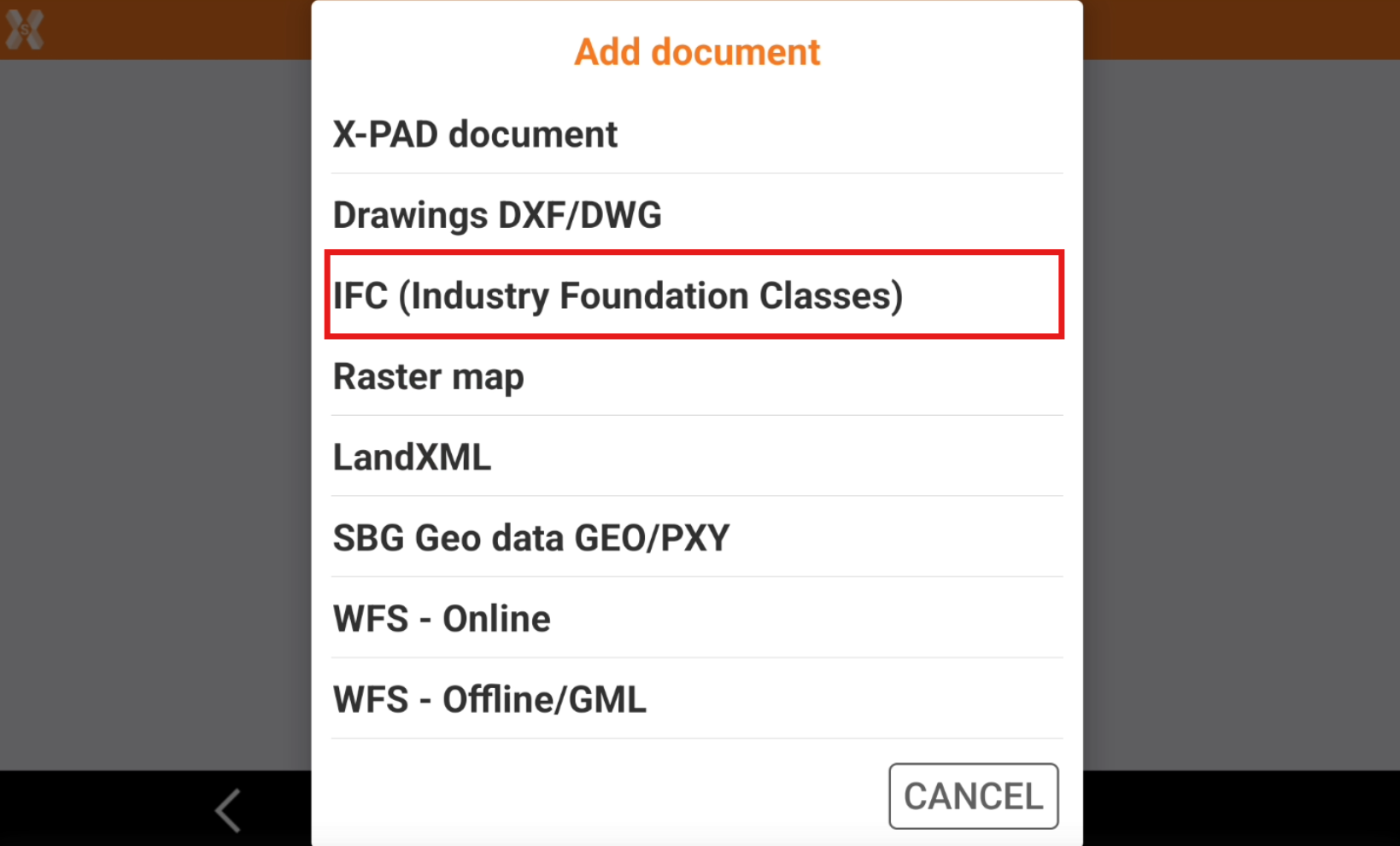
Select IFC (Industry Foundation Classes).
-
Select the file from the internal memory or from the cloud.
-
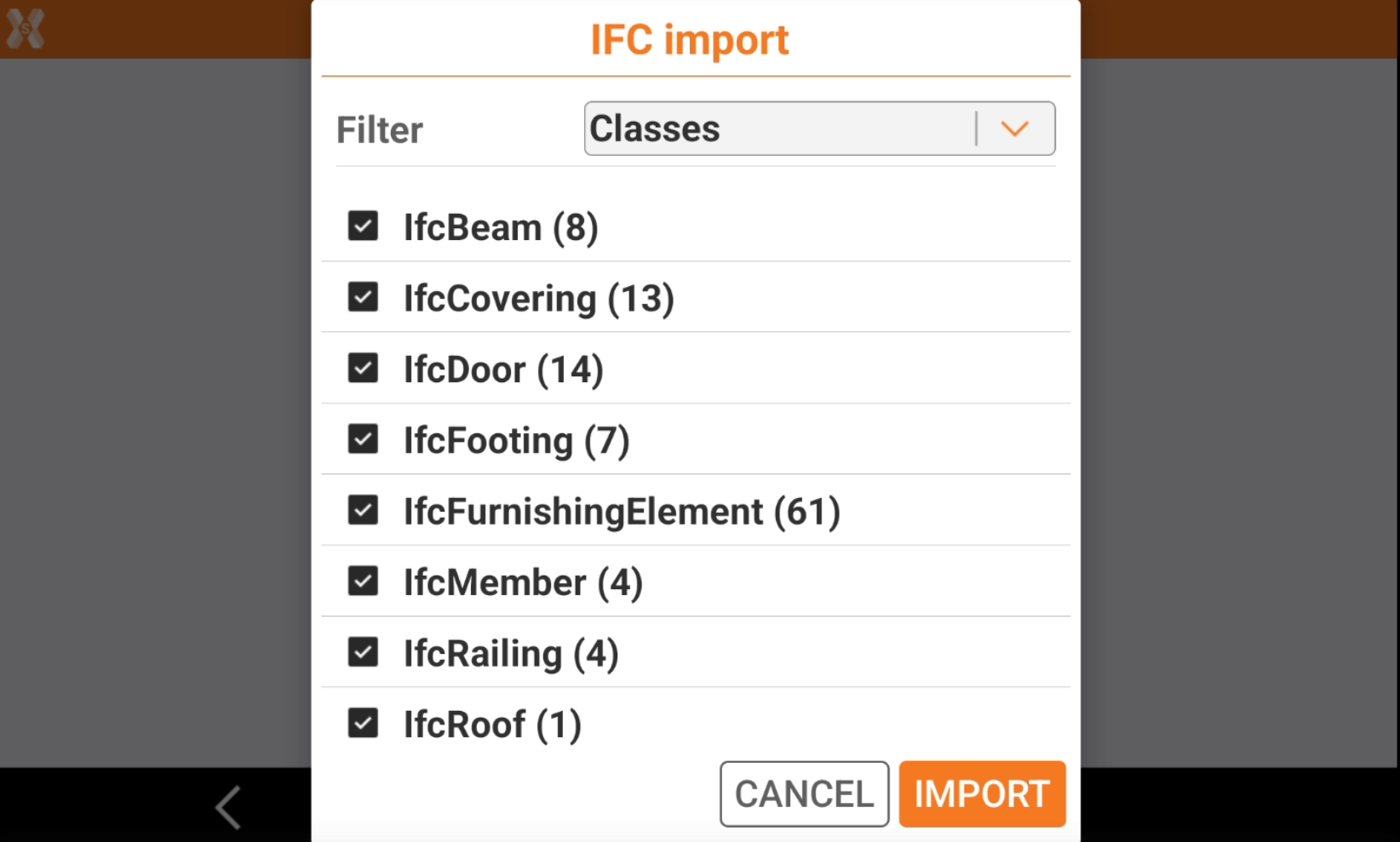
Select the classes to import. By default all classes are active.
-
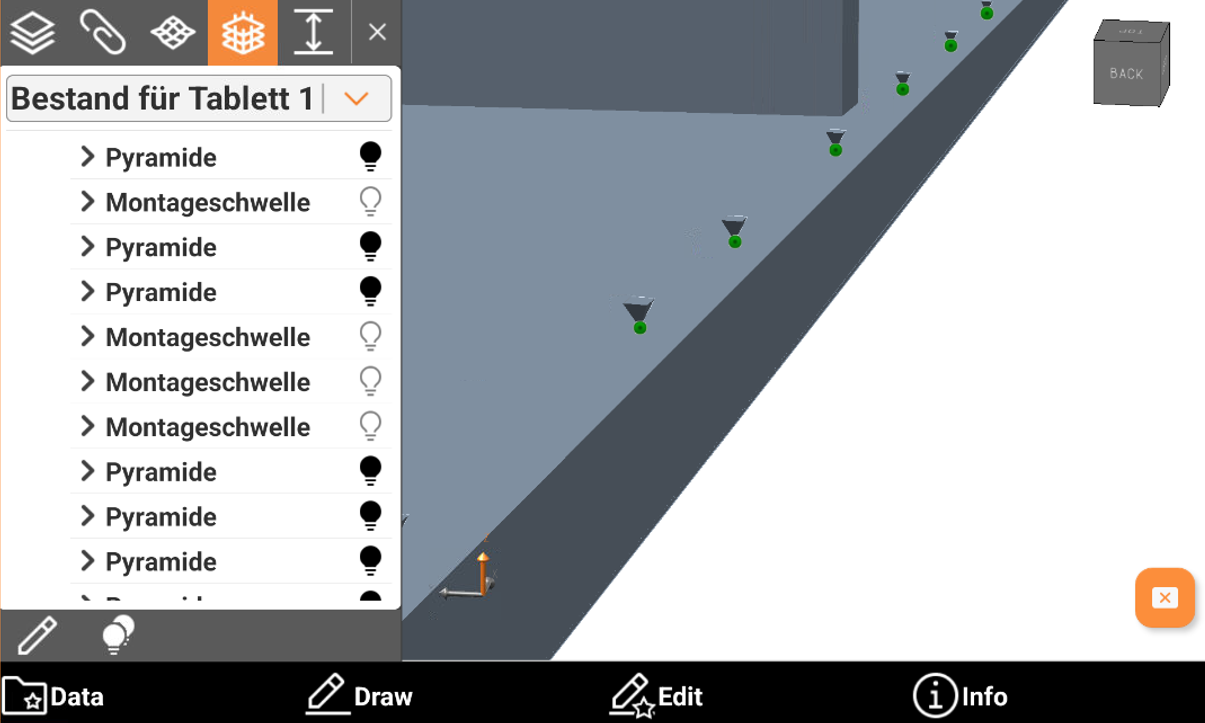
Create points on “PYRAMIDE”: objects called PYRAMIDE stored in the model represent the drill poin. Then is possible to store a topographic point on each of that positions.
-
-
Click Import.
-
The IFC file is loaded.
