


-
To import a file in SBG Geo GEO/PXY/TRM format select Import data.
-
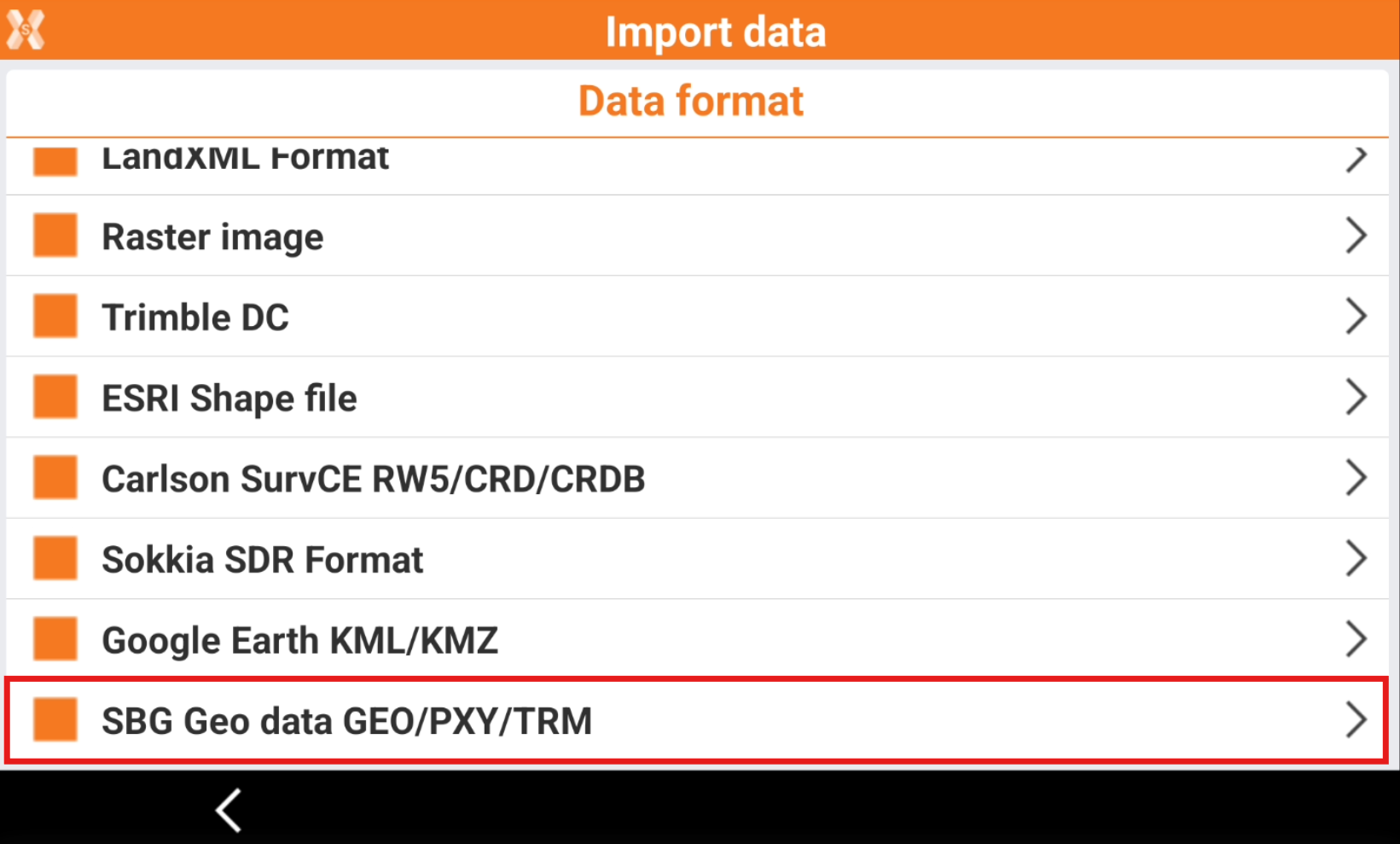
Click SBG Geo GEO/PXY/TRM.
-
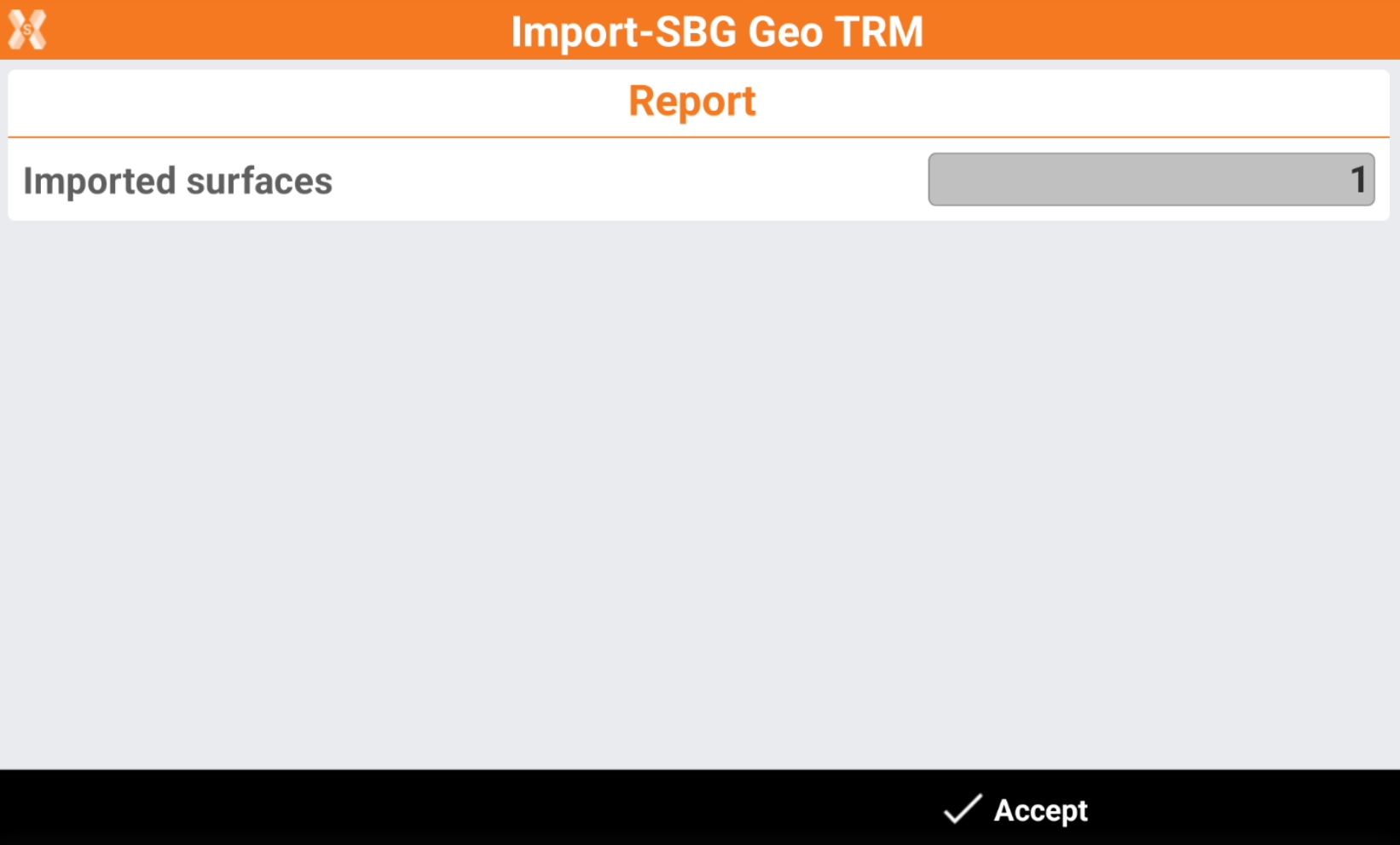
The software shows a report of the imported entities.
-
Click Accept.

To import a file in SBG Geo GEO/PXY/TRM format select Import data.
Click SBG Geo GEO/PXY/TRM.
The software shows a report of the imported entities.
Click Accept.