



-
GIS features can be deleted inside the GIS features manager.
-
Click Job.
-
Click Points/Measurements/Codes.
-
Open the Codes tab.
-
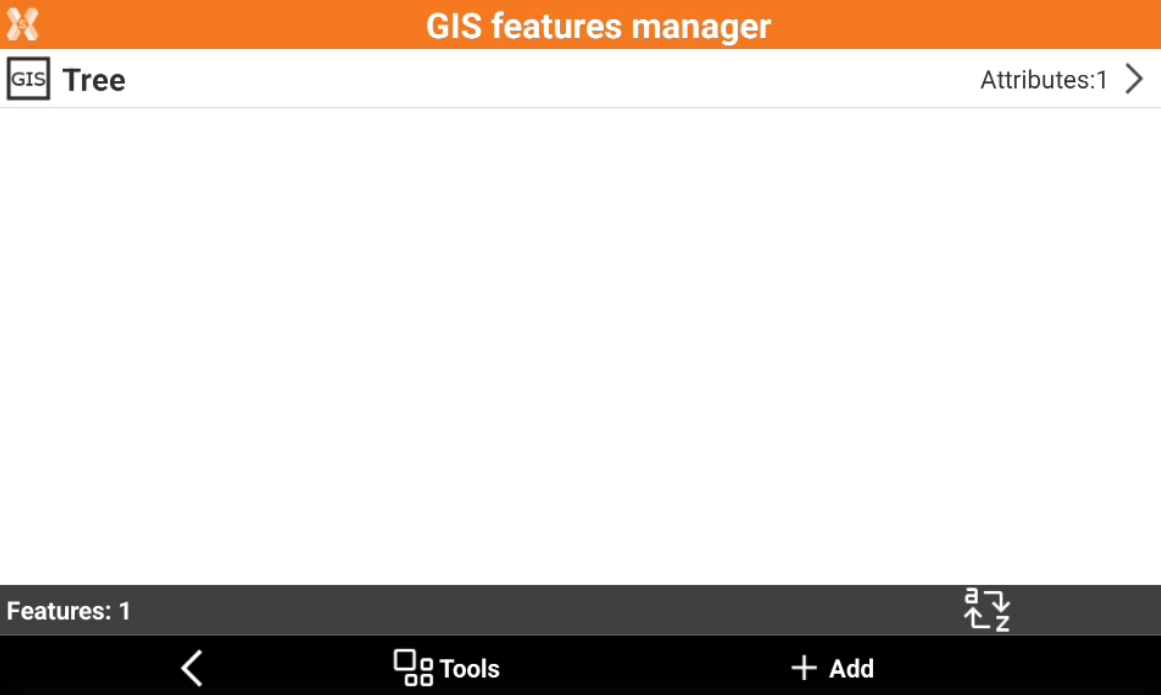
Click Tools and select GIS Manager.
-
This opens a new window with the list of available GIS features.
Delete a single GIS feature
-
Select a GIS feature from the list and click Delete.
Delete multiple GIS features
-
Click Tools.
-
Select Delete GIS features.
-
Check from the list of available GIS features the features to delete.