



-
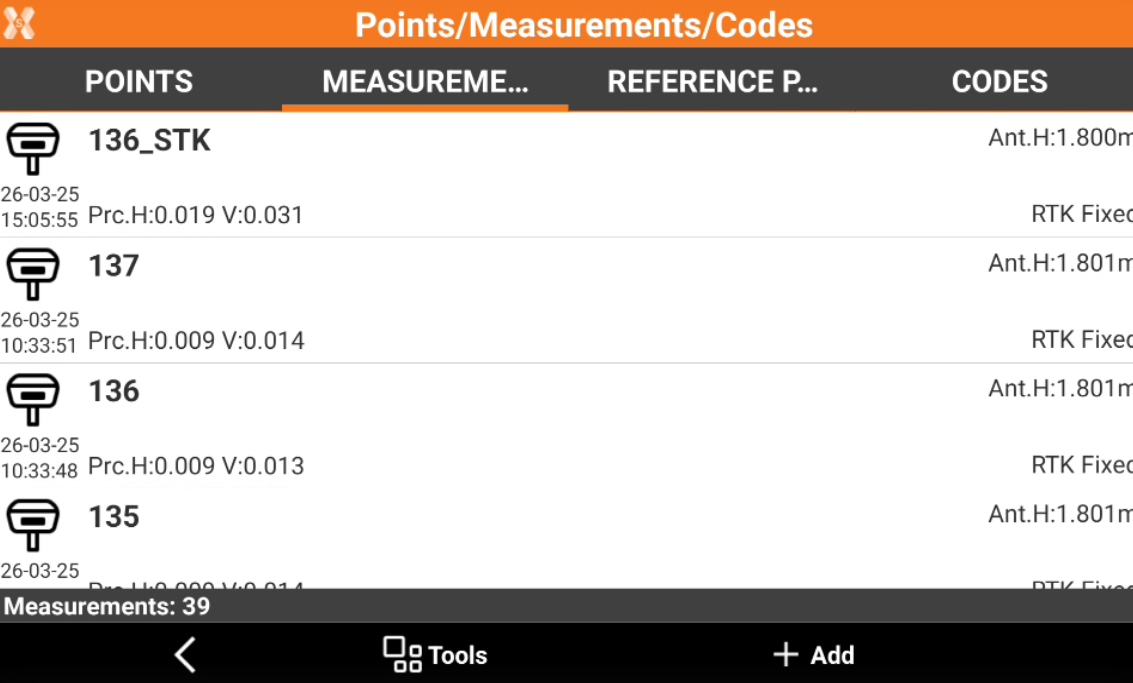
The fieldbook of measurements reports the chronological list of all measurements performed on site.
-
The measurements are listed according to measurement order. The last measurement is on top of the list.
-
For every measurement, an icon specifying the type of measurement, the name of the measured point, the date and time of acquisition, the code, description and other information is displayed.
-
To open the Measurements page open Job tab.
-
Select Points/Measurements/Codes.
-
Open the Measurements tab.
-
Edit a measurement: how to edit a measurement.
-
Change target or pole height: how to change an incorrect target or pole height from measurements.
-
Delete and restore measurements: how to delete and restore measurements.
-
Search measurement: how to search for a specific measurement.
-
Notes: how to check and create automatic and free notes.