



-
When the current instrument is a mechanical total station, it is possible to access to the instrument control panel.
-
The control panel allows to control the basic functions of mechanic total station.
-
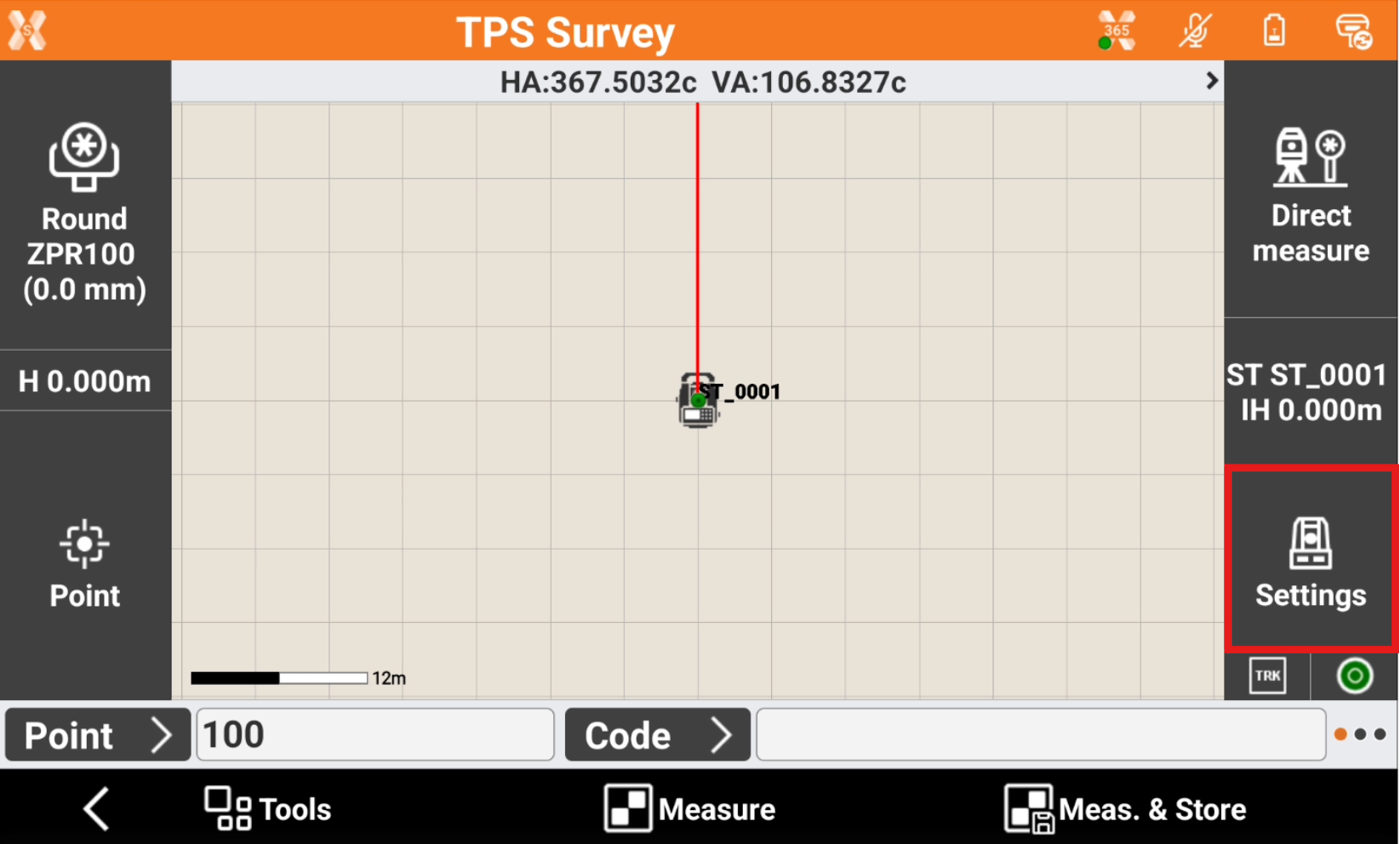
While in survey and stakeout applications click this icon to open the TPS Settings.
-
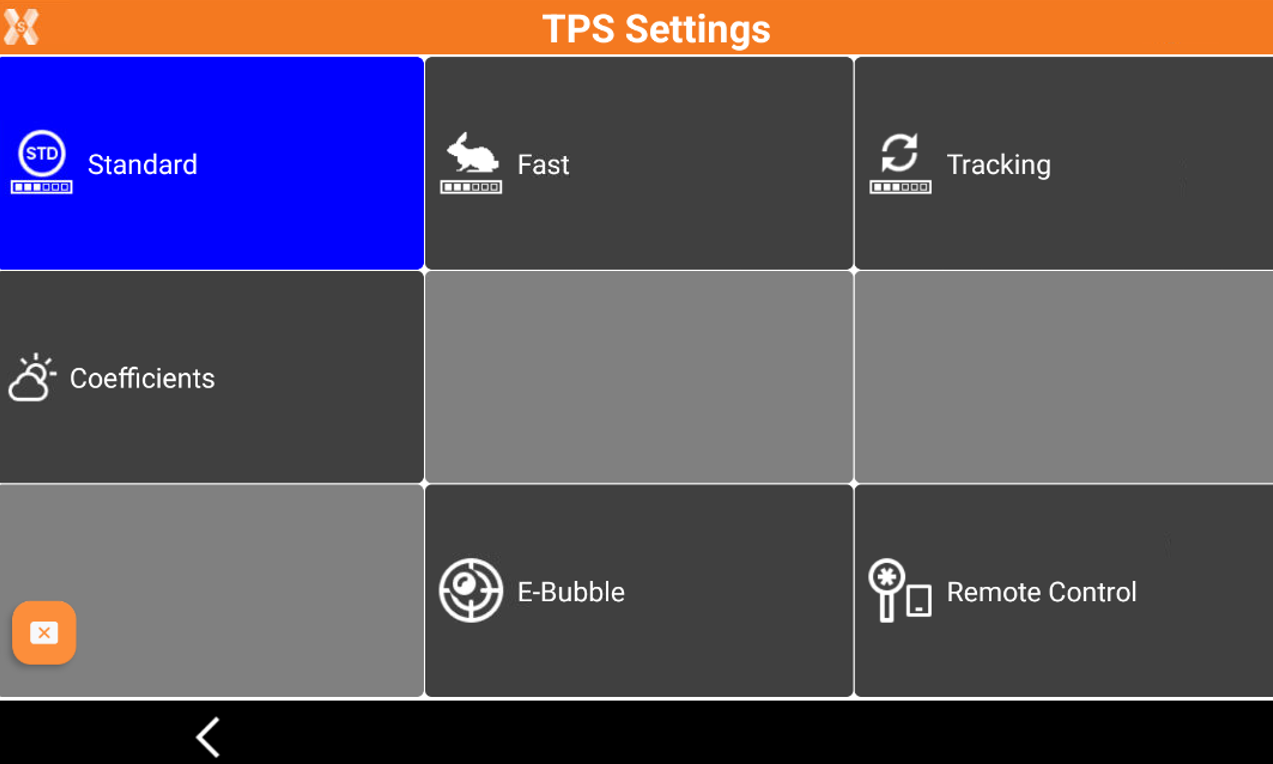
The TPS Settings page has the commands to control the total station.
-
Standard: enables the standard EDM mode.
-
Fast: enables the fast EDM mode.
-
Tracking: enables the tracking EDM mode (continuous measurements).
-
Coefficients: allows to change the TPS coefficients.
-
E-Bubble: activates visualization of the electronic bubble.
-
Remote control: tap to activate/deactivate the remote control when using the controller on the pole or working from total station side. This influences the indications of left/right, forward/backside.
-
Remote control ON: this means operator is working on pole side looking at the total station.
-
Remote control OFF: this means operator is working on total station side looking at the point to measure,
-
-