



-
If the current profile is related to a total station, a window to perform simple measurements without saving data can be opened from main menu at every moment.
-
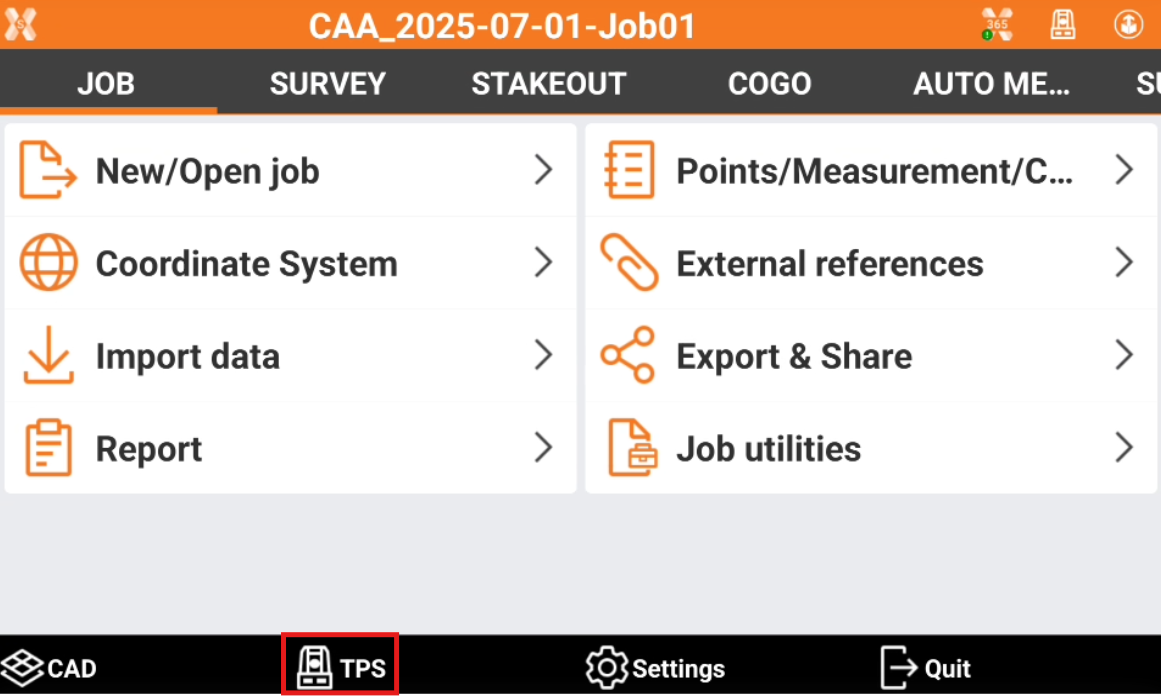
To open the TPS Basic application from the main menu click TPS.
-
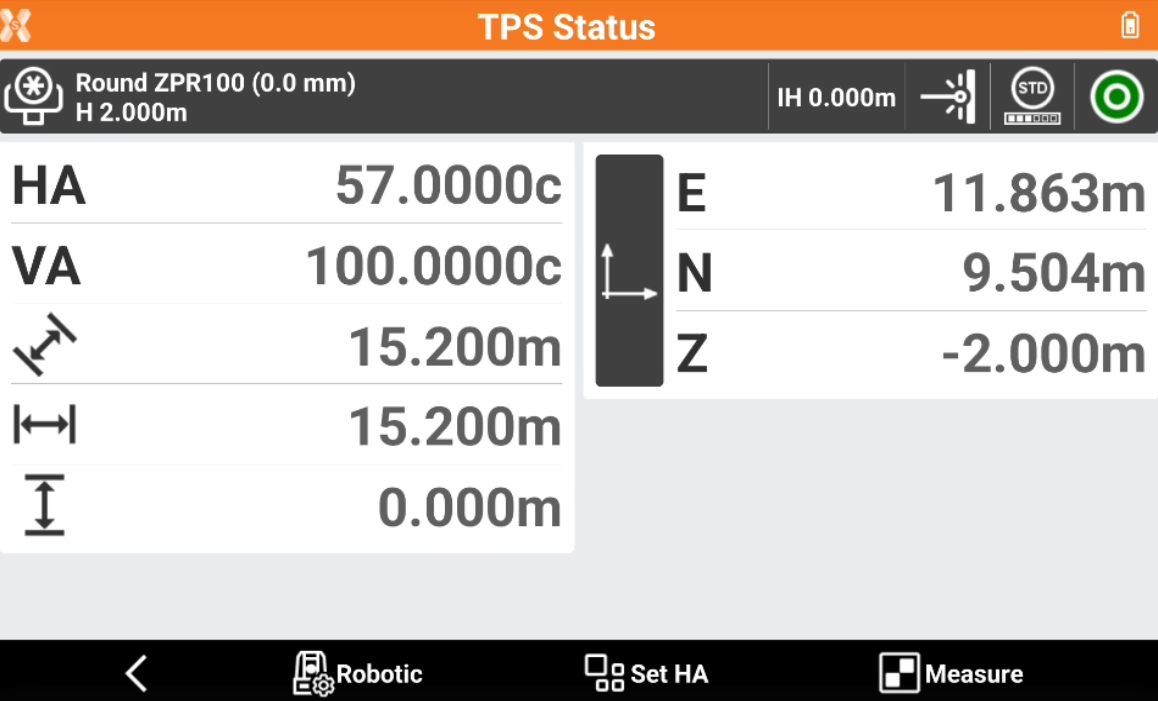
This opens the TPS Status page.
-
The bottom toolbar has the following functions:
-
Robotic/TPS

-
Set HA

-
Measure

-
-
In the upper part of the window, a panel allows to access to other functions to control the total station.
-

-

-

-

-

-
-
After a measurement is performed the software shows different results:
-
HA: horizontal angle.
-
VA: vertical angle.
-

-

-

-
ENZ: point coordinate in East, North and Elevation. Click on the bar to change to ΔE, ΔN, ΔZ.
-