

-
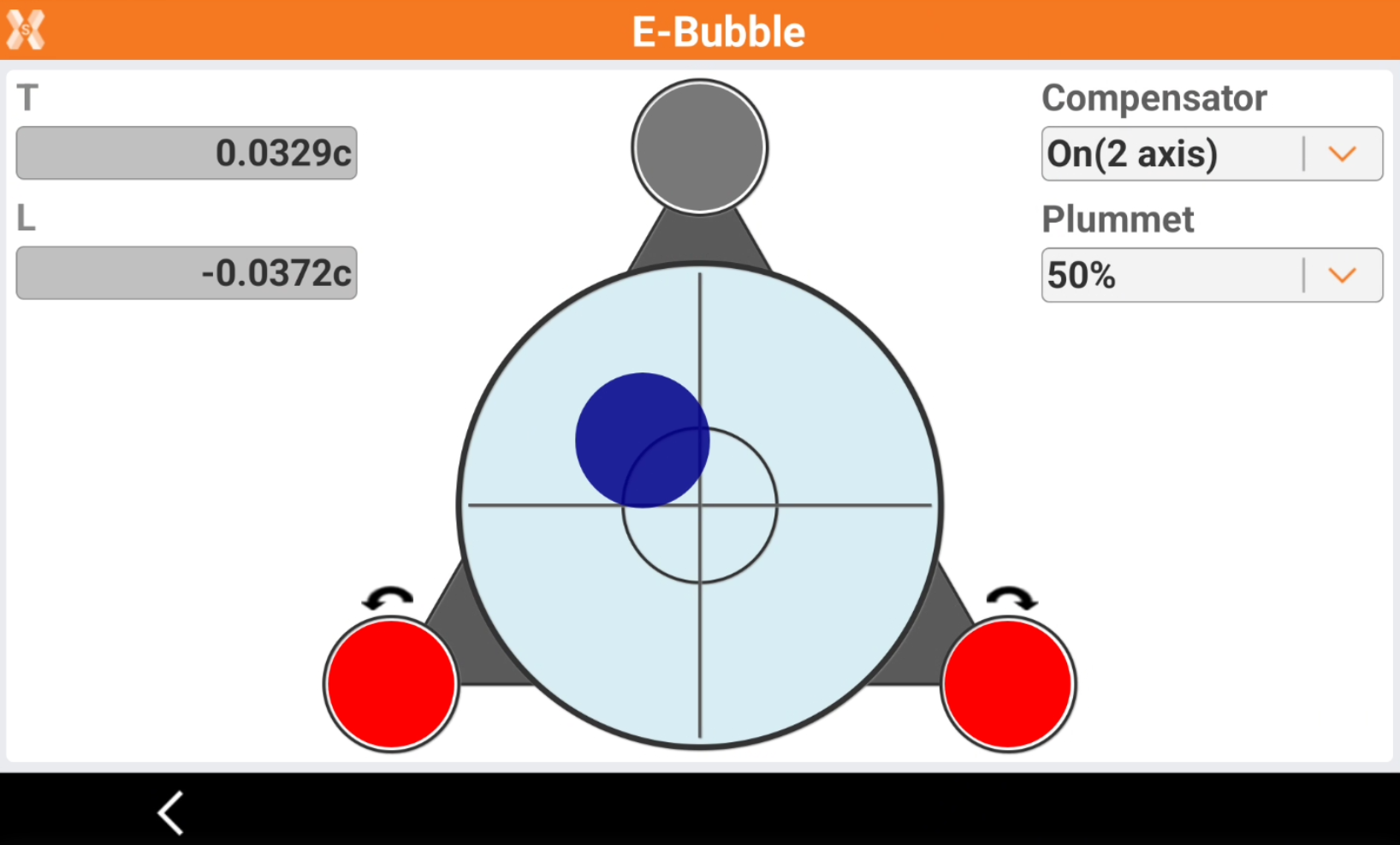
The E-bubble page allows to check the compensator of the total station.
-
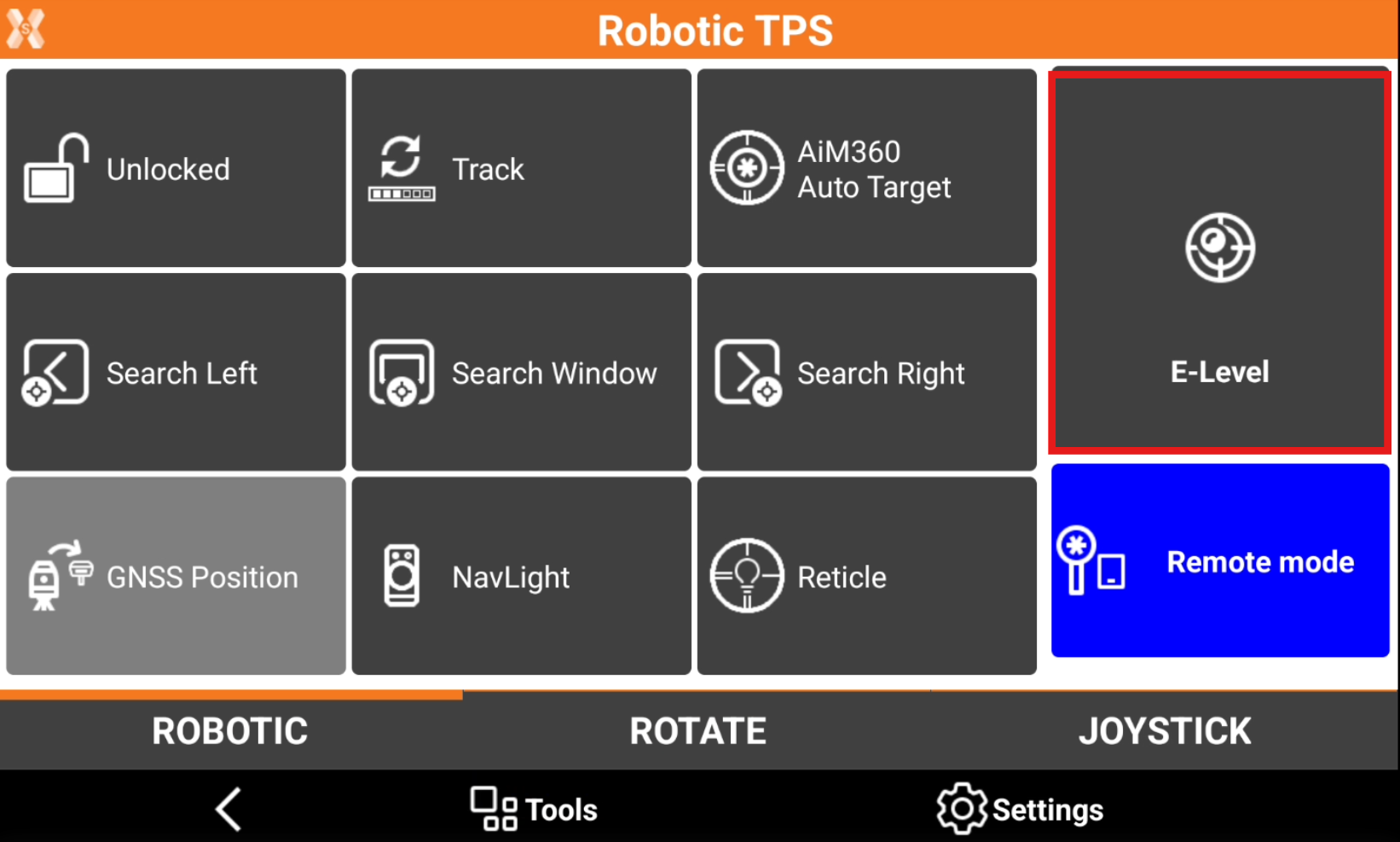
It is possible to access the electronic bubble page opening the total station control panel for mechanical or robotic total station and clicking E-Level.
-
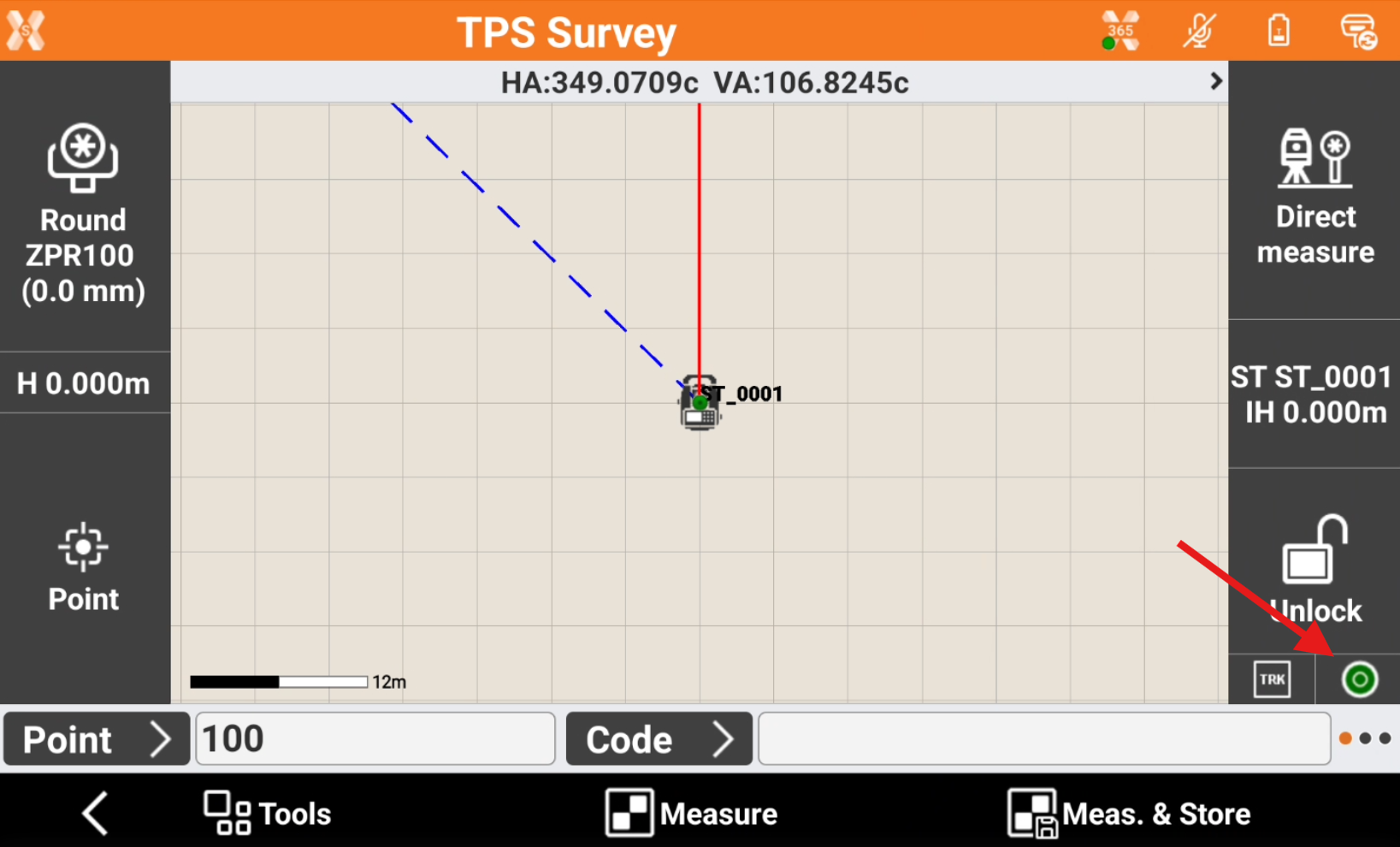
Or directly during survey or stakeout clicking on the compensator icon.
-
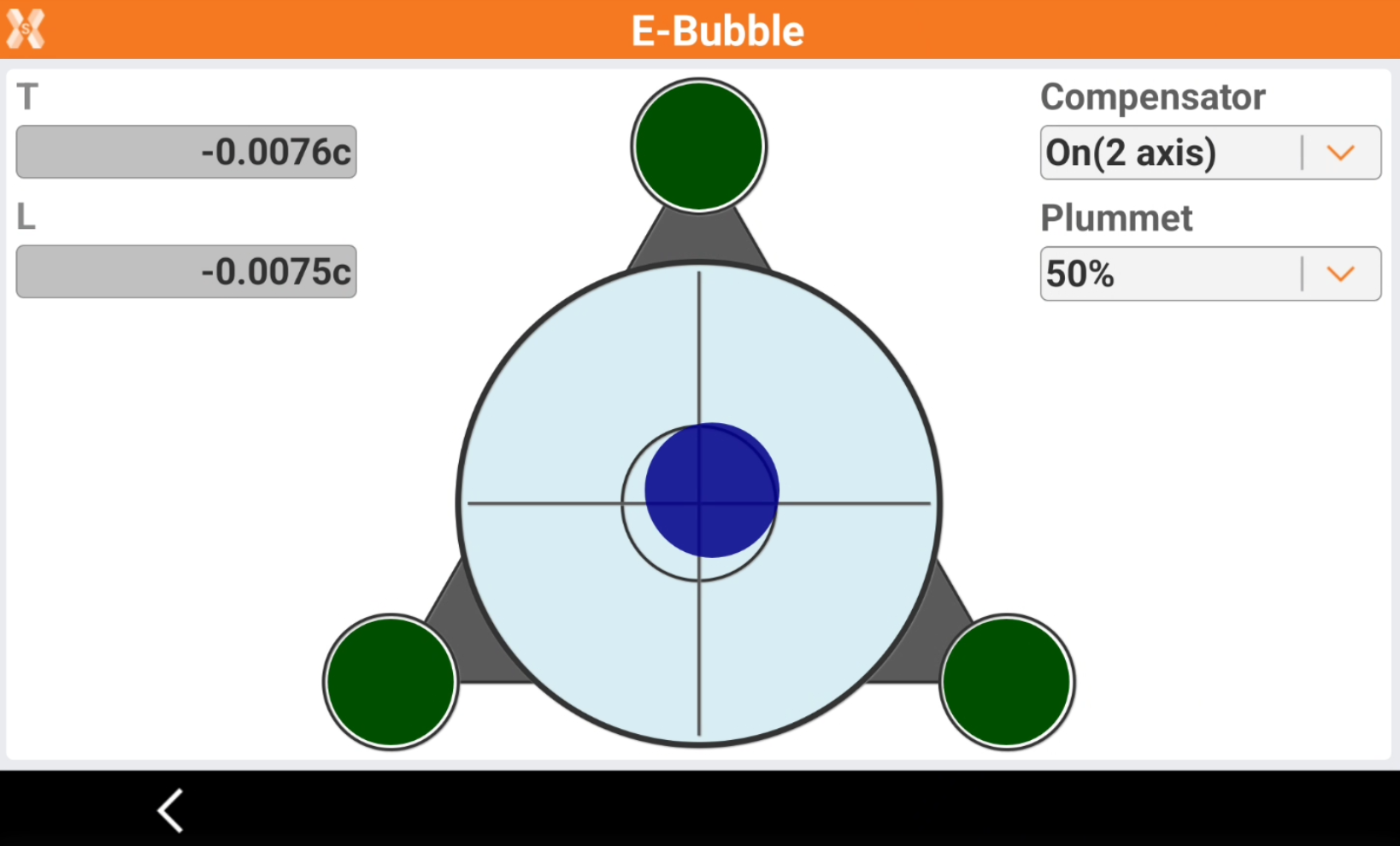
The page shows the status of the instrument electronic bubble.
-
T/L: the electronic compensator transversal and lontitudinal values.
-
Compensator: allows to turn on or off the instrument compensator.
-
Plummet: defines the intensity of the laser plummet.
-
-
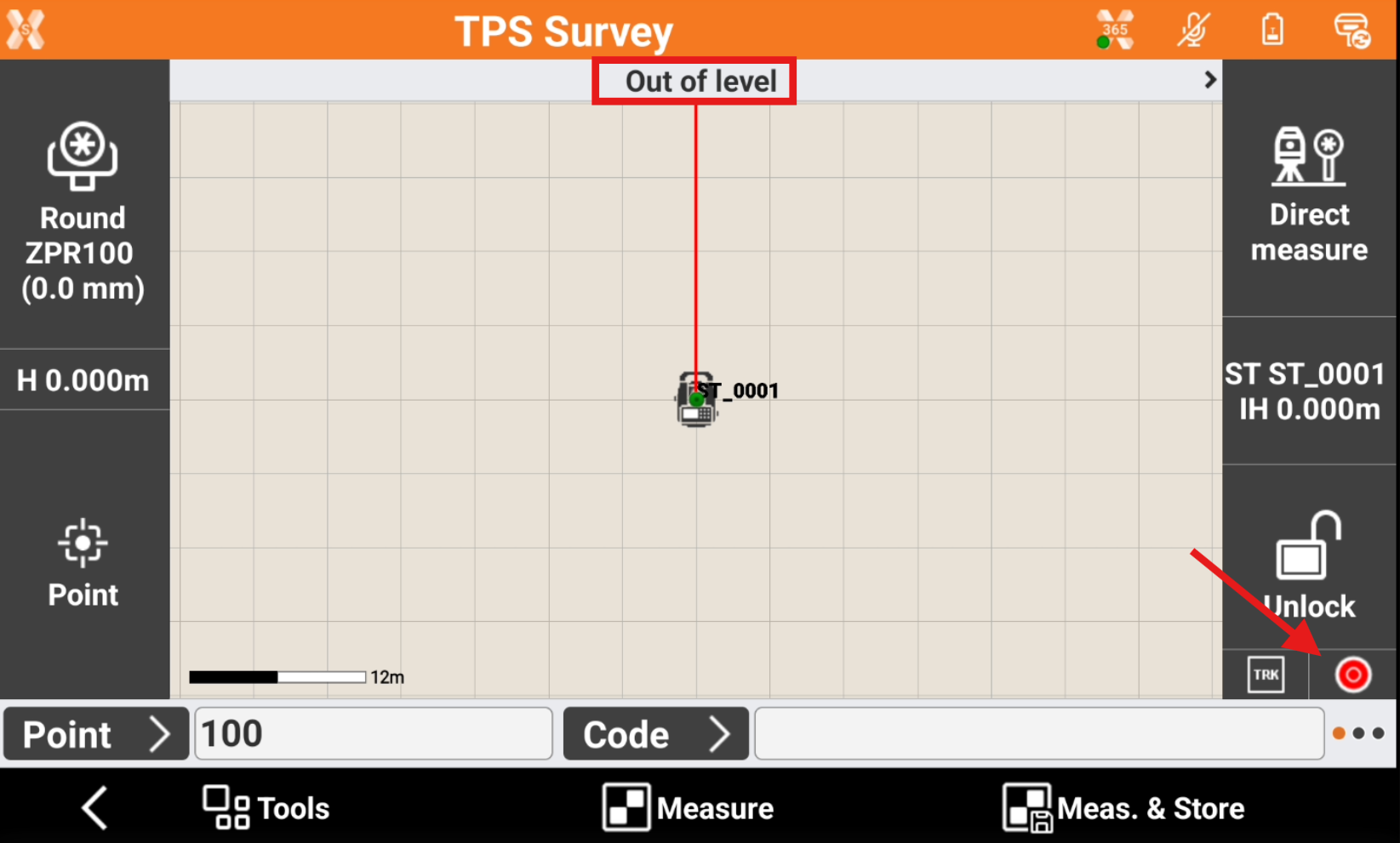
If the instrument compensator is on and instrument is not level, the compensator icon is red and the status bar shows Out of level, preventing to take measurements.
-
Open the compensator page and follow the indications to level the instrument.