-
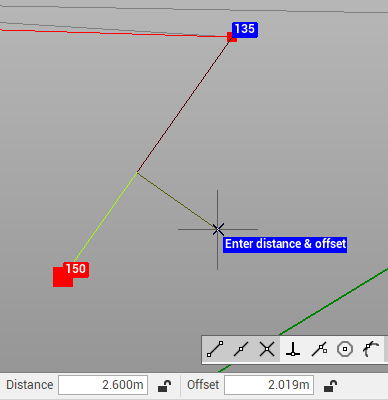
Use the command Distance & Offset to create a point to the current survey subproject entering the distance and vertical offset from an object or a line identified by 2 points.
-
Click Draw.
-
Click click below Point to open drop down menu.
-
Click Distance & Offset.

-
Select a drawing object or select the initial and final point of the line.
-
Enter the Distance and Offset to create the point. The distance can be entered in the bottom bar, or graphically.