-
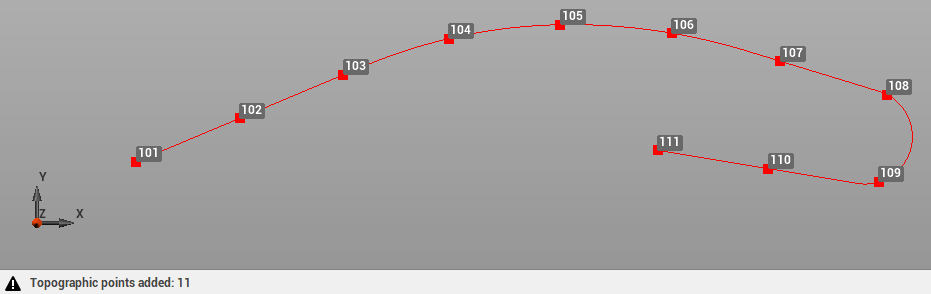
Use the command Divide to divide selected reference objects in parts and create topographic points.
-
Reference objects can be a lines, polylines, arcs and circles.
-
Click Draw.
-
Click click below Point to open drop down menu.
-
Click Divide.

-
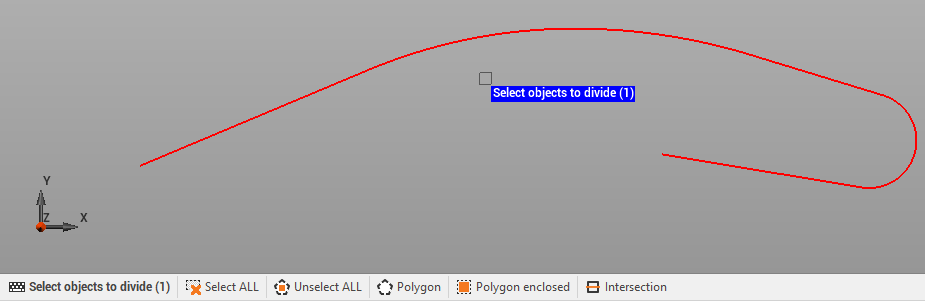
Select objects to divide. Can be directly selected in the graphic view clicking on them, or with a selection area. Or can be selected using the commands int he bottom part of graphic area.
-
Enter the number of parts.
-
Confirm to create the topographic points.