-
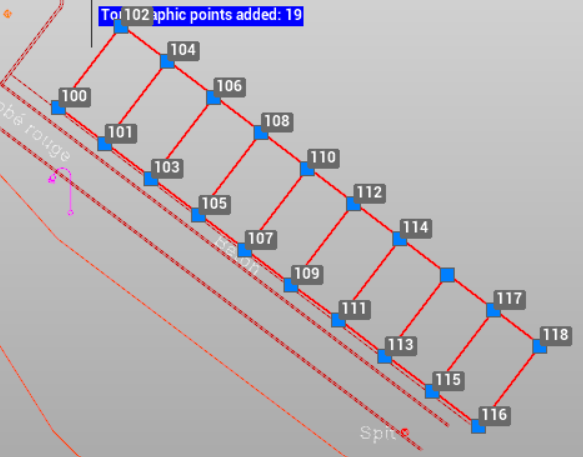
Use the command On object’s intersections to automatically creates topographic points at all intersections of the selected objects.
Preparation of stakeout work packages in the office typically begins with a drawing in which layout positions must be defined. In this process, this command On object’s intersections is useful.
-
Click Draw.
-
Click click below Point to open drop down menu.
-
Click On object’s intersections.

-
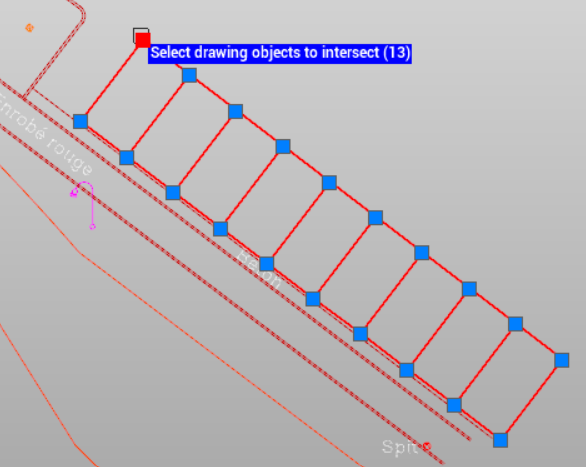
Select the drawing objects to intersect.
-
Enter the name of the first topographic point.
-
The software creates automatically the points.